At its heart, the difference between MP3 and WAV comes down to a classic trade-off: quality versus convenience. A WAV file is uncompressed and lossless, meaning it’s a perfect, bit-for-bit digital copy of the original audio. An MP3, however, is compressed and lossy; it cleverly removes bits of sound data that humans aren't likely to notice, all to create a much, much smaller file.
Unpacking the Core Differences Between MP3 and WAV
The easiest way to think about it is with a photo analogy. A WAV file is like a massive, unedited RAW photograph from a high-end camera. It captures every single detail, making it the go-to format for professional recording studios, audio engineers, and anyone archiving sound for posterity. You need that level of detail when you're editing and mixing.
An MP3, in contrast, is the JPEG version of that photo. It looks great, is way smaller, and is perfect for emailing to a friend or posting on social media. It's built for easy storage and sharing, not for intense editing.
Before diving deeper, it helps to understand what an audio file format is in the first place. The structure of the file itself really dictates what you can (and should) do with it.
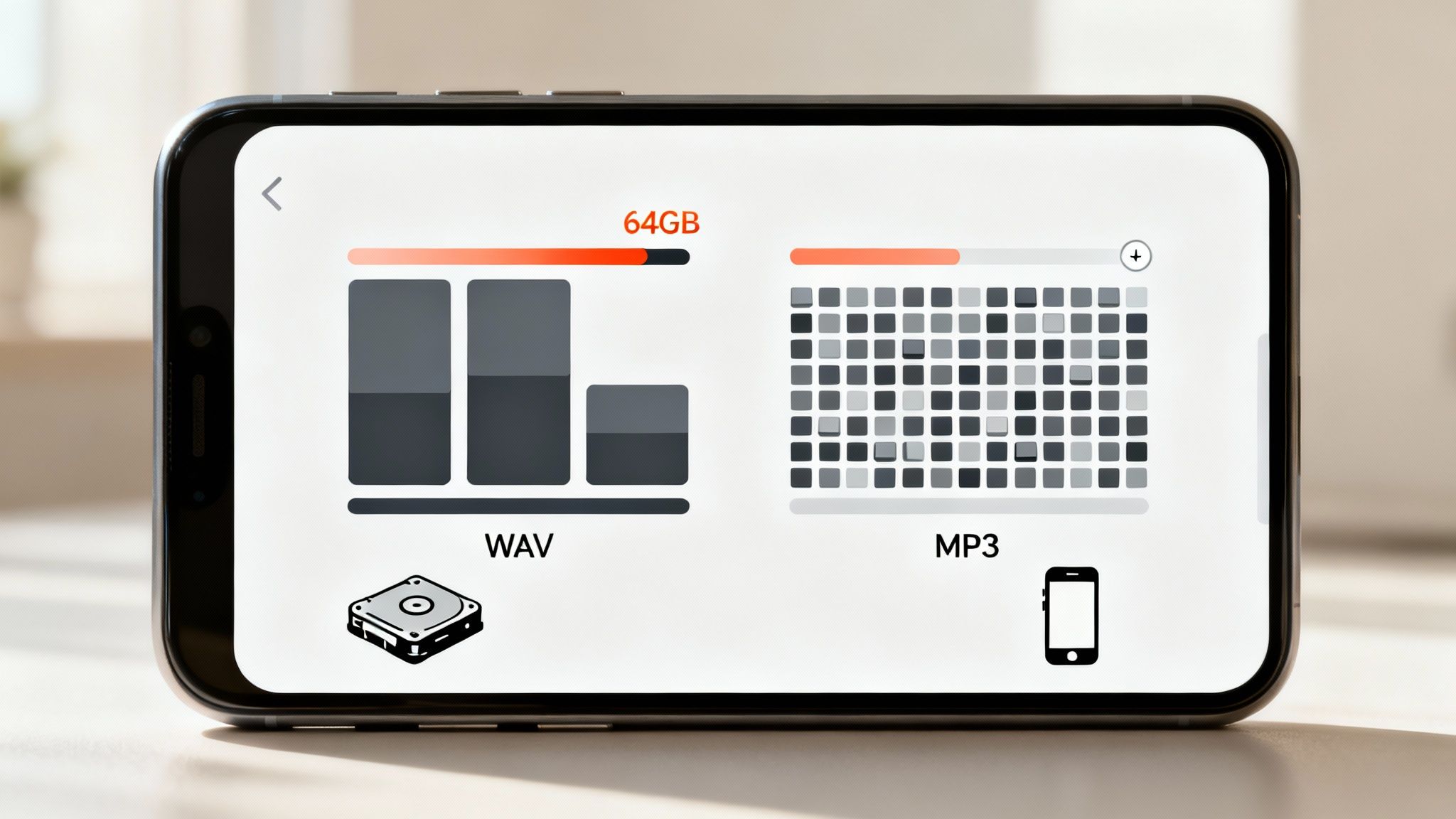
This visual gives a great at-a-glance summary of the fundamental choice you're making.
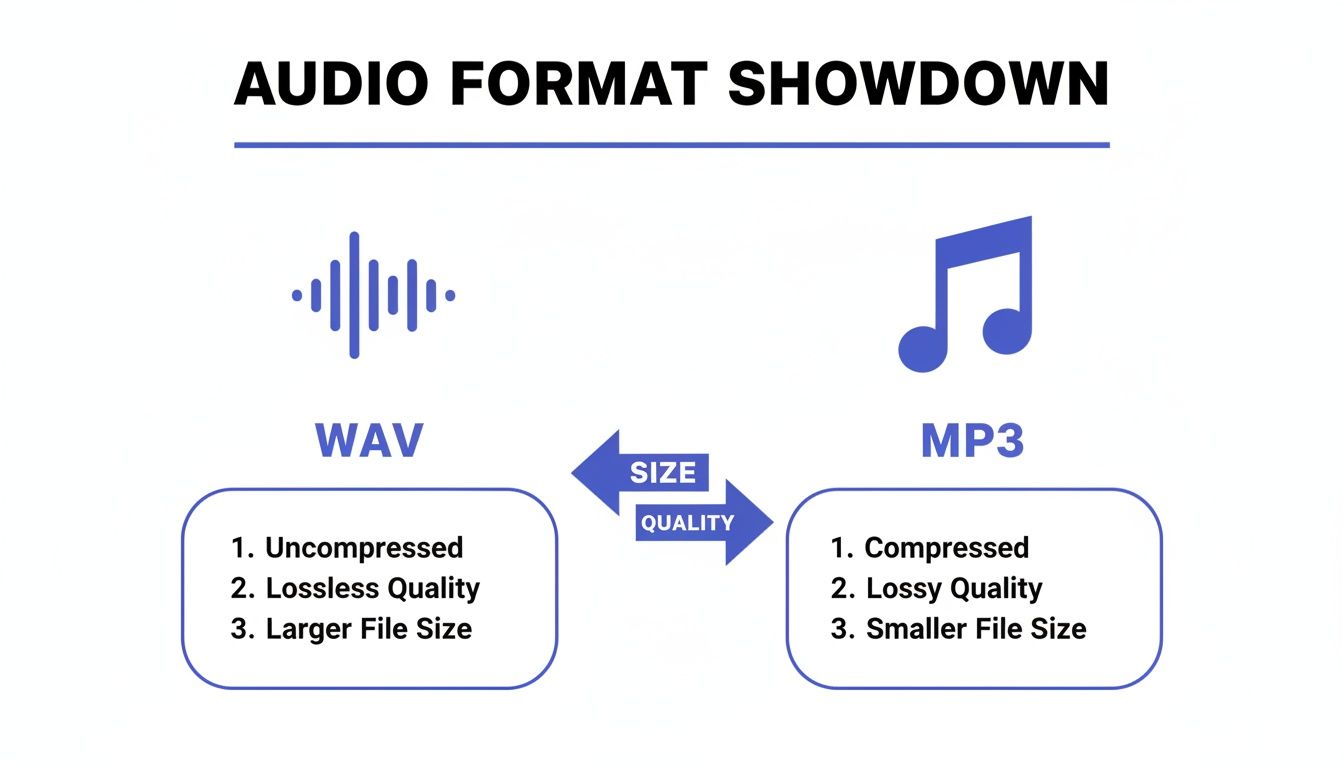
As you can see, WAV gives you pristine, untouched audio but takes up a ton of space. MP3 makes your audio portable and easy to share online, but it does so by sacrificing some of that original data. Getting this balance right is key.
To lay it all out clearly, here’s a breakdown of their core attributes.
Core Attributes of MP3 vs WAV
| Attribute | WAV (Waveform Audio File Format) | MP3 (MPEG Audio Layer III) |
|---|---|---|
| Compression | Uncompressed and Lossless | Compressed and Lossy |
| Primary Use | Professional recording, mastering, archiving | Streaming, personal listening, online distribution |
| File Size | Very large (approx. 10 MB per minute) | Small (approx. 1 MB per minute at 128kbps) |
| Audio Quality | Highest possible fidelity; a perfect replica | Good to excellent, but with some data loss |
Ultimately, the format you choose has a real impact on your final product, whether you're archiving a master track or just uploading a podcast episode.
And remember, no matter which format you start with, you can always make it sound better. If you’re looking for ways to get that professional polish, our guide on how to improve audio quality online has some practical steps you can take.
Understanding Audio Compression: Lossy vs. Lossless
To really get to the heart of the MP3 vs. WAV debate, we first need to talk about audio compression. It’s the process of shrinking an audio file, but how that shrinking happens splits formats into two very different camps: lossless and lossy. Your choice here impacts everything from sound quality to storage space.
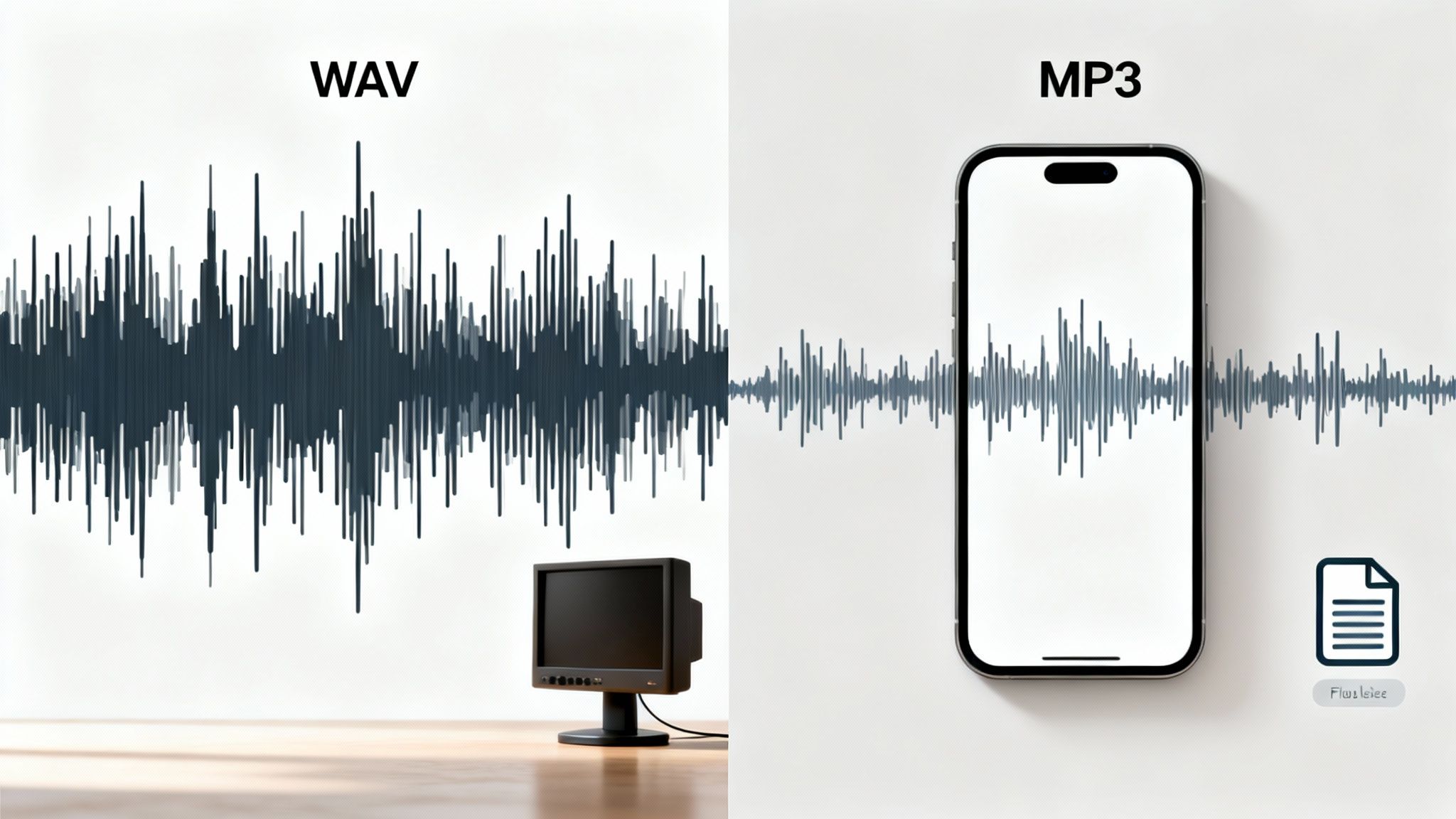
Think of a WAV file as the perfect example of lossless audio. It's not just a copy; it's a perfect digital clone of the original sound. Every single bit of data from the initial recording is captured and kept, with absolutely nothing thrown away. It’s the audio world’s equivalent of a RAW photo—all the original detail is there.
This is exactly why WAV is the gold standard in professional audio. When you're editing, mixing, or mastering, you need that pristine source material. It ensures every tweak you make is applied to the highest quality version possible.
How Lossy Compression Shapes MP3 Files
MP3 files are a different beast entirely—they use lossy compression. To get their famously small file sizes, they permanently delete parts of the audio data. The trick is in what gets deleted. MP3s use smart psychoacoustic models to figure out which sounds the human ear probably won't miss anyway.
This process specifically targets certain kinds of audio information, like:
- Frequencies way up high, beyond what most people can actually hear.
- Sounds that are super quiet and get covered up by louder sounds happening at the same time.
Imagine a complex piece of music. An MP3 encoder might trim the faint, lingering sound of a cymbal crash because it's drowned out by a big, loud guitar chord. To most people, it sounds the same, but that audio data is gone for good.
Key Takeaway: Lossless (WAV) means zero data is removed, preserving 100% of the original audio. Lossy (MP3) means data is selectively and permanently deleted to shrink the file size, sacrificing some fidelity for convenience.
This is the fundamental reason you can't just convert an MP3 back into a WAV and magically get the lost quality back—that information just doesn't exist anymore. Grasping this trade-off is crucial for picking the right format for your project. Exploring different strategies for reducing file size while maintaining quality across various media can offer even more insight into this balancing act. At its core, the MP3 format is all about sacrificing data you won't miss for a file you can easily share.
How Compression Really Affects Audio Quality
When we talk about lossy and lossless compression, it can feel a bit theoretical. But the real-world difference between an MP3 and a WAV file is something you can actually hear, especially when you know what to listen for. WAV files are the gold standard here—they are the original, untouched master recordings.
The reason WAV sounds so good comes down to two key specs: bit depth and sample rate. A simple way to think about bit depth is to imagine it as the number of volume levels a format can capture. A standard WAV file uses 16-bit audio, but professional recordings often use 24-bit, which gives you over 16 million distinct levels of loudness.
That massive dynamic range is why a WAV can capture both the quietest whisper and the loudest drum hit in the same recording with perfect clarity, losing none of the original detail.
What You Lose With MP3 Compression
On the other hand, an MP3 is a compromise. Even at its highest quality of 320 kbps (kilobits per second), it's still a compressed file. The algorithm is smart—it throws away audio data it thinks you won't miss—but something is always lost in the process.
This "flattening" of the sound often shows up in a few specific ways:
- A Smaller Soundstage: The sense of space and dimension shrinks. Instruments in a song can feel like they’re crowded together instead of being spread out.
- Missing High-End Sparkle: The delicate shimmer of cymbals or the airy quality of a person's voice can sound muted or dull.
- Weird Audio Artifacts: At lower bitrates, you might hear strange "swooshing" or watery sounds, particularly on sharp, percussive sounds.
Now, will you always notice this? It depends entirely on your listening setup. On basic laptop speakers or cheap earbuds during a noisy commute, a high-quality MP3 and a WAV can sound almost identical. But put on a pair of studio monitors or good headphones in a quiet room, and the difference becomes obvious. WAV files deliver a full, holographic sound, whereas MP3s can sound muffled by comparison. In fact, blind listening tests have shown that up to 70% of listeners on high-end headphones can reliably tell them apart.
For anyone doing serious audio work—like recording music, mixing a podcast, or mastering a track—WAV is the only real choice. You need that complete, uncompromised file as your starting point. Editing a compressed file just degrades the quality even further.
For content creators, this is incredibly important. If you record your podcast or voiceover as a WAV, you have so much more room to work. You can clean up audio and remove background noise without damaging the integrity of your voice. Always save your final, edited master as a WAV file to have a pristine copy for your archives.
Comparing File Size and Storage Practicality
The first thing you'll notice when working with MP3 and WAV files is the staggering difference in their size. It's not a subtle distinction; it's the fundamental trade-off that has defined digital audio for decades. WAV files are the uncompressed behemoths, holding onto every last bit of audio data, while MP3s are the nimble, compressed alternative built for portability.
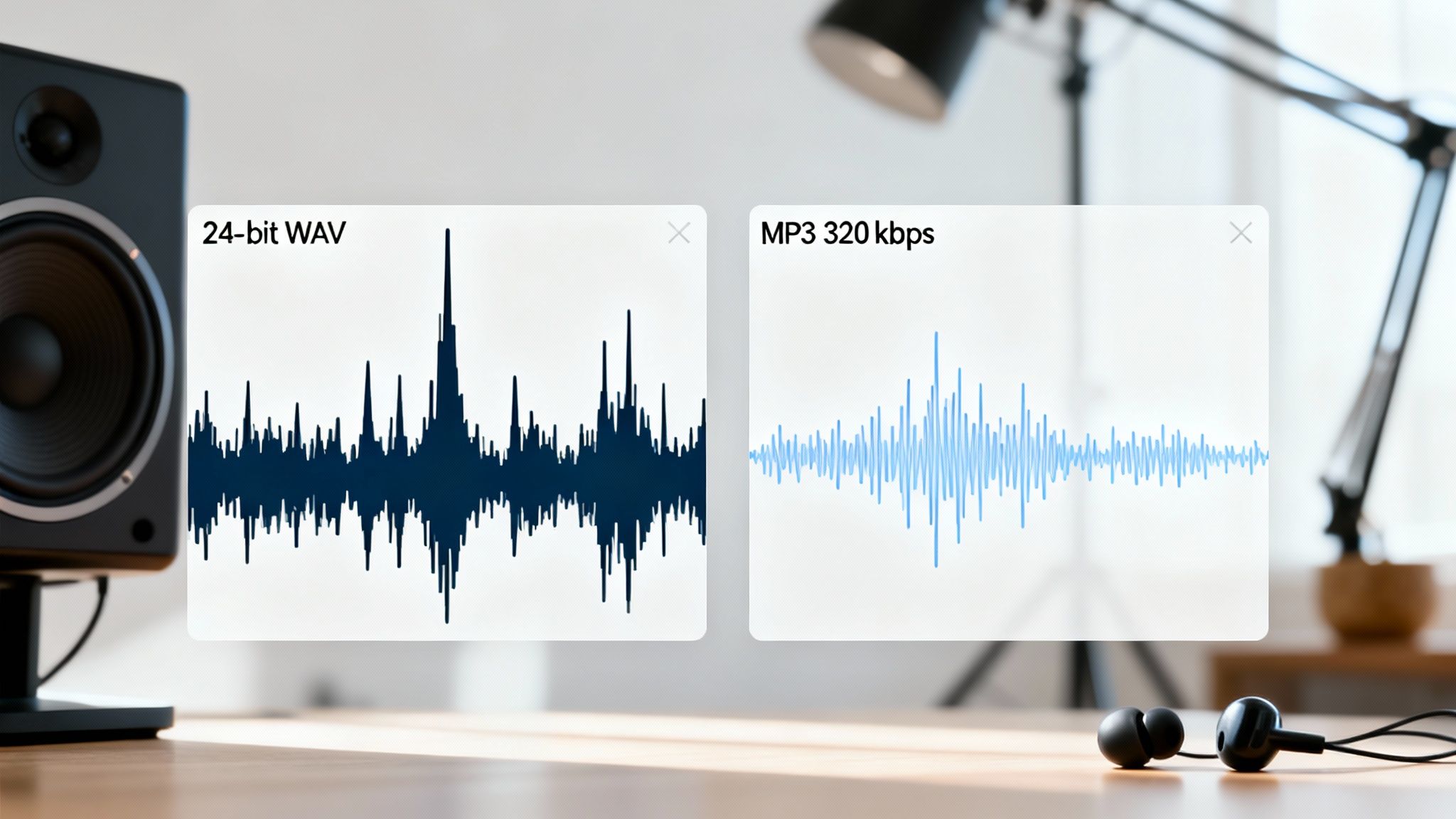
This size gap comes down to their completely different approaches to compression. MP3s use a "lossy" method that intelligently discards audio information humans are least likely to hear, shrinking files by up to 90%. A standard three-minute song saved as a CD-quality WAV (44.1 kHz, 16-bit) can easily take up 30-40 MB. That same track, converted to a decent-quality 128 kbps MP3, is a mere 3 MB. If you're curious about the technical magic behind that 90% reduction, EDMProd.com has a great breakdown.
Real World Storage Scenarios
Let's ground this in reality. Imagine you have a typical 64GB smartphone or USB drive. The format you choose dictates everything.
- If you stick with WAV: You could store somewhere between 1,600 and 2,100 three-minute songs.
- If you go with MP3: That same 64GB device can hold over 21,000 songs.
This massive gap is precisely why the MP3 format took over the world. Back in the days of dial-up internet and the original iPod, trying to download a 30 MB WAV file was a non-starter. But a 3 MB MP3? That was manageable, and it single-handedly made digital music practical for the masses.
The Bottom Line: WAV files are for production and archiving. They offer pristine, uncompromised quality but demand a huge amount of storage. MP3s are for distribution and listening. They sacrifice some audio data for convenience, making them perfect for streaming and everyday use where file size and bandwidth matter.
Modern Implications for Creators
Even though storage is far cheaper and our internet is blazing fast today, these core principles haven't changed. As a podcaster or YouTuber, offering an MP3 download means your audience can grab your latest episode quickly without burning through their mobile data plan. It’s why every streaming service on the planet relies on compressed audio.
For you, the creator, the storage cost of WAV files is still a major factor. A single podcast episode with multiple audio tracks can easily balloon into several gigabytes of raw WAV data. This means you need a solid plan for your storage, whether it’s a beefy local drive, a stack of external hard drives, or a cloud-based solution. Thinking about your storage workflow upfront is critical for keeping your projects organized and your source files safe before you export that final, lightweight MP3 for your audience.
Choosing Your Format: When to Use MP3 vs. WAV
Okay, we've covered the technical ground, but what does it all mean in practice? Deciding between MP3 and WAV isn't about picking a "winner"—it's about choosing the right tool for the job. Your choice completely depends on whether you're in the middle of creating something, getting ready to share it, or just archiving your work for the future.
Let's move past the specs and get into a practical framework for making the right call, every time.
For Musicians and Audio Engineers
If you’re in the studio tracking instruments or mixing a song, the decision is already made for you: always work with WAV files. No exceptions. The uncompressed, lossless quality of WAV is essential for capturing every detail—the subtle ring-out of a cymbal, the full dynamic power of a vocal take, the faint hum of a vintage amp.
Trying to edit a compressed MP3 is like trying to touch up a JPEG that’s already been saved a dozen times. You’re just compounding the data loss with every tweak, which can quickly turn your audio into a mess of digital artifacts.
- Recording & Mixing: Stick to WAV to preserve the absolute highest audio integrity.
- Archiving Masters: Your final, mixed-down master track should be saved as a high-resolution WAV. This is your gold copy.
- Sharing Demos: When sending a track to a bandmate or uploading a preview, an MP3 is perfect. Export a high-bitrate version (320 kbps) to give them a great-sounding preview without the hassle of a huge file.
For Podcasters and Voiceover Artists
Podcasting is a great example of a workflow where both formats have a distinct and important role. You should always record your raw audio in WAV format. This gives you a pristine, detailed source file that’s ideal for editing. When you need to remove a background hum, an air conditioner buzz, or an accidental cough, starting with a clean WAV makes the process infinitely easier.
When your source audio is a clean WAV file, you have the most data to work with. This allows tools to perform much more accurate noise removal, equalization, and compression without introducing unwanted digital artifacts into the final product.
Once your episode is fully edited, mixed, and mastered, it's time to export the final version as an MP3. The small file size is crucial for your audience. It ensures listeners can download or stream your show quickly, especially on mobile devices, without burning through their data plans. Just remember to keep the final WAV file as your master archive.
If you find yourself with a noisy recording, having that WAV source is a lifesaver. Check out our guide to the best audio restoration software to see what tools can help you clean it up.
For YouTubers and Video Creators
When you're working inside your video editing software, WAV is king. Use it for everything you drop into your project timeline—your dialogue tracks, sound effects, background music, everything. This prevents what’s known as "compounding compression," where the quality degrades each time you layer and process audio that’s already been compressed.
The best part? You don’t have to worry about the final audio format. When you upload your video, platforms like YouTube automatically handle the audio compression, usually converting it to an efficient format like AAC for streaming. Your only job is to provide the highest quality source material possible, and that means feeding it a WAV file.
Choosing Your Audio Format: A Scenario-Based Guide
To make it even clearer, here’s a quick-reference table that boils it down to specific situations. Use this guide to make a confident decision based on what you’re trying to accomplish.
| Scenario / Use Case | Recommended Format | Key Justification |
|---|---|---|
| Recording new tracks in a DAW | WAV (or another lossless format) | You need to capture every detail without any data loss. This is your source material for all future editing. |
| Creating an archive of your final master mix | WAV | This is your permanent, highest-quality version. You can always create compressed copies from it later. |
| Sending a quick demo to a collaborator for feedback | MP3 (320 kbps) | The file is small and easy to email or message, while still providing excellent quality for a preview. |
| Uploading a podcast episode for public listening | MP3 | Ensures fast downloads and smooth streaming for your audience, especially those on mobile data connections. |
| Importing audio clips into a video project | WAV | Prevents quality degradation when layering multiple audio tracks and applying effects in your video editor. |
| Storing a large music library on your phone | MP3 | Maximizes storage space, allowing you to fit thousands of songs on a device with limited capacity. |
| Preparing audio for professional CD duplication | WAV | The Red Book audio CD standard requires uncompressed, 16-bit, 44.1 kHz audio, which is exactly what a WAV provides. |
Ultimately, the goal is to work with the best possible quality for as long as you can (WAV) and only switch to a compressed format (MP3) when you need to deliver the final product efficiently.
Got Questions About MP3 and WAV? We Have Answers.
We've covered the big picture, but let's zoom in on a few questions that pop up all the time. Think of this as your quick-reference guide for navigating the specifics of MP3 and WAV in the real world.
Can I Convert an MP3 Back to a WAV to Get the Quality Back?
The short answer is no. You can absolutely change the file type from MP3 to WAV, but you can't magically bring back the audio data that was discarded during the original compression.
What you end up with is a much larger WAV file that sounds exactly like the MP3 it came from—not the pristine original. It's a bit like trying to un-toast a piece of bread; the process is irreversible.
What Format Do Streaming Platforms like Spotify Actually Use?
For listeners, this is all handled behind the scenes. Services like Spotify use their own highly efficient formats, like Ogg Vorbis or AAC, to balance quality and streaming speed.
But for creators, the advice is universal: always upload the highest quality source file you have. That means sending them a WAV file. This gives the platform a perfect master copy to work from, allowing them to create the best-sounding compressed versions for their listeners.
Are There Any Other Audio Formats I Should Know About?
Definitely. The audio world isn't just a two-horse race between WAV and MP3. A few other key players fill the gaps:
- FLAC & ALAC: These are the superstars of lossless compression. They deliver the exact same quality as a WAV file but shrink the file size by about 40-60%. They're perfect for archiving music without eating up all your hard drive space.
- AAC: This is another lossy format, but many argue it's a bit more advanced than MP3. At the same bitrate, AAC often provides slightly better sound quality, which is why it's a favorite for many modern applications, including Apple's ecosystem.
When you have your audio file ready but it's not quite perfect, SimpleClean can give it that professional polish. Just upload your recording, and our AI will meticulously remove background noise, annoying clicks, and electrical hum. You'll get back incredibly clear audio, perfect for any project. Give it a try for free at https://simpleclean.app.