Think of audio restoration software as a powerful photo editor, but for sound.It’s a specialized set of digital tools designed to meticulously clean up and repair flawed audio recordings. Its job is to dive into a track and surgically remove all the distracting stuff—background noise, annoying hiss, clicks, and hums—to let the important audio, like a voice or a musical instrument, shine through.
What Is Audio Restoration and Why You Need It
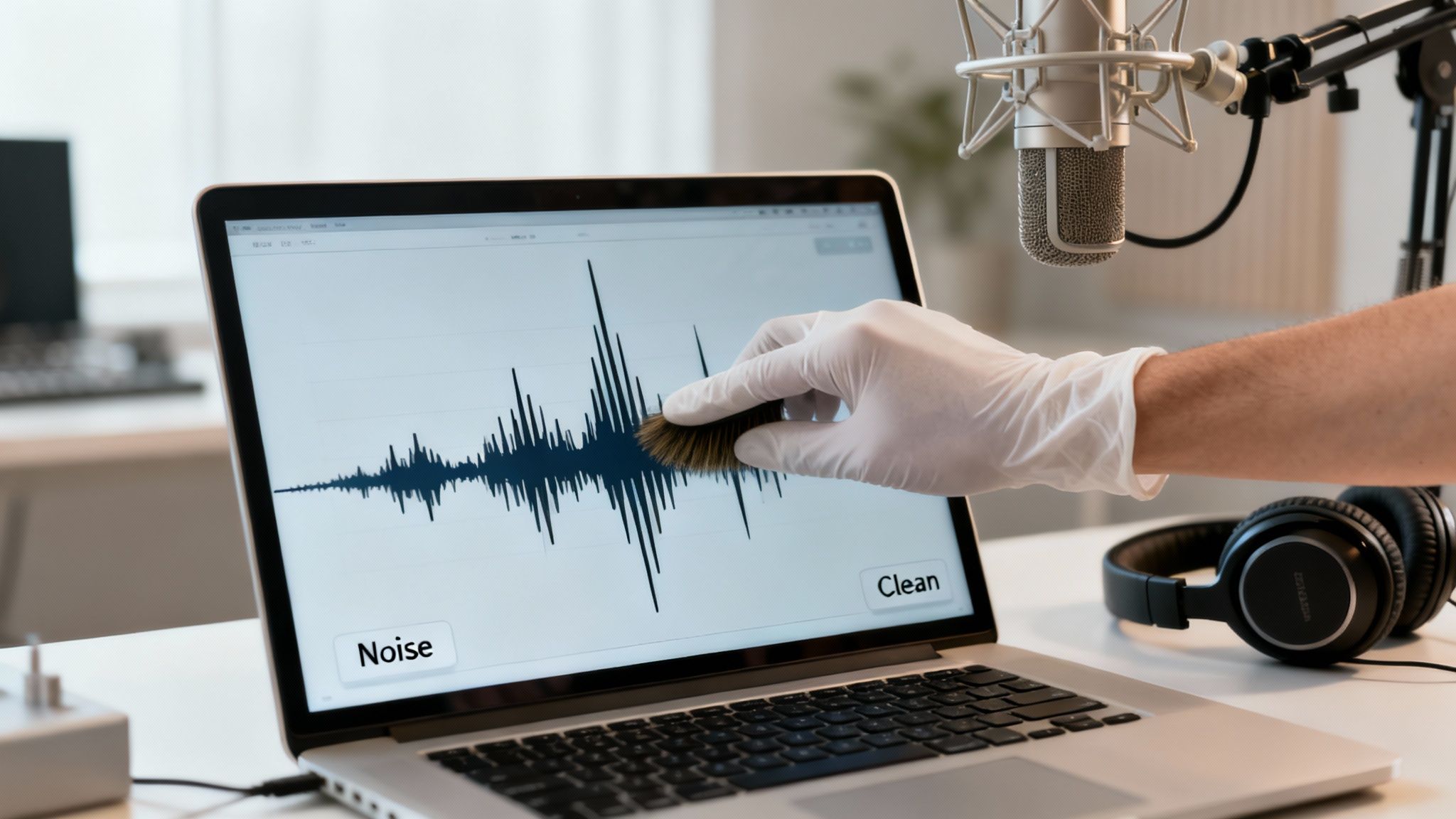
Ever recorded what you thought was the perfect podcast interview, only to play it back and hear the constant drone of an air conditioner? Or maybe you’ve digitized a precious family recording from an old cassette tape and found it buried under a layer of hiss and crackle. These kinds of audio gremlins can completely derail an otherwise amazing piece of content.
This is where audio restoration software saves the day. It’s not just about turning the volume down on noise; it’s about intelligently identifying and removing specific unwanted sounds without harming the audio you want to keep. For podcasters, musicians, filmmakers, and archivists, it's the secret weapon for rescuing recordings and delivering a polished, professional final product.
The Growing Demand for Clean Audio
In a world overflowing with content, clear audio isn't just a nice-to-have—it’s a baseline expectation. Your audience has very little patience for distracting background noise. If they have to strain to hear what’s being said, they'll just click away. Clean sound signals professionalism and keeps people locked in, whether they're watching a YouTube video, listening to a podcast, or taking a corporate training course.
This demand has turned audio cleanup into a serious business. The global audio restoration software market was valued at around $935.9 million and is expected to skyrocket to $2,500 million by 2035. This growth is fueled by everything from streaming media and music production to historical preservation projects. You can find more details in recent industry reports that track these trends.
At its core, audio restoration is about rescuing sound. It’s the art of separating the signal from the noise, ensuring the intended message or performance is heard exactly as it was meant to be.
To give you a clearer picture, here’s a quick rundown of the problems these tools are built to solve.
Common Audio Problems and Software Solutions
| Audio Problem | What It Sounds Like | Common Software Fix |
|---|---|---|
| Background Noise | A constant hiss, air conditioner hum, traffic, or crowd chatter. | Noise Reduction / De-noising |
| Clicks & Pops | Sharp, crackling sounds, often from vinyl records or digital errors. | De-click / De-crackle |
| Electrical Hum | A low-frequency drone (50/60 Hz) caused by electrical interference. | De-hum |
| Clipping/Distortion | Harsh, crunchy sound when the audio was recorded too loud. | De-clip |
| Plosives | A burst of air hitting the mic on "p" and "b" sounds. | De-plosive |
| Reverb/Echo | A hollow, roomy sound from sound waves bouncing off surfaces. | De-reverb |
This table just scratches the surface, but it shows how targeted these software fixes can be, allowing you to tackle specific issues without affecting the rest of the audio.
Who Benefits from Audio Restoration?
The need for clean audio cuts across countless fields. Anyone who works with recorded sound can benefit, but these tools are especially critical for professionals whose final product lives or dies by its audio quality.
Here’s a quick look at who relies on this software every day:
- Podcasters and YouTubers who need to clean up room echo, keyboard clicks, and street noise to keep their audience focused.
- Musicians and Producers trying to salvage a one-of-a-kind live recording, restore old master tapes, or remove an errant cough from a studio take.
- Filmmakers and Video Editors tasked with fixing noisy dialogue captured on location, making sure every line is perfectly clear and intelligible.
- Archivists and Historians who are preserving irreplaceable historical recordings by carefully removing the pops, hiss, and hum from old vinyl or magnetic tape.
The Core Tools for Achieving Pristine Audio
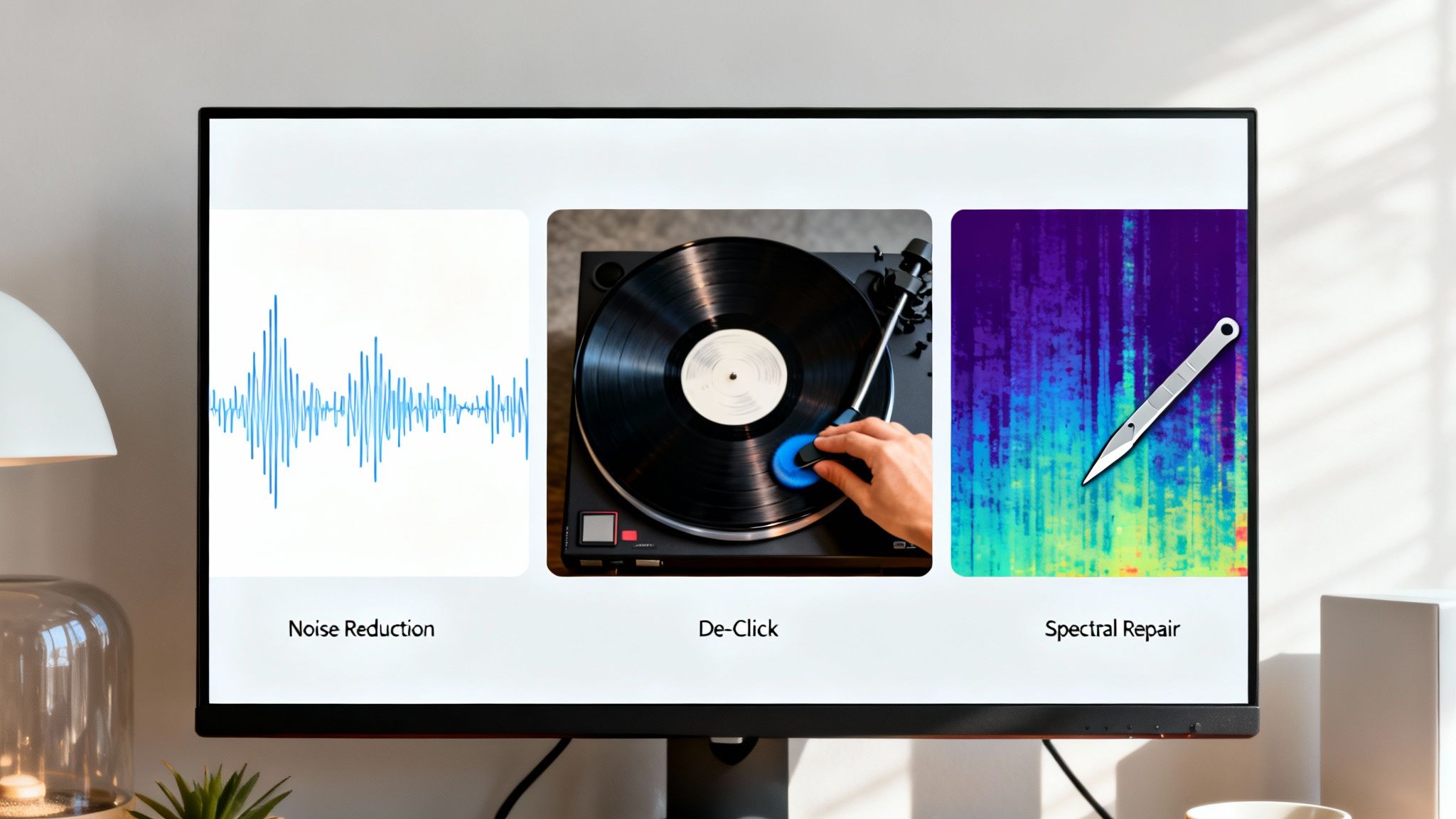
To really get what audio restoration software is all about, you have to look under the hood at the specialized tools doing the heavy lifting. Think of it as a digital cleaning crew, where each member has a very specific job. But instead of mops and buckets, they’re using incredibly smart algorithms to scrub your sound until it shines.
These core tools are purpose-built to hunt down and eliminate specific kinds of unwanted noise. Once you understand how each one works, you'll be much better at spotting problems in your own recordings and applying the right fix. Let’s break down the essential features you'll find in just about every audio repair toolkit.
Taming the Hiss with Noise Reduction
Picture yourself trying to record a podcast in a room with a noisy air conditioner humming in the background. Noise Reduction (often called De-noise) is the tool that digitally listens for that constant, unchanging hum and gently pulls it out of the recording. It does this by taking a small sample of just the noise—what we call a "noise print"—and then intelligently subtracting that sound from your entire audio file.
This process is a game-changer for getting rid of consistent background distractions. It’s the first thing you’ll reach for to tackle problems like:
- HVAC Systems: That low-end drone from heating or air conditioning units.
- Computer Fans: The persistent whirring from your recording gear.
- Tape Hiss: The classic "shhh" sound you get from old analog tapes.
- Mic Preamp Noise: A subtle but ever-present hiss from the audio equipment itself.
The goal here is simple: lower the noise floor so that the main event, like someone’s voice, can stand out with total clarity. When you get it right, your listeners will never even know the noise was there in the first place.
Erasing Clicks and Pops
If Noise Reduction handles the steady drones, then De-click and De-crackle tools are the specialists that deal with sudden, sharp sounds. Think of it like smoothing over the tiny scratches on a vinyl record. The software scans the audio waveform, looking for those abrupt, almost vertical spikes that represent impulsive noises like pops and clicks.
From there, it intelligently redraws the waveform around that tiny imperfection, effectively erasing the "pop" without messing with the audio around it. This is absolutely critical for anyone cleaning up digitized analog recordings or fixing weird digital errors.
The magic of De-click is its precision. It can remove hundreds of tiny clicks from a vinyl recording in seconds, a task that would have taken an engineer hours of painstaking manual editing in the past.
This technology is a true lifesaver for anyone working with older media or wrestling with digital glitches that introduce pops into their audio.
Removing the Hum and Buzz
Ever plugged in a guitar or a mic and heard that low, steady buzzing sound? That's almost always electrical hum, which is caused by interference from nearby power lines. A De-hum tool is designed specifically to target this exact problem.
Unlike general background noise, electrical hum is incredibly predictable. It lives at very specific frequencies—usually 50 Hz or 60 Hz, depending on where you are in the world. The De-hum tool acts like a set of ultra-precise surgical filters that notch out those exact frequencies (and their harmonics), killing the buzz without touching the important vocal or musical content.
Performing Sonic Surgery with Spectral Repair
This is where audio restoration gets really mind-blowing. Spectral Repair is the most advanced tool in the kit, and the best way to think about it is like performing surgery on sound. Instead of looking at a simple waveform, spectral editing shows you the audio as a spectrogram—a visual map of frequencies over time.
This detailed view lets you see individual sounds. A bird chirping outside, a door squeaking in the next room, or someone coughing during an interview will all appear as distinct shapes on this frequency map. Using a spectral repair tool, you can literally draw a box around that unwanted sound and tell the software to remove it, leaving everything else untouched. It’s like using the spot healing brush in a photo editor, but for your audio.
This makes it possible to fix problems that were once considered career-enders, saving recordings that would have been completely unusable. It’s a powerful testament to just how far audio restoration software has come.
How AI Is Making Audio Repair Smarter
Not so long ago, fixing bad audio was a real grind. It meant hours hunched over a timeline, meticulously tweaking settings with a highly trained ear. It was slow, tedious work. Today, artificial intelligence is completely flipping that script. Imagine having a world-class audio engineer inside your computer—one that’s learned from millions of hours of audio what a clean voice sounds like versus, say, an annoying air conditioner.
This isn’t just about working faster; it's about working smarter. Modern audio restoration software is packed with machine learning algorithms—in many cases, complex neural networks—that can pinpoint, isolate, and remove specific unwanted sounds with surgical precision. This is a huge deal because it means creators can get studio-quality results without needing a degree in audio engineering.
The Power of Intelligent Sound Separation
The real magic behind AI in audio is its knack for understanding context. Old-school tools were pretty good at removing a simple, constant hiss, but they fell apart with complex, changing noise. Think about an interview recorded on a busy street. A basic noise gate might chop up the audio, making the speaker sound thin and robotic.
AI-powered software, however, can actually distinguish the unique sonic fingerprint of a human voice from the traffic, the passersby, and the wind. It's built on deep learning, where the AI is trained on massive datasets of clean speech, music, and all sorts of noise.
This training gives the software some incredible abilities, like:
- Dialogue Isolation: It can intelligently pull a speaker's voice to the forefront while pushing everything else—from crowd chatter to wind—into the background.
- Music Rebalancing: You can take a fully mixed song and separate it back into its core stems: vocals, bass, drums, and other instruments. This is amazing for repairs or even remixing.
- Automatic De-Reverb: It can identify and dial back the echo and room tone in a recording, making dialogue feel closer, more intimate, and much more direct.
The breakthrough here is that AI isn't just filtering out bad sounds. By understanding what speech or music should sound like, it's actually reconstructing the audio you want to keep. It cleverly fills in the gaps left by the removed noise, preserving the natural tone of the original recording.
A New Era of Speed and Accessibility
This kind of intelligent automation makes the editing workflow ridiculously fast. A task that might have taken a pro hours of careful spectral editing can often be done with just a few clicks. For a content creator on a tight deadline, that’s a lifesaver.
In fact, the jump to AI and machine learning has been shown to cut editing time by up to 80% compared to traditional methods. For the global podcast industry—now a $23 billion market with over 500 million listeners expecting top-notch audio—that efficiency is critical. The best of these tools use deep learning models that can achieve repair accuracies topping 95%. You can dive deeper by checking out the latest audio software market research.
From Manual Labor to Creative Focus
When it comes down to it, the biggest win with AI-powered audio repair is that it lets you stop being a technician and get back to being a creator. Instead of wrestling with a persistent hum all afternoon, you can let the AI do the heavy lifting.
This opens the door for a whole new generation of podcasters, filmmakers, and musicians. You no longer have to be a seasoned audio engineer to produce polished, professional-sounding content. AI-driven audio restoration software is like having a powerful assistant, giving you the freedom to record anywhere without worrying, because you know you can fix it later. It's all about getting incredible results, fast, so you can spend more time on your story.
Choosing the Right Audio Restoration Software
Finding the perfect audio restoration tool isn't about grabbing the one with the most features or the highest price tag. It’s about matching the tool to the job. A podcaster trying to clean up a simple interview needs a completely different set of tools than a filmmaker fixing dialogue from a windy outdoor shoot.
The first step, before you even look at a single product page, is to get a clear picture of what you're trying to accomplish. Are you fighting a constant air conditioner hum that runs through an entire recording? Or are you performing delicate sonic surgery to remove a single, stray cough? Knowing your primary use case is everything.
Modern tools, especially those with AI, have made this process faster and more effective than ever.
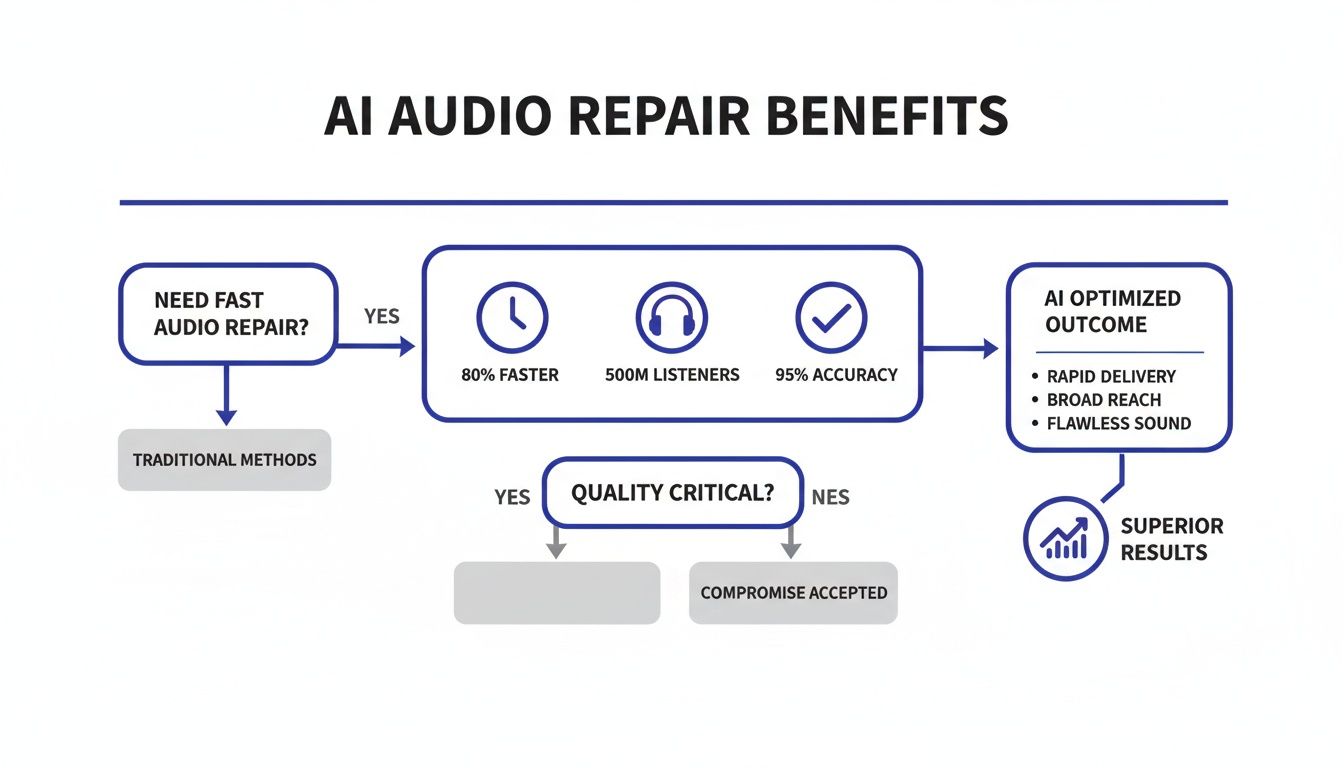
As you can see, the right software doesn't just fix problems—it dramatically speeds up your workflow and delivers a much higher quality result, making professional-grade audio accessible to almost everyone.
Who Are You and What Are You Fixing?
Let's start by figuring out what kind of creator you are and the audio headaches you face most often. This simple self-assessment will instantly narrow your search and save you from overpaying for features you’ll never touch.
Think about which of these camps you fall into:
- Podcasters & YouTubers: Your world revolves around voice clarity. You need reliable, easy-to-use tools for killing background noise, taming room echo (de-reverb), and zapping annoying mouth clicks. Speed and simplicity are your best friends.
- Musicians & Producers: You might be breathing new life into old tape recordings or salvaging a one-of-a-kind live performance. This calls for more specialized tools like De-crackle for vinyl rips, De-hum for that pesky 60-cycle electrical buzz, and maybe even spectral repair for isolating a rogue cymbal splash.
- Filmmakers & Video Editors: Your job is often about rescuing dialogue recorded on location. That means you need powerful, flexible tools to tackle wind noise, lavalier mic rustle, and isolate a character's lines from a noisy city street.
- Archivists & Forensic Specialists: For you, it's all about precision. You require advanced spectral editing to meticulously repair fragile historical recordings or clarify critical audio evidence without adding or removing anything that wasn't originally there.
Matching Software Features to Your Needs
Once you know who you are, you can start looking for the right tool. It helps to map out the common features and workflows for each type of creator to see where you fit.
This table breaks down the essentials for each group, helping you quickly identify what to look for.
| Creator Type | Must-Have Features | Typical Workflow | Example Tools |
|---|---|---|---|
| Podcasters & YouTubers | Noise Reduction, De-Reverb, De-Esser, Mouth De-Click | Upload > AI Clean > Download (Web-based) or Apply Plugin Presets (DAW) | SimpleClean, Descript, Audacity |
| Musicians & Producers | De-Hum, De-Crackle, Spectral Repair, Tape Saturation | Detailed, manual adjustments inside a DAW like Pro Tools or Logic Pro X | iZotope RX, Acon Digital Acoustica |
| Filmmakers & Video Editors | Dialogue Isolate, Wind Reduction, Ambience Match | Plugin-based repairs within video editing software (e.g., Premiere Pro) | iZotope RX, Waves Clarity Vx, Cedar Audio |
| Archivists & Specialists | Advanced Spectral Editor, Phase Correction, Azimuth Alignment | Meticulous, sample-level editing in a standalone application | iZotope RX, Cedar Audio, Samplitude Pro X |
As you can see, a simple online tool like SimpleClean is built from the ground up for creators who need fast, impressive noise reduction without a complicated interface. On the other end of the spectrum, a deep suite like iZotope RX gives post-production professionals surgical control over every aspect of the audio.
Your workflow is unique. The right software feels less like a complex machine and more like a natural extension of your creative process, helping you get to the finish line faster.
Focusing on your specific needs helps you find a tool that slots right into how you already work, rather than forcing you to learn a whole new, complicated system.
How Much of a Tech Whiz Are You?
Be honest with yourself about your technical skill level. Some of the most powerful audio software out there comes with an interface that looks like the cockpit of a spaceship. If you’re just getting started, look for tools with clean, intuitive designs and helpful presets.
Generally, these tools fall into one of three buckets:
- Standalone Applications: These are self-contained programs for deep-dive repair work. You open your audio file, fix it, and save it. They're perfect when you need to focus intensely on one specific track.
- Plugins (VST/AU/AAX): These are the workhorses of the industry. They run directly inside your Digital Audio Workstation (DAW)—think Adobe Audition or Pro Tools—letting you integrate audio repair right into your main editing session.
- Web-Based Tools: Cloud-based services like SimpleClean offer maximum convenience. You just upload your file, let the AI work its magic, and download the finished version. There's no software to install or update.
What’s Your Budget?
Finally, let’s talk money. Audio restoration software comes in a few common pricing models, and the best one for you depends on your needs and cash flow.
- One-Time Purchase: You buy a license for a specific version and own it forever. The upfront cost can be high, but it might be more economical in the long run if you don't need constant updates.
- Subscription: You pay a monthly or annual fee for continuous access to the latest version, including all new features and bug fixes. This model makes top-tier tools more affordable to start.
- Pay-As-You-Go: Some online services operate on a credit or per-minute basis. This is a fantastic option if you only need audio cleanup occasionally and don't want to be locked into a recurring payment.
By thinking through your goals, the features you actually need, your preferred workflow, and your budget, you can cut through the noise and find the perfect audio restoration software for your projects.
Practical Tips for Natural-Sounding Audio Repair
Getting your hands on powerful audio restoration software is one thing, but knowing how to use it with finesse is what really separates clean audio from an artificial, over-processed mess. Think of it like a surgeon’s scalpel—it’s all about precision. The goal isn’t to erase every last speck of noise, but to gently push distractions into the background so your main content can shine.
Before you touch a single dial, here’s the golden rule: always work on a copy of your original audio file. This is your safety net. Most heavy-duty audio processing is destructive, meaning once you save the changes, there’s no going back. A clean backup gives you the freedom to experiment and, if you push things too far, to start over without any stress.
Less Is Always More
One of the most common mistakes I see people make is trying to annihilate 100% of the background noise. This instinct is understandable, but it almost always leads to a hollow, "underwater" sound. Worse, it can introduce bizarre digital artifacts that are far more distracting than the original hiss ever was. A little bit of room tone is natural; total silence is just plain weird.
Instead of cranking the noise reduction knob to the max, aim for subtlety.
- Start Low and Go Slow: Begin with the mildest setting possible. Nudge it up gradually until the noise is no longer distracting, and then stop.
- Listen in Context: Don't just loop the noisy part over and over. Play the whole clip to hear how the repaired audio flows with the rest of the content. Does it sound jarring?
- Trust Your Gut (and Your Ears): If it starts to sound "processed," robotic, or thin, you've gone too far. Dial it back.
The best audio repair is completely invisible. The listener shouldn't hear the fix—they should only hear clear, compelling audio, totally unaware of the distractions you skillfully removed.
Remember, you're just trying to make the noise floor unobtrusive, not create a sterile, unnatural void.
Follow the Right Order of Operations
The order you apply effects in actually matters a great deal. Getting it wrong can make problems worse or force one tool to work way harder than it needs to. While every recording has its own unique challenges, a solid workflow usually moves from the biggest, most obvious problems to the smallest, most detailed ones.
Here's a sequence that I've found works well for most situations:
- Fix Big, Isolated Problems First: Start by repairing any major, one-off events. Use a De-clip tool to fix any distorted peaks or jump into Spectral Repair to paint out a sudden cough or a phone notification.
- Address the Constant Noise Floor: Next, tackle the persistent background sounds. Use a De-hum module to kill electrical buzz, then follow it with a general Noise Reduction tool to manage steady hiss from an air conditioner or preamp.
- Clean Up the Clicks and Pops: With the constant noise gone, you can now focus on the sharp, intermittent sounds. Run a De-click and De-crackle pass to remove vinyl-like pops, and then a De-plosive tool to soften harsh "p" and "b" sounds.
- Polish the Ambiance and Sibilance: If the recording sounds like it was made in a cave, a touch of De-reverb can help. As a final step, use a De-esser to tame any sharp, piercing "s" sounds.
Following a logical order like this ensures each tool is working on the cleanest possible signal, which almost always gives you better, more natural results.
Your Ears Are the Ultimate Tool
At the end of the day, your success with any audio restoration software comes down to critical listening. You can't fix what you can't hear accurately.
Always work with a good pair of high-quality, closed-back headphones. They'll isolate you from the acoustics of your room and reveal the subtle details—the low-level hiss, the weird digital artifacts—that you'd miss on speakers. While you're working, constantly A/B test your changes by toggling the effect on and off. This simple trick keeps your brain from getting accustomed to the processed sound, helping you make an honest judgment: are you actually improving the audio, or just changing it?
Who Relies on Audio Restoration Software
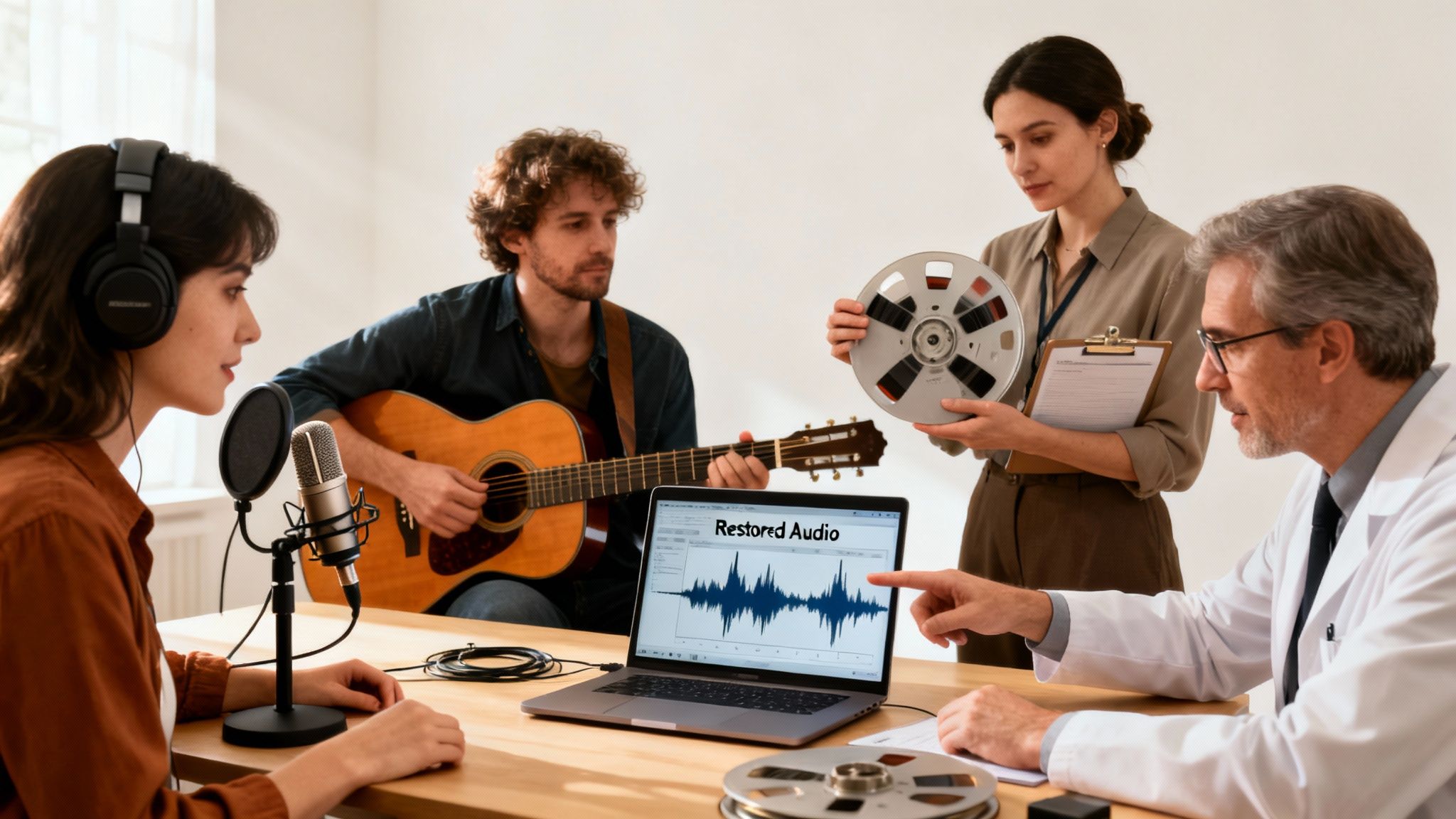
The need for pristine audio isn't just for Hollywood studios anymore. It's a fundamental requirement for almost anyone creating content today. From a podcaster recording in their home office to a filmmaker capturing a scene on a busy street, the battle against unwanted noise is a constant reality. This is where audio restoration software becomes an essential partner for a surprisingly wide range of creators and professionals.
Everyone comes to the table with a different problem to solve. A YouTuber might be fighting the distracting echo of an untreated room, while a musician needs to salvage a perfect vocal take that was ruined by a subtle electrical hum. The software acts as a specialized toolkit, offering precise solutions for each of these unique audio headaches.
Podcasters and Content Creators
For podcasters, YouTubers, and anyone creating educational content, audio quality isn't just a technical detail—it directly impacts audience engagement. Let's be honest, listeners have very little patience for distracting background noise. The drone of an air conditioner, incessant keyboard clicks, or traffic bleeding through a window can make people tune out in seconds.
These creators depend on restoration tools to deliver a professional sound that’s easy to listen to. Their workflow is often about speed and efficiency, so they lean on AI-driven features to quickly fix noise and echo, making sure their message is what people remember, not the bad audio.
The core mission for a content creator is clarity. If the audience has to strain to understand you, they'll simply move on. Good audio restoration keeps the focus on your story, not your sound quality.
Musicians and Audio Engineers
In the music world, audio restoration software is both a creative tool and a lifesaver. It’s the magic behind remastering classic albums, letting engineers carefully strip away the hiss and crackle from old master tapes while keeping the original warmth and character of the recording intact.
Engineers also use it in surgical ways to rescue a once-in-a-lifetime performance. Think about removing a stray cough from a live concert recording or getting rid of the annoying buzz from a vintage guitar amp. For them, this software is indispensable for both preserving history and achieving sonic perfection.
Filmmakers and Forensic Analysts
The film industry would be lost without this technology. It’s used constantly to clean up dialogue captured on noisy sets. The ability to pull an actor's voice out from under wind, crowd chatter, or generator hum can save a scene that would otherwise demand expensive reshoots or clumsy overdubs.
The market for these high-end tools is massive. North America is currently the leader, with a market valued at $300 million that's projected to hit $800 million by 2033. This growth is fueled by industry-standard software used on over 70% of major motion picture soundtracks. You can explore more about the audio software market trends to see just how big this space is.
But it’s not all about entertainment. Forensic analysts use the very same tools for a completely different, and critical, purpose. They rely on advanced restoration to clarify audio evidence from surveillance recordings or emergency calls, where hearing every single word can be vital to an investigation. It just goes to show how incredibly versatile and important this software really is.
Common Questions About Audio Restoration
Diving into the world of audio restoration software can feel a bit overwhelming at first. Let's tackle some of the most common questions that pop up for creators and audio pros alike.
Can It Really Make Any Recording Sound Perfect?
It's a great question, and the honest answer is no—but it can get you incredibly close. The real goal isn't to achieve absolute, sterile silence. It's to knock down distracting noises until they're no longer a problem for the listener.
If you push the tools too hard, you risk creating strange artifacts or that hollow, "processed" sound that sucks the life out of the original recording. The key is to be gentle. A light touch that removes the distraction while preserving the natural character of the voice or instrument is always the best approach.
The best audio restoration is the kind you never even notice. The listener just hears clean, clear audio, completely unaware of the sonic rescue mission you just pulled off.
Do I Need a Super Powerful Computer to Run This Stuff?
It really depends on the tool you’re using. Simple, everyday noise reduction plugins are pretty lightweight and will run just fine on most modern computers without breaking a sweat.
But if you're stepping up to the more advanced software that uses AI or lets you do deep-dive spectral editing, you'll definitely feel the strain on an older machine. For serious, professional work with high-quality audio files, you’ll want a computer with a multi-core CPU and at least 16GB of RAM to keep things running smoothly.
What's the Difference Between a Standalone App and a Plugin?
Ah, the classic workflow question. Getting this right can make your life a lot easier.
- Standalone Application: Think of this as a dedicated workshop. It’s a self-contained program you open up to perform specific, detailed repair jobs on an audio file. It’s perfect when you need to focus intensely on one recording without any other distractions.
- Plugin: This version is designed to work inside another piece of software, like your Digital Audio Workstation (DAW). Whether you use Adobe Audition or Pro Tools, a plugin lets you fix audio right on your project timeline, making it a seamless part of your editing or mixing process.
Ready to clean your audio without the hassle? Try SimpleClean today and hear the difference AI-powered noise reduction can make. Get started for free at https://simpleclean.app.
Article created using Outrank