Poor audio quality can instantly undermine your credibility. Background noise like humming air conditioners, street traffic, or persistent room echo distracts listeners and cheapens your message. For podcasters, video creators, and audio professionals, clean audio is not a luxury; it's a fundamental requirement for audience engagement and professional polish. The challenge is navigating the crowded market of tools, each promising perfect sound. Choosing the wrong one can lead to wasted time, money, and unnatural, robotic-sounding results.
This guide simplifies that decision by providing an in-depth look at the best noise reduction software for audio. We cut through the marketing hype to deliver a practical resource list tailored to specific needs and skill levels. You will find everything from simple, browser-based tools that clean up audio with a single click to advanced, professional suites used in high-end post-production studios. Our goal is to help you find the most effective solution for your specific problem, whether that's removing background hiss from a podcast interview or surgically repairing a flawed field recording.
Each entry in this listicle offers a comprehensive breakdown, including:
- Key Features & Ideal Use-Cases: Understand what each tool does best and who it's for.
- Pricing & Platform: Compare costs and see if it's a desktop app, web service, or plugin.
- Pros & Cons: Get an honest assessment of strengths and limitations based on real-world use.
- Workflow & Implementation: See practical examples and screenshots to understand how it works.
This isn't just a list; it's a detailed comparison designed to equip you with the knowledge to select the right software. We'll help you match your audio cleanup needs, budget, and technical expertise to the perfect tool, ensuring your final product sounds as clear and professional as possible.
1. SimpleClean
SimpleClean establishes itself as a premier choice for noise reduction software for audio by offering a powerful, streamlined, and exceptionally accessible solution. It operates entirely within your browser, eliminating the need for software installation or powerful hardware. This platform is meticulously engineered for content creators who require broadcast-quality spoken-word audio without the steep learning curve of a traditional Digital Audio Workstation (DAW). Its AI-driven engine is specifically tuned to identify and remove common disruptions like traffic, wind, electronic hums, and ambient chatter, while masterfully preserving the natural tone and warmth of the human voice.
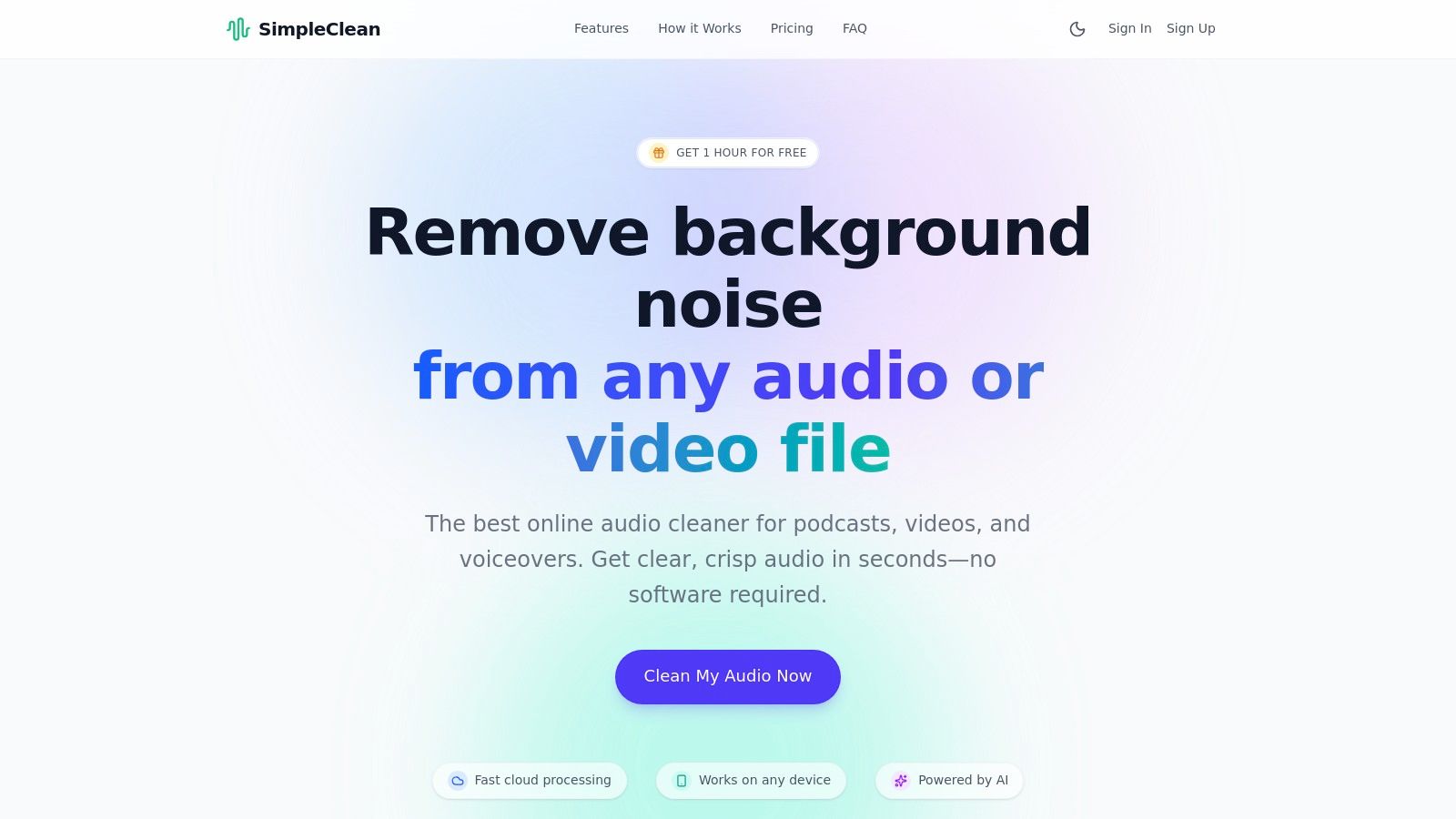
The platform’s workflow is a model of efficiency. Users can drag and drop nearly any common audio or video file (MP3, WAV, MP4, MOV, and more) and let the cloud-based processing take over. For creators managing multiple projects, the bulk upload feature with email notifications is a significant time-saver, making it ideal for processing an entire podcast season or a series of video lectures at once.
Key Features and Workflow
- Platform: Web-based (desktop, iOS, Android browsers)
- Ideal Use-Cases: Podcasts, YouTube videos, voiceovers, online courses, interviews, and corporate communications. It serves as an exceptional first-pass cleanup tool before final editing.
- Privacy & Limits: All files (original and processed) are automatically deleted from servers after seven days. Individual files are limited to 1 GB in size and 3 hours in duration.
- Pricing: Offers a free 1-hour trial. Subscription plans are available at 10 hrs/$10, 30 hrs/$25, and 100 hrs/$85 per month. Pay-as-you-go credits are also available, and unused hours roll over, providing excellent flexibility.
SimpleClean's true strength lies in its "fire-and-forget" simplicity. For podcasters and video creators, it removes the technical barrier to clean audio, allowing them to upload a raw recording during a coffee break and receive a polished, ready-to-use file minutes later.
Assessment
| Criteria | Rating & Analysis |
|---|---|
| Ease of Use | ⭐⭐⭐⭐⭐ The drag-and-drop interface is incredibly intuitive, making it suitable for absolute beginners. No technical audio knowledge is required. |
| Noise Reduction Quality | ⭐⭐⭐⭐☆ Excellent for spoken-word content. The AI is highly effective at isolating and removing background noise without creating artifacts. It is less suited for complex musical restoration. |
| Flexibility | ⭐⭐⭐⭐☆ Supports a vast range of file formats and works on any device. The main limitation is its focus on speech rather than a full suite of audio editing tools. |
| Value | ⭐⭐⭐⭐⭐ With a generous free trial, affordable subscriptions, and rollover credits, the pricing structure is transparent and accommodates both frequent and occasional users. |
Pros:
- Studio-quality AI cleanup that preserves natural voice tone.
- No downloads needed; works on any device with a browser.
- Supports bulk uploads and a wide array of file formats.
- Flexible, transparent pricing with rollover hours.
- Privacy-focused with automatic 7-day file deletion.
Cons:
- Specialized for spoken-word; not a tool for music production.
- File size and duration limits may affect users with very large projects.
- The 7-day file retention is not a long-term storage solution.
Website: https://simpleclean.app
2. iZotope (RX 11)
iZotope RX 11 is widely considered the industry standard for audio repair and a powerhouse tool for anyone serious about pristine sound. Rather than a simple one-click solution, it's a comprehensive suite offering surgical control over every aspect of your audio, making it a top-tier choice for noise reduction software for audio. It excels in complex scenarios where generic filters fail, such as removing specific, isolated noises or repairing badly damaged recordings.
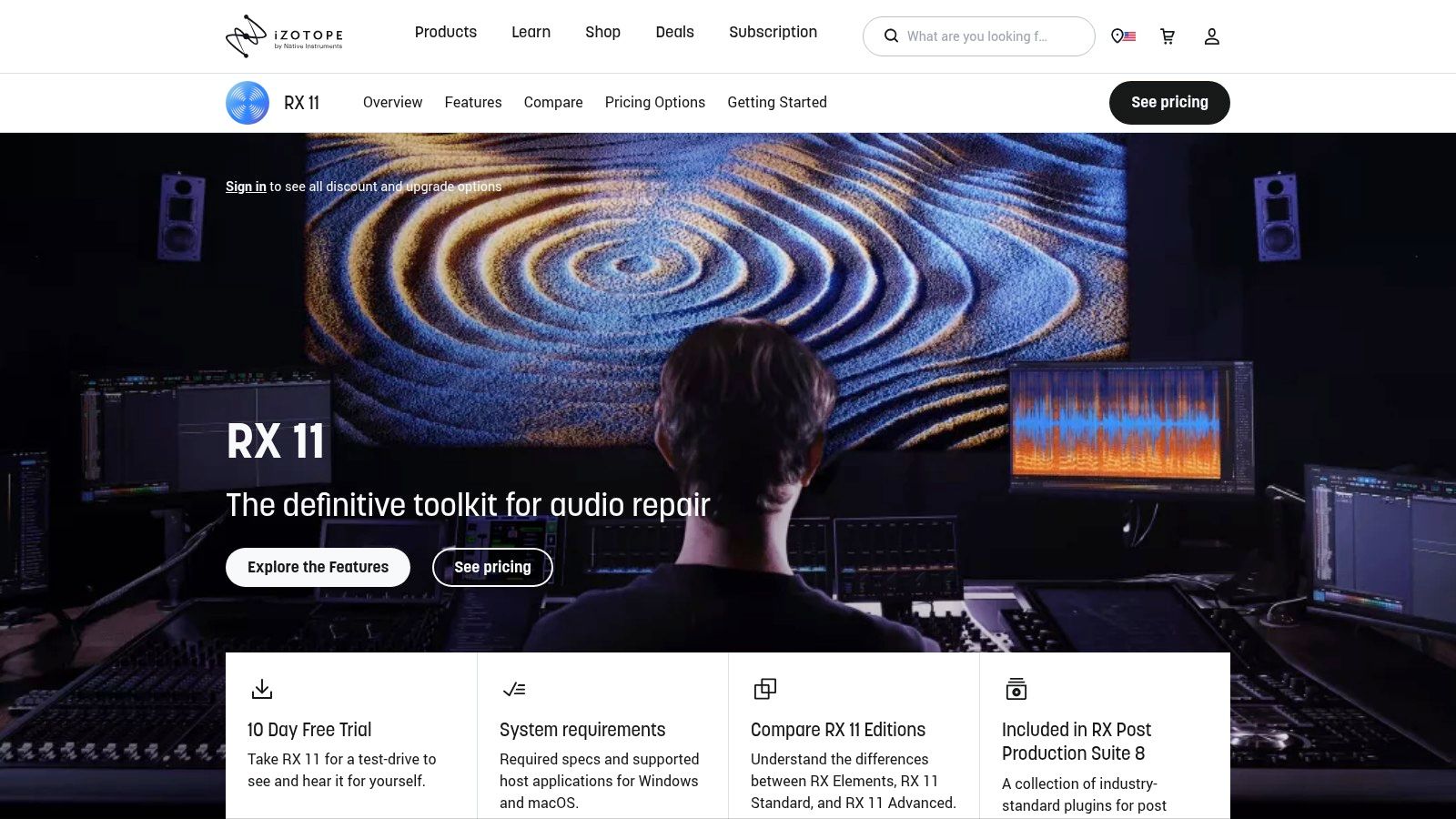
The platform’s strength lies in its machine-learning modules like Voice De-noise, De-reverb, and the groundbreaking Spectral Repair tool. This allows users to visually identify and remove unwanted sounds like a siren, a chair squeak, or a cough without affecting the surrounding dialogue. For a deeper dive into its capabilities, you can find a comprehensive overview of iZotope's suite and how it stacks up against other tools. You can learn more about its place in the world of audio restoration software on simpleclean.app.
Key Features & User Experience
iZotope offers a flexible workflow, functioning both as a standalone editor for detailed work and as a set of plugins (AU, AAX, VST3) within your preferred digital audio workstation.
- Pricing Tiers: RX is available in three editions: Elements (for basic needs), Standard (adds the standalone editor and more modules), and Advanced (the full professional suite). This tiered structure allows users to invest based on their specific requirements.
- Best For: Post-production professionals, audio engineers, and serious podcasters who need granular control and the best possible results on challenging audio.
- Pros: Delivers best-in-class, transparent results; the deep toolset scales from simple fixes to complex surgical edits.
- Cons: The Advanced tier is a significant investment, and mastering its more powerful tools involves a steep learning curve. The Elements edition lacks the crucial standalone editor.
3. Acon Digital (Restoration Suite & Acoustica)
Acon Digital’s Restoration Suite strikes an impressive balance between professional-grade results and affordability, making it a powerful contender in the world of noise reduction software for audio. It offers a focused set of four key plugins: DeNoise 2, DeHum 2, DeClick 2, and DeClip 2. These tools are designed for efficiency and clarity, providing excellent performance without overwhelming users with overly complex controls.
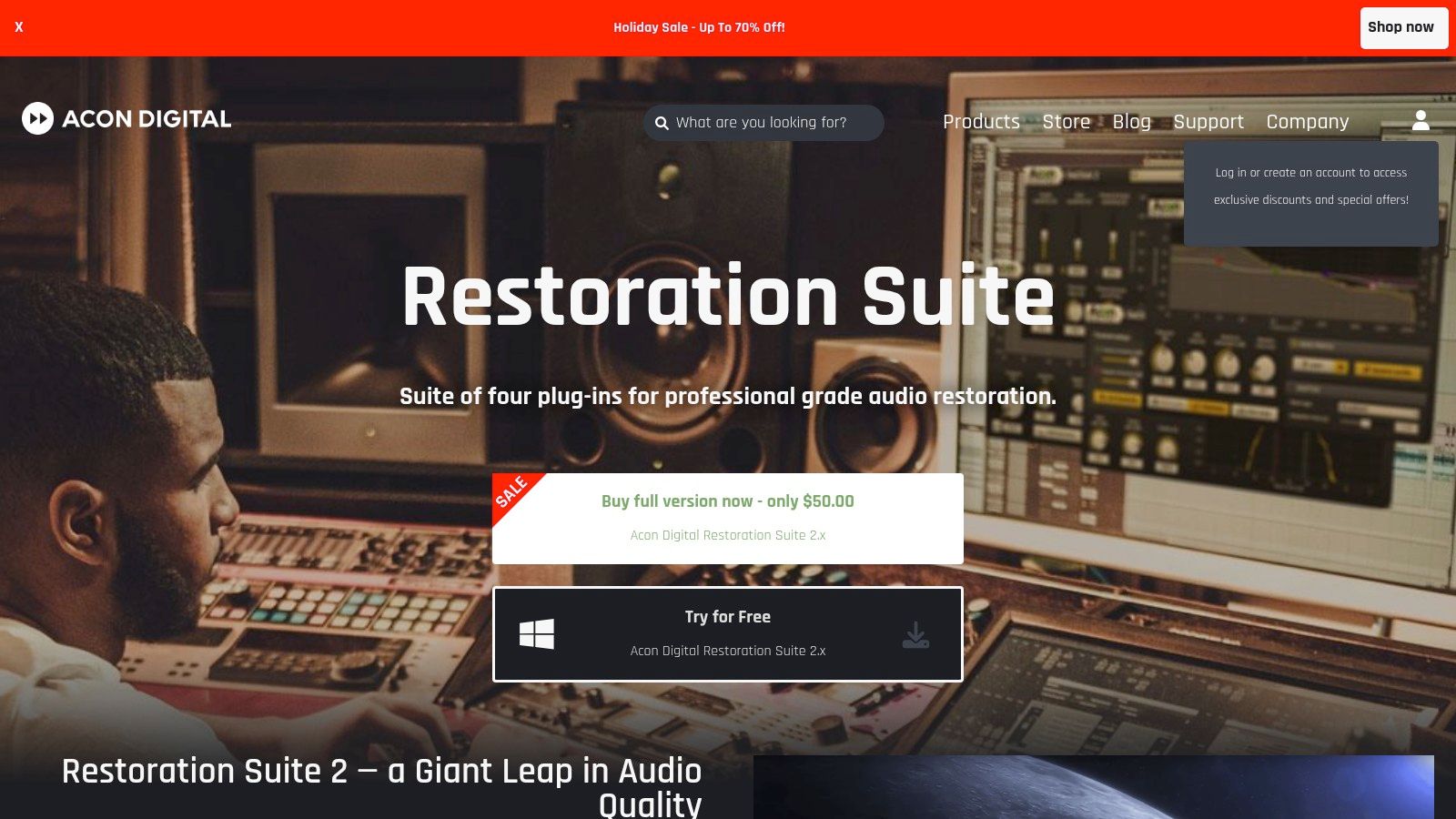
The suite stands out for its intelligent algorithms, such as the dynamic noise profiling in DeNoise 2 that adapts to changing background noise in real-time. This feature is particularly useful for recordings made in inconsistent environments. When purchased with their full-featured audio editor, Acoustica 7, users gain a complete ecosystem for recording, editing, and restoration that rivals much more expensive packages, delivering outstanding value for creators and engineers on a budget.
Key Features & User Experience
Acon Digital’s tools integrate seamlessly as VST, VST3, AAX, or AU plugins into any major digital audio workstation on both Windows and macOS. The standalone Acoustica editor provides a dedicated environment for more detailed spectral editing and audio restoration tasks.
- Pricing Tiers: The Restoration Suite is sold as a single bundle with a perpetual license. It is also included in the more comprehensive Acoustica 7 audio editor, which offers a Standard and Premium edition. Sales are frequent, making it even more accessible.
- Best For: Podcasters, content creators, and audio engineers looking for a high-value, efficient toolset that delivers transparent results without a steep learning curve or high CPU load.
- Pros: Excellent performance for the price with a low system footprint; the straightforward interface is great for fast workflows and for those new to audio repair.
- Cons: The toolset is more focused and lacks some of the highly specialized, niche repair modules found in more expensive suites like iZotope RX.
Visit Acon Digital (Restoration Suite & Acoustica)
4. Waves Audio
Waves Audio is a giant in the world of audio plugins, offering a vast catalog that includes powerful and accessible tools for real-time and offline audio cleanup. Their standout offerings, like the AI-powered Clarity Vx and the simple-yet-effective NS1 Noise Suppressor, make them a go-to choice for creators who need quick, high-quality noise reduction software for audio without a steep learning curve. The brand is particularly known for its real-time processing capabilities, which is a major advantage for live streamers and content creators.
Unlike comprehensive suites, Waves focuses on individual plugins that excel at specific tasks. Clarity Vx uses a neural network to intelligently separate voice from background noise, delivering clean dialogue with minimal artifacts. Meanwhile, the legacy Z-Noise and X-Noise plugins offer more traditional, granular control for engineers who need to fine-tune their results. The company's frequent and aggressive sales promotions often make their professional-grade tools highly affordable for a wide range of users.
Key Features & User Experience
Waves plugins integrate seamlessly into virtually any digital audio workstation (DAW) that supports standard formats like VST, AU, and AAX, making them incredibly versatile for different workflows.
- Pricing Tiers: Plugins are sold individually or in bundles. Pricing fluctuates heavily due to frequent sales, but entry-level tools like NS1 are often very affordable, while advanced options like Clarity Vx Pro are a larger investment. An optional "Update Plan" is required for ongoing updates.
- Best For: Podcasters, streamers, and video editors who need fast, effective, and real-time dialogue cleanup directly within their editing software.
- Pros: Delivers excellent, near-instant results on voice; frequent sales provide exceptional value; offers a wide spectrum of tools from one-knob solutions to more complex plugins.
- Cons: The massive catalog can be overwhelming for newcomers; pricing is inconsistent due to constant promotions; the advanced "Pro" versions of plugins can be costly.
5. Adobe Audition
Adobe Audition is a comprehensive digital audio workstation that seamlessly integrates powerful editing with advanced restoration capabilities. As part of the Adobe Creative Cloud suite, it's a go-to tool for video creators and podcasters already in the Adobe ecosystem. It offers a robust set of tools, making it an excellent all-in-one solution for those who need more than just simple clean-up, positioning it as a strong contender for noise reduction software for audio. Its tight integration with Premiere Pro allows for a fluid round-trip workflow, saving valuable time in post-production.
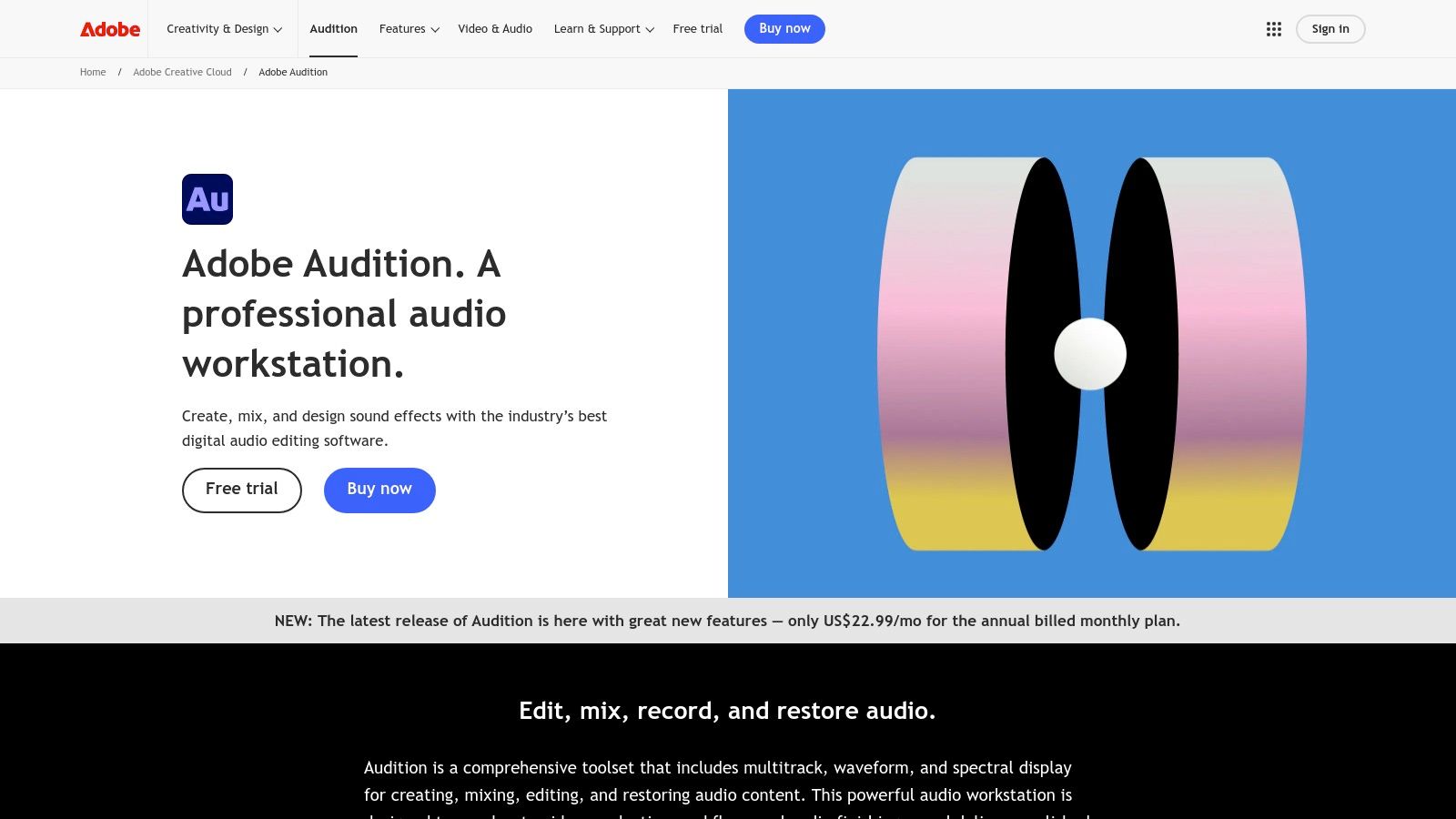
The platform’s standout features include the Spectral Frequency Display for visually identifying and removing unwanted sounds, and its Adaptive Noise Reduction effect, which intelligently learns and removes background noise. Audition also provides dedicated tools for specific problems like hiss, hum, and clicks, offering a complete package for audio polishing. For those struggling with echoey recordings, you can learn more about how to remove echo from audio on simpleclean.app using tools like Audition.
Key Features & User Experience
Adobe Audition functions as a standalone application, combining a multi-track editor, waveform editor, and audio restoration suite in one interface. It is available via a subscription model, either as a single app or part of the full Creative Cloud.
- Pricing Tiers: Available as a Single App subscription or included with the Creative Cloud All Apps plan. This makes it accessible without committing to the entire Adobe suite.
- Best For: Video editors, YouTubers, and podcasters who heavily use Adobe Premiere Pro and want a deeply integrated audio post-production workflow.
- Pros: Excellent value with its single-app plan; combines editing and restoration without needing extra plugins; the Premiere Pro integration is a major time-saver for video post.
- Cons: The subscription-only model is a drawback for those who prefer perpetual licenses; it lacks some of the highly specialized surgical tools found in dedicated suites like RX Advanced.
6. Adobe Podcast Enhance Speech (web)
Adobe Podcast Enhance Speech offers a radically simplified, web-based approach to cleaning up spoken word audio. Instead of a complex interface with dozens of sliders, it leverages AI to provide a one-click solution that removes background noise and echo from voice recordings. This makes it an incredibly accessible and effective tool, particularly for content creators who need quick, high-quality results without a steep learning curve, establishing its place as a go-to noise reduction software for audio. It’s ideal for fixing audio from remote interviews, poorly recorded video calls, or any situation where the voice needs to be isolated and clarified.
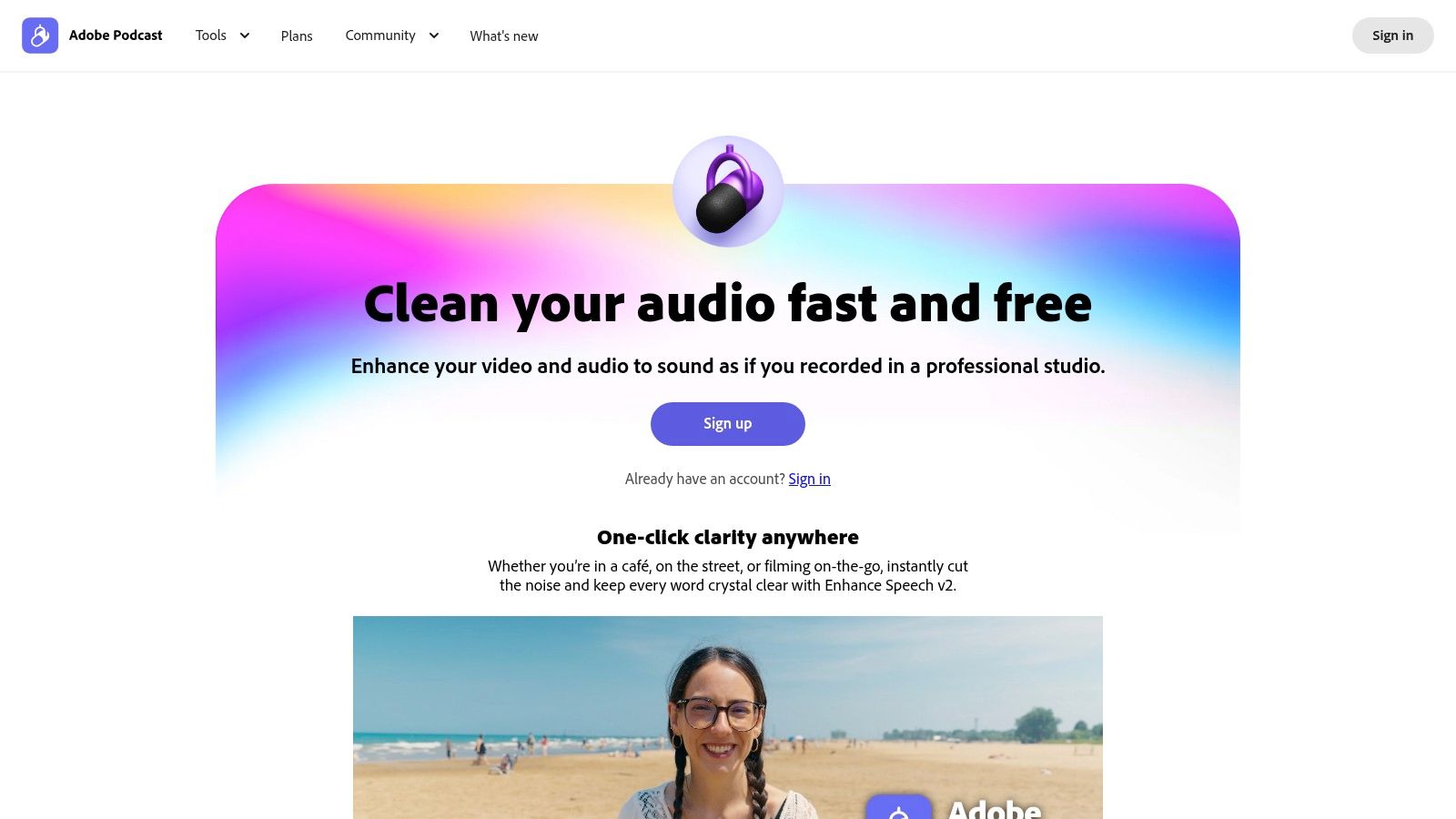
The platform's main appeal is its extreme ease of use. Users simply upload an audio or video file, and the AI processes it to enhance speech clarity. The results are often surprisingly good, transforming muffled or noisy recordings into professional-sounding clips. While it lacks the surgical precision of dedicated software suites, its speed and accessibility make it a powerful tool for podcasters, YouTubers, and social media creators who need to improve audio quality on the fly.
Key Features & User Experience
Enhance Speech operates entirely within a web browser, eliminating the need for software installation. The user experience is designed for maximum simplicity: drag, drop, and download.
- Pricing Tiers: A generous Free tier is available with daily file limits (1 hour total per day, 30-minute max file length, 500MB max size). The Premium plan, part of Adobe Express, removes these limits and adds features like strength control and bulk uploads.
- Best For: Podcasters, video creators, and educators who need a fast, "good enough" solution for cleaning up dialogue without technical expertise.
- Pros: Exceptionally fast and easy to use; the free tier is very capable for casual use; excellent for improving difficult remote call audio.
- Cons: Strictly for speech and not suitable for music; requires uploading files to the cloud; the free tier has daily usage caps.
Visit Adobe Podcast Enhance Speech (web)
7. Steinberg SpectraLayers Pro 12
Steinberg SpectraLayers Pro 12 transforms audio editing into a visual, almost artistic process, offering a different approach to audio cleanup. Instead of relying solely on automated algorithms, it presents audio as a detailed spectrogram, allowing users to "paint" out unwanted noises with surgical precision. This makes it an incredibly powerful and creative tool, positioning it as a unique form of noise reduction software for audio that excels at complex repair and sound design tasks.
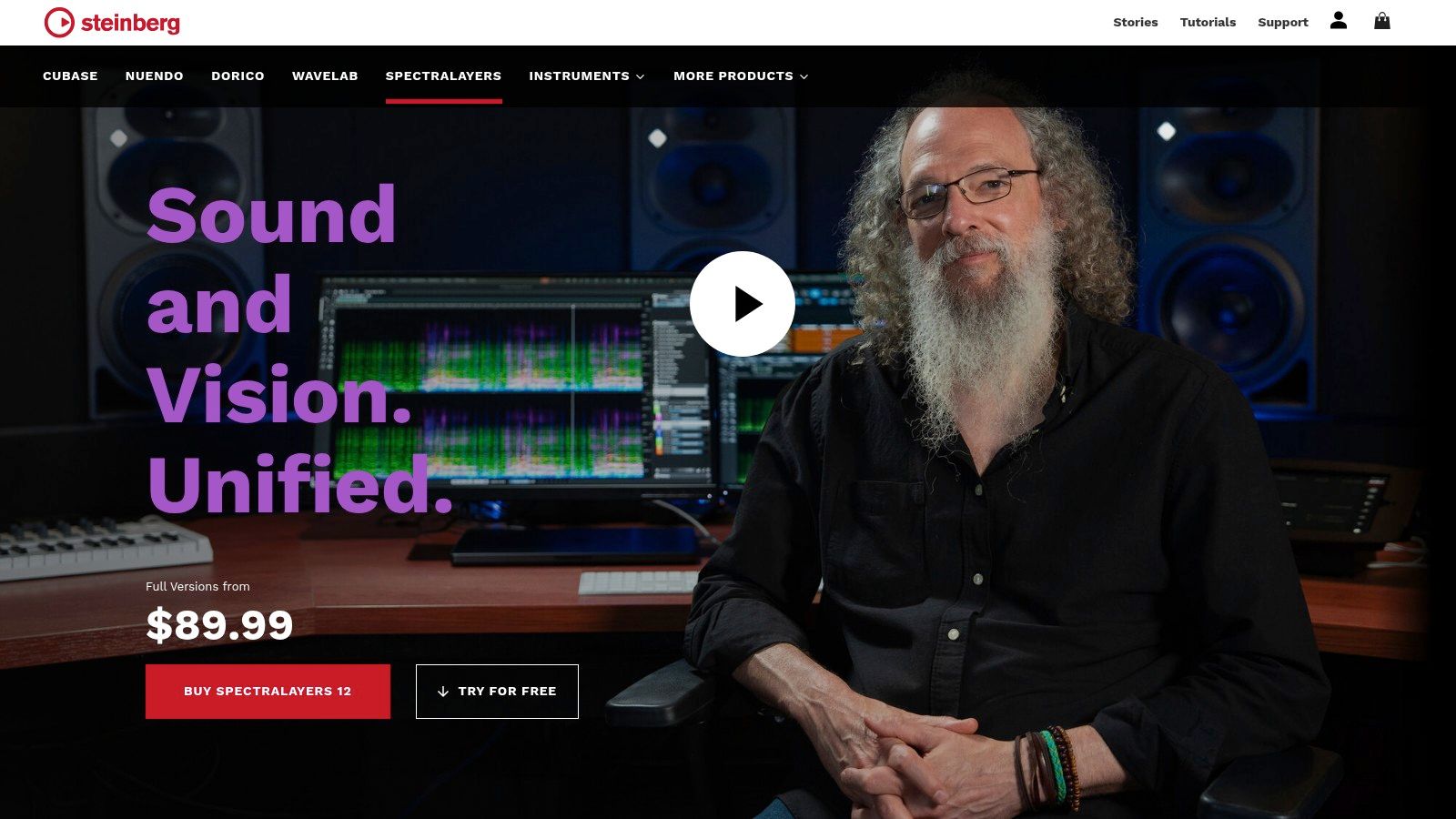
The platform’s core strength is its visual, hands-on workflow. Users can directly select and manipulate specific frequencies and time-based events, like erasing a cough or isolating an instrument from a mixed track. Its AI-assisted unmixing processes are particularly impressive, capable of cleanly separating vocals, drums, and other sources from a single audio file. This dual approach of manual control and AI assistance provides a deep level of flexibility for demanding audio professionals.
Key Features & User Experience
SpectraLayers functions both as a powerful standalone application and as a seamless plugin within your DAW via ARA, AAX, or VST3 support, catering to different workflows.
- Pricing Tiers: SpectraLayers is offered in two main versions: Elements for fundamental tasks and Pro for the full suite of unmixing and advanced repair tools. It is sold as a perpetual license, a major draw for users who prefer to own their software outright.
- Best For: Audio post-production engineers, sound designers, and forensic audio specialists who need to perform highly detailed and complex audio manipulation.
- Pros: Delivers extremely precise and creative spectral tools; powerful for both repair and creative unmixing tasks; perpetual license model avoids recurring subscriptions.
- Cons: The manual, hands-on approach can be more time-consuming than one-click solutions and presents a steeper learning curve for new users.
Visit Steinberg SpectraLayers Pro 12
8. CEDAR Audio
CEDAR Audio represents the pinnacle of professional dialogue noise suppression, trusted for decades in high-end film, television, and broadcast post-production. Its plugins, such as the legendary DNS One, are engineered for a single, critical purpose: cleaning up human speech with unparalleled transparency and minimal latency. This makes it an essential tool for dubbing stages and live broadcast, where real-time performance is non-negotiable, and is some of the most powerful noise reduction software for audio available for professional dialogue work.
Unlike algorithm-heavy, AI-driven tools that can sometimes introduce artifacts, CEDAR's strength lies in its meticulously engineered processing that preserves the natural character of the voice. The DNS (Dialogue Noise Suppression) technology is designed to tackle everything from air conditioning hum and camera noise to general background ambience without impacting the primary dialogue, making it a go-to for A-list productions where audio quality cannot be compromised.
Key Features & User Experience
CEDAR products integrate seamlessly into professional workflows as AU, VST3, and AAX plugins, requiring iLok for authorization. The interface is famously straightforward, built for speed and efficiency rather than deep spectral editing.
- Pricing Tiers: CEDAR plugins are a premium investment, reflecting their status as an industry-standard tool for high-budget productions. There are no consumer-level entry points; pricing is aimed squarely at the professional market.
- Best For: High-end post-production facilities, broadcast engineers, and audio professionals working on film and television projects where pristine, artifact-free dialogue is paramount.
- Pros: Delivers exceptional, broadcast-grade quality for dialogue; real-time, near-zero-latency performance is unmatched; it is a highly trusted and respected brand in professional post-production.
- Cons: Carries a significant premium price tag; its toolset is highly specialized for speech and dialogue, not general music or sound effect restoration.
9. Auphonic
Auphonic is not just a tool; it's a complete web-based post-production pipeline designed for creators who value efficiency and consistency. It automates the entire audio sweetening process, combining intelligent leveling, loudness normalization, and effective noise reduction into a single, cloud-based workflow. This makes it an essential piece of noise reduction software for audio for podcasters and content producers who need professional-sounding results without spending hours in a digital audio workstation.
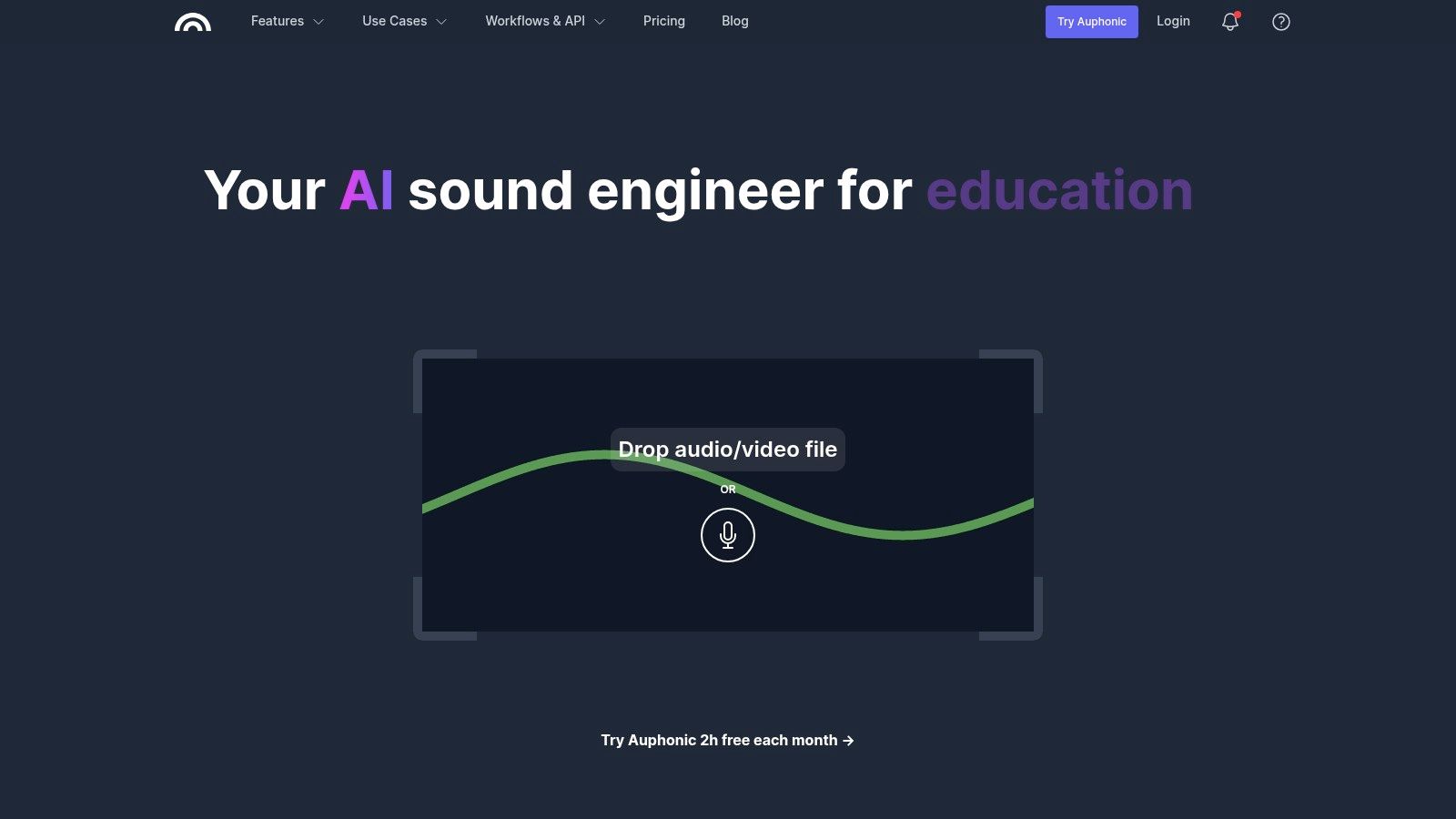
The platform’s "set it and forget it" approach is its greatest strength. Users simply upload their raw audio, select a preset, and let Auphonic's algorithms handle the rest, from reducing background hum and reverb to ensuring the final file meets industry loudness standards for platforms like Spotify and Apple Podcasts. Its robust API and integrations with services like Dropbox and YouTube also allow for fully automated publishing workflows, saving creators invaluable time.
Key Features & User Experience
Auphonic is accessed entirely through a web browser, eliminating the need to install or learn complex desktop software. The interface is clean and workflow-oriented, guiding users through the process of creating and processing their audio productions.
- Pricing Tiers: Auphonic operates on a credit-based system. It offers a generous free tier with up to 2 hours of processed audio per month. For more frequent use, users can purchase one-time credits or subscribe to monthly plans that offer a better per-hour rate.
- Best For: Podcasters, audiobook producers, and educators who need a reliable, automated system for cleaning up and finalizing spoken-word audio.
- Pros: Fully cloud-based and automated, making it incredibly simple to use; excellent for batch processing and integrating into publishing pipelines; the free tier is very useful.
- Cons: Requires uploading files, which can be a concern for privacy or large files; per-hour billing can become costly for users with very high volumes of content.
10. Descript (Studio Sound)
Descript is a comprehensive, all-in-one audio and video editor that redefines content creation with its text-based workflow. Its standout feature, Studio Sound, is a powerful one-click AI enhancement that makes it an excellent choice for noise reduction software for audio, particularly for dialogue-heavy content. Instead of complex plugins and settings, Descript cleans up background noise, removes echo, and balances vocal tones with a single toggle, dramatically streamlining the editing process for creators.
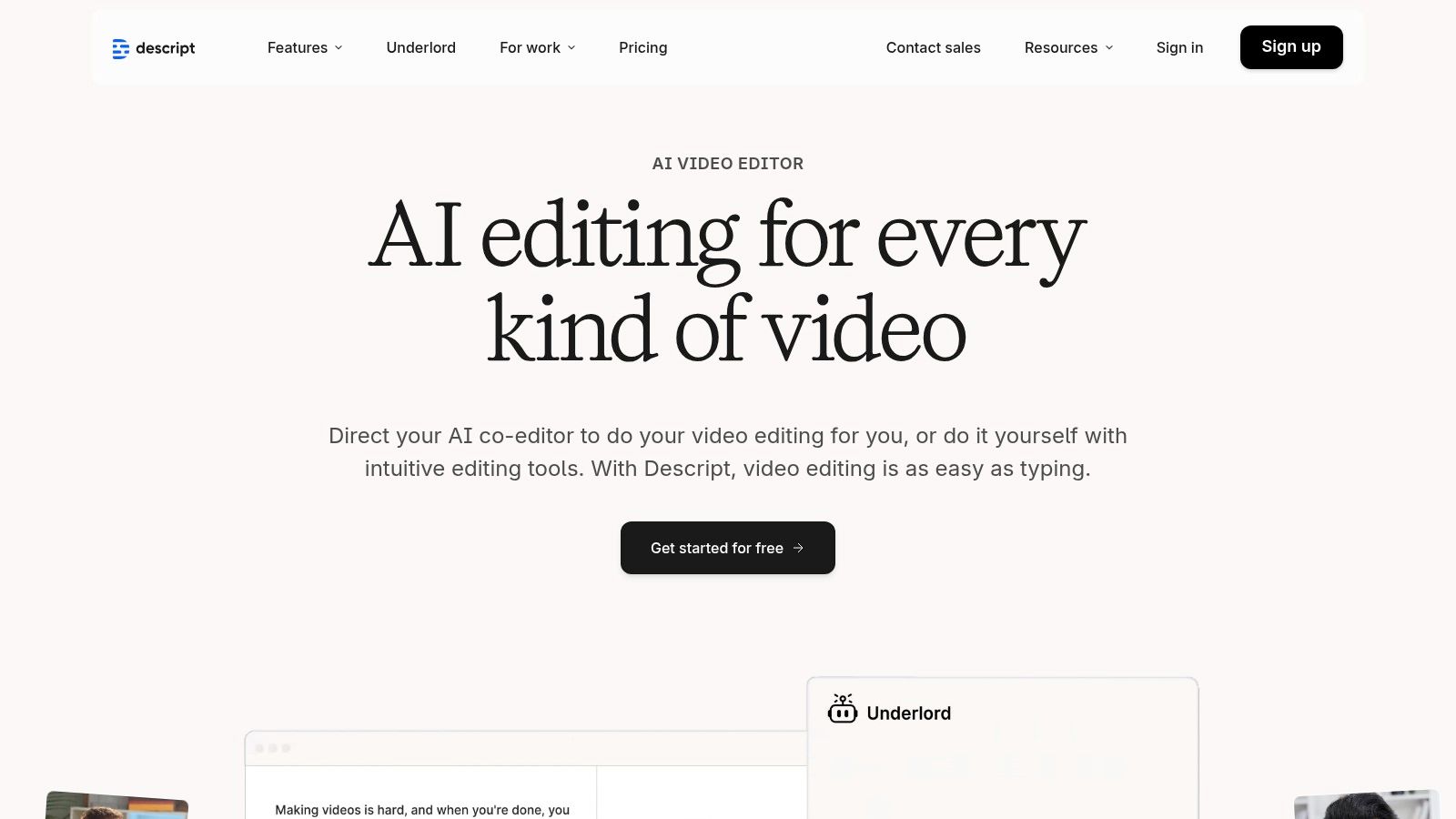
The platform's main appeal is its integration of audio cleanup directly into a seamless recording, transcription, and editing ecosystem. Users edit audio and video by simply editing the transcribed text, a method that is incredibly intuitive and fast. This unique approach, combined with AI-powered features like filler-word removal and overdub, makes it a favorite among podcasters and video creators who prioritize speed and efficiency.
Key Features & User Experience
Descript’s cloud-centric design allows for easy collaboration and access to projects from anywhere, functioning as a complete production tool from start to finish.
- Pricing Tiers: Descript offers a Free plan with limited Studio Sound use, a Creator plan for individuals, a Pro plan with more features, and custom Enterprise solutions. This makes it accessible for hobbyists and scalable for professional teams.
- Best For: Podcasters, YouTubers, and content creators who need an efficient, end-to-end solution for recording, editing, and publishing with simple yet effective noise reduction.
- Pros: Incredibly fast and easy-to-use audio enhancement; the text-based editing workflow significantly cuts down production time.
- Cons: The cloud-based system may not suit users who prefer offline-only workflows, and its audio controls are simplified compared to dedicated DAWs like Pro Tools or Logic Pro.
11. Krisp
Krisp takes a unique, real-time approach to audio cleanup, focusing on improving clarity during live communication rather than post-production. It acts as a virtual filter between your microphone and applications like Zoom, Teams, or Slack, using AI to isolate your voice and eliminate background distractions like keyboard clicks, barking dogs, or café chatter. This makes it an indispensable tool for remote workers, sales teams, and anyone who needs to sound professional in unpredictable environments, positioning it as a specialized type of noise reduction software for audio.
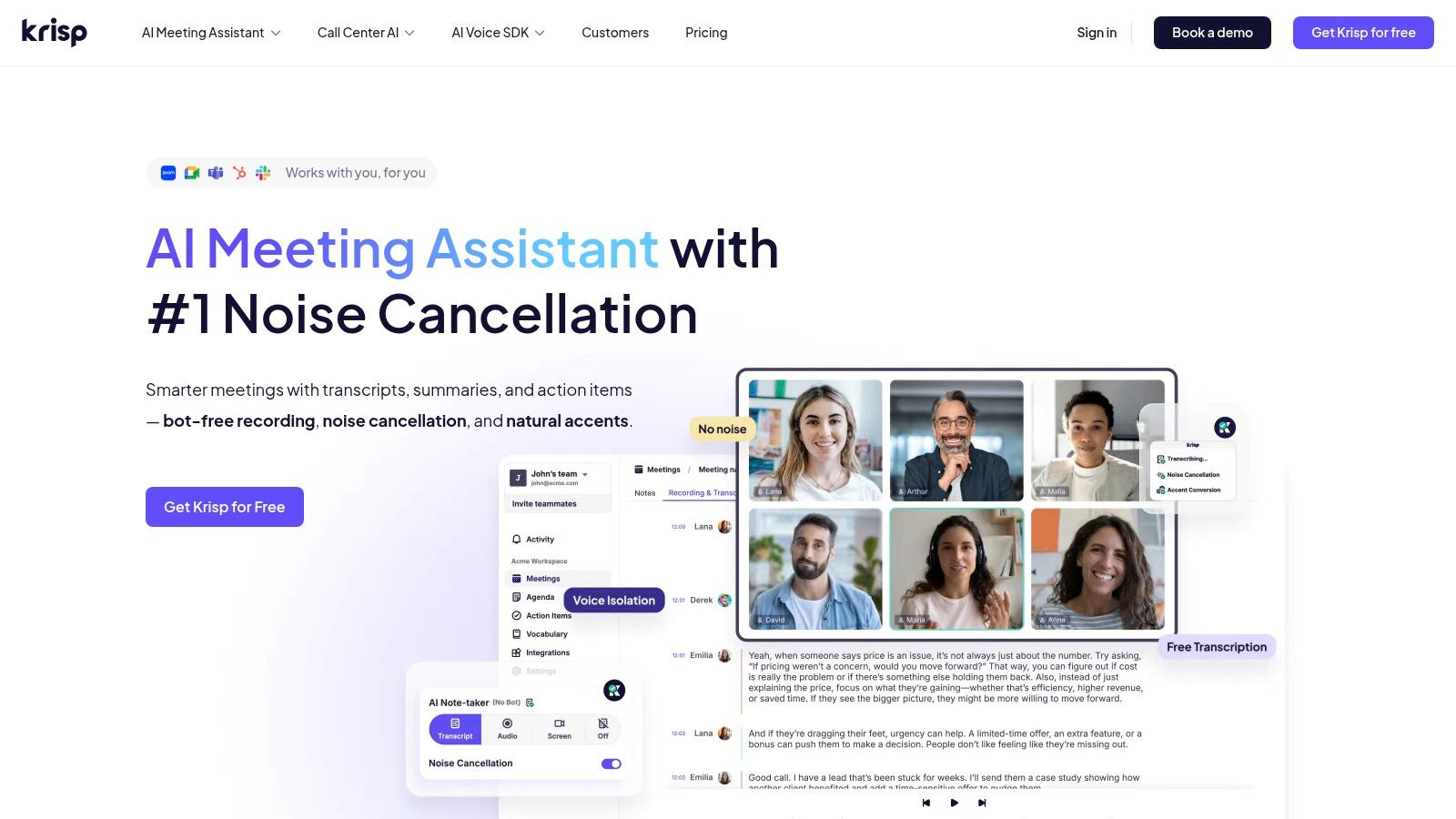
Unlike traditional audio editors, Krisp's strength is its bi-directional noise cancellation, which cleans up both your outgoing audio and the incoming audio from other participants on a call. It integrates seamlessly into your workflow as a simple background app, offering a set-and-forget solution for consistently clear meetings and recordings. Its real-time processing and ease of use set it apart from more complex studio tools. To understand its role in the broader landscape, it’s helpful to explore different approaches to software noise cancellation on simpleclean.app.
Key Features & User Experience
Krisp functions as a lightweight desktop application that is easy to configure and works across all your communication apps, providing a consistent experience.
- Pricing Tiers: Krisp offers a Free plan with a daily time limit (60 minutes/day) for noise cancellation. The Pro plan unlocks unlimited usage and additional features like AI-powered meeting assistants and transcription. Business and Enterprise plans are also available.
- Best For: Remote professionals, sales teams, educators, and anyone who participates in frequent online meetings and wants instant, real-time background noise removal.
- Pros: Extremely easy to set up and use across any communication app; highly effective for eliminating common background noises in real time; bi-directional filtering cleans audio for all call participants.
- Cons: Not designed for detailed audio post-production or music; the free plan’s daily time limit is restrictive for heavy users.
12. U.S. Retailers / Marketplaces (Sweetwater & Plugin Boutique)
For those looking to purchase and own perpetual licenses, digital marketplaces like Sweetwater and Plugin Boutique are essential destinations. Instead of offering a single proprietary tool, they serve as trusted distributors for a vast array of the industry's best noise reduction software for audio, including plugins from Waves, Acon Digital, and many others. This approach allows users to compare different tools, take advantage of competitive sales, and manage multiple software licenses from one account.

These retailers streamline the buying process with instant electronic delivery, meaning you get your license key and download link moments after purchase. They often feature dedicated "audio restoration" or "noise reduction" category pages, making it simple to browse and discover new solutions. Sweetwater is particularly known for its exceptional U.S.-based customer support and sales engineers, while Plugin Boutique is famous for its aggressive promotional pricing and exclusive bundles.
Key Features & User Experience
Purchasing through a retailer provides a different experience than buying direct, often with unique benefits like loyalty rewards and access to a wider selection of tools for your audio needs.
- Pricing Tiers: Varies by product. The key benefit is access to frequent sales, promotional bundles, and loyalty rewards that may not be available directly from the developer.
- Best For: Audio professionals and hobbyists who want to own perpetual licenses and take advantage of competitive street pricing and bundle deals on a wide range of plugins.
- Pros: Access to a broad selection of software from multiple developers, frequent and often deep discounts, and trusted retail support (especially from Sweetwater).
- Cons: Digital software is typically non-returnable once the license is delivered. Support for a specific plugin issue might be redirected to the original developer.
Visit U.S. Retailers / Marketplaces (Sweetwater & Plugin Boutique)
12-Tool Noise Reduction Software Comparison
| Product | Target audience | Core features | UX / Workflow | Pricing & USP |
|---|---|---|---|---|
| SimpleClean (Recommended) | Creators: podcasters, YouTube, voiceovers, lessons, interviews | AI cloud denoise, supports audio/video formats, bulk uploads, auto-delete (7 days), 1 GB / 3 hr limits | Browser-based — upload → AI clean → download, fast on any device | Free 1 hr; subscriptions (10/30/100 hrs) & pay‑as‑you‑go, rollover hours, privacy-first |
| iZotope RX 11 | Audio/post professionals, engineers, music & podcast restorers | ML modules (Voice De‑noise, De‑reverb, Spectral Repair), standalone + plugins, ARA | Surgical, deep toolset — steep learning curve for advanced edits | Tiered editions (Elements/Standard/Advanced), best‑in‑class restoration, pricier advanced tier |
| Acon Digital (Restoration Suite & Acoustica) | Budget‑conscious pros, hobbyists | DeNoise/DeHum/DeClick/DeClip, Acoustica editor, VST/AU/AAX support | Lightweight UI, straightforward workflows, low CPU footprint | Perpetual licenses, frequent discounts — strong value for price |
| Waves Audio | Producers, mixers, dialogue editors | Real‑time AI (Clarity VX), one‑knob NS1, broad plugin catalog, DAW support | Fast results; many plugin choices can be overwhelming | Frequent deep sales and bundles, wide range from simple to pro tools |
| Adobe Audition | Video editors, post houses, creators needing integrated workflows | Spectral display, adaptive noise reduction, integrated restoration tools, Premiere round‑trip | Full app workflow, integrated editing + restoration, subscription model | Subscription (Creative Cloud), good Premiere Pro integration, single‑app option |
| Adobe Podcast Enhance Speech (web) | Non‑technical creators, podcasters, quick fixes | One‑click denoise/dereverb for speech, browser‑based, premium adds bulk & strength control | Extremely fast and simple in browser, free tier with limits | Free tier with daily caps; Premium adds bulk/video support |
| Steinberg SpectraLayers Pro 12 | Sound designers, forensic/audio separation specialists | Visual paint‑style spectral editing, AI unmixing, plugin & standalone | Very precise, hands‑on workflow — steeper learning curve | Perpetual license, powerful for complex repair and unmixing |
| CEDAR Audio | Film/TV post, broadcast dubbing stages | Near‑zero‑latency DNS, pro plugin formats, iLok support | Real‑time broadcast‑grade cleanup with minimal artifacts | Premium priced, industry‑standard dialogue quality |
| Auphonic | Podcasters, automated publishing workflows, educators | Noise/reverb reduction, leveling, loudness normalization, API & batch | Cloud‑based set‑and‑forget, batch processing & integrations | Credits model with free 2 hrs/mo; good for automated pipelines |
| Descript (Studio Sound) | Creators who need editing + transcripts, podcasters | Studio Sound one‑click cleanup, text‑based editing, multi‑track editing | End‑to‑end cloud workflow, fast cleanup with transcription | Subscription tiers; combines editing, transcription, and cleanup |
| Krisp | Remote workers, meetings, streamers, SDK integrators | Bi‑directional real‑time noise removal, SDK, unlimited on paid plans | Instant app integration for calls/recordings, very low setup | Free limited tier; paid plans for unlimited real‑time cancellation |
| U.S. Retailers / Marketplaces (Sweetwater & Plugin Boutique) | Buyers of plugins and licenses, studios, hobbyists | License delivery, category pages, bundle promos, installer downloads | Fast electronic delivery, retailer support (sales engineers) | Often best promo pricing and bundles; digital sales usually non‑returnable |
Choosing Your Path to Perfect Audio
Navigating the landscape of noise reduction software for audio can feel overwhelming, but as we've explored, the market offers a solution for nearly every creator, professional, and use case. The journey from a noisy, distracting recording to a crisp, professional-sounding final product is more accessible than ever before. The key is not to find a single "best" tool, but to identify the one that aligns perfectly with your specific workflow, skill level, and project demands.
We've seen the clear distinctions. On one end of the spectrum, you have comprehensive, professional-grade suites like iZotope RX 11 and CEDAR Audio, which are the undisputed champions for post-production houses and audio engineers who require surgical precision. These tools offer granular control over every artifact, from subtle hums to complex, overlapping noises, making them indispensable for film, high-fidelity music production, and forensic audio restoration. Similarly, spectral editors like Steinberg SpectraLayers Pro 12 provide a visual, almost graphical approach to audio repair, empowering experts to "paint away" unwanted sounds with unparalleled accuracy.
On the other end, the rise of AI has democratized audio cleanup. Tools like Adobe Podcast Enhance Speech, Descript's Studio Sound, and Auphonic are designed for content creators who prioritize speed and simplicity. These platforms, often browser-based, trade deep manual control for powerful, one-click algorithms that deliver impressive results for spoken-word content like podcasts, video voiceovers, and online courses. Their focus is on efficiency, allowing creators to achieve a polished sound without a steep learning curve or needing to open a complex Digital Audio Workstation (DAW).
Your Next Steps: A Practical Framework for Selection
Making the right choice comes down to a clear-eyed assessment of your needs. Before you commit to a subscription or purchase, ask yourself these critical questions:
- What is my primary content type? Is it spoken word (podcasts, YouTube videos), music, or professional film audio? Tools optimized for dialogue may not be the best fit for preserving the nuances of a musical performance.
- How much control do I need? Are you content with a powerful "auto-magic" button, or do you need to manually adjust parameters like attack, release, and reduction thresholds for every specific noise? Your answer will guide you toward either an AI-driven tool or a professional plugin suite.
- What is my technical skill level? Be honest about your comfort level with advanced audio concepts. If you're new to audio production, starting with a user-friendly tool will prevent frustration and deliver great results faster. You can always graduate to a more complex suite as your skills develop.
- Is my workflow real-time or post-production? If you need to eliminate background noise during live conference calls, remote recordings, or streams, a dedicated real-time solution like Krisp is essential. Most other tools are designed for cleaning up audio after it has already been recorded.
- What is my budget? Solutions range from free or affordable monthly subscriptions to significant one-time investments. Determine what you can comfortably invest and explore the options within that range. Remember to leverage the free trials that most of these services offer.
By carefully considering these factors, you can move from analysis to action. The goal is to integrate a tool that feels like a natural extension of your creative process, not another technical hurdle to overcome. The right noise reduction software for audio should empower you, save you time, and ultimately help your message resonate clearly with your audience. Don't be afraid to experiment; test a few different options with your own audio files to see which one truly delivers the clarity and quality your projects deserve.
Ready to experience a faster, more intuitive way to clean your audio? If you're a creator who values simplicity and high-quality results without the complexity of a DAW, give SimpleClean a try. It’s the perfect browser-based tool designed to deliver professional-grade noise reduction for your podcasts and videos in just a few clicks. SimpleClean