Tired of background noise, echo, and hum ruining your recordings? You can actually clean audio online for free using powerful AI tools, and you don't need to download a single piece of software. These web-based apps let you upload your file, let the AI work its magic, and then download a version that sounds like it was recorded in a professional studio.
Why Flawless Audio Is Your Most Important Asset
Let’s be real for a second—bad audio can completely torpedo great content. We've all been there: a fantastic podcast episode lost to traffic noise, a YouTube tutorial made unwatchable by a constant buzzing sound, or a key client presentation undermined by a terrible echo. Poor sound quality doesn't just annoy people; it instantly shreds your credibility.
It doesn't matter how brilliant your message is if your audience has to strain to hear it. In a world overflowing with content, clarity is everything. Listeners and viewers make split-second decisions, and scratchy, distorted audio is an immediate red flag that sends them clicking away. This is exactly why knowing how to clean audio online free is a game-changer for creators and professionals.
The True Cost of Poor Sound
Think about these real-world situations where clear audio isn't just a "nice-to-have"—it's everything:
- Podcasting: Your listeners are usually multitasking. If they have to constantly adjust the volume or struggle to understand you over a neighbor's dog barking, they'll just switch to another show. It’s that simple.
- Video Creation: For YouTubers, course creators, and social media managers, a clean voiceover is non-negotiable. Muffled speech makes tutorials a nightmare to follow and can tank your engagement with negative comments and lost subscribers.
- Business Communications: Whether it's a recorded webinar, a virtual sales pitch, or an internal training video, clean audio projects professionalism and authority. No one takes a pitch seriously if it sounds like it was recorded in a wind tunnel.
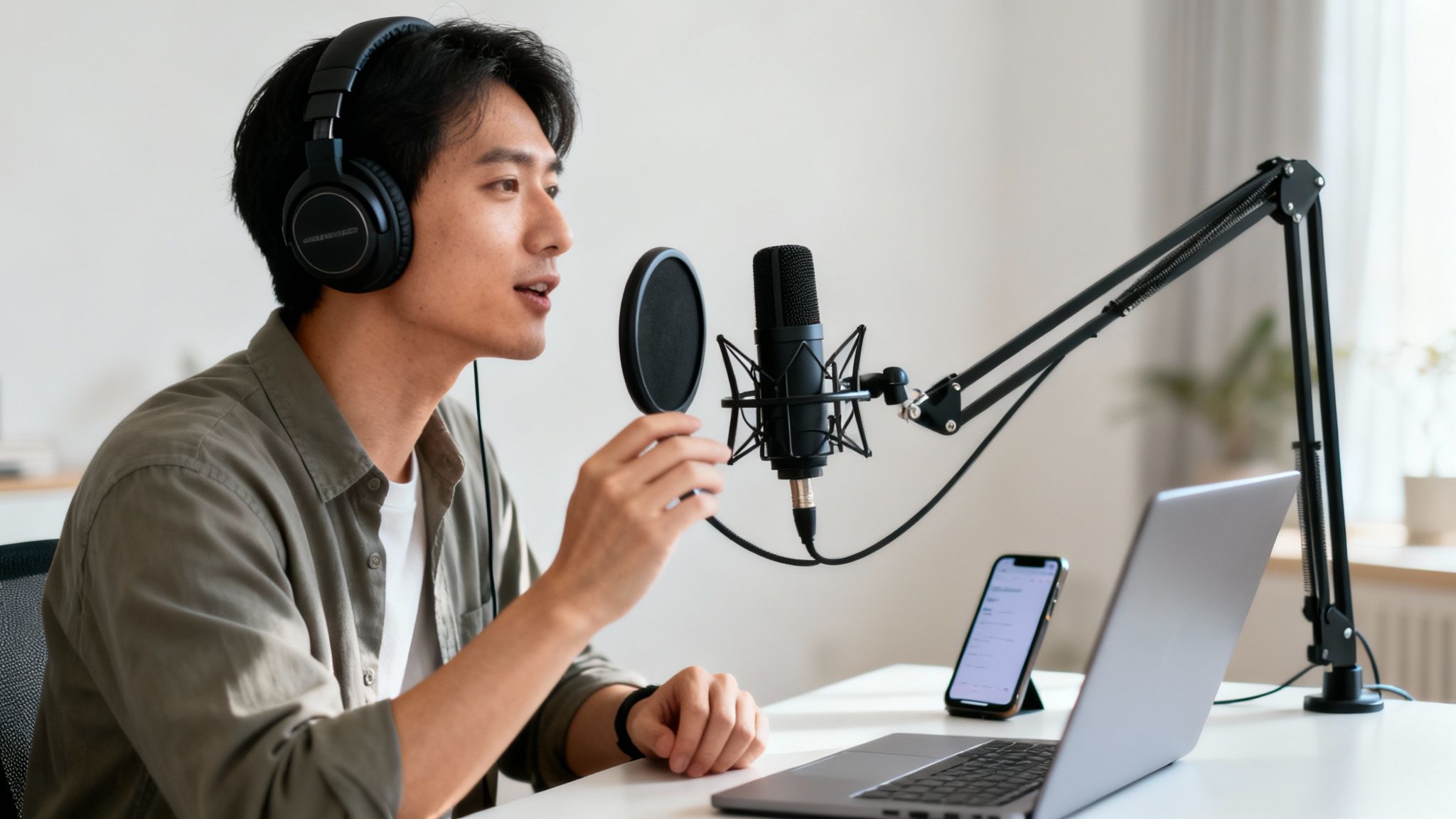
The good news? You no longer need a soundproof studio or a thousand-dollar microphone to get that crisp, clean sound. Modern AI has completely leveled the playing field, putting high-quality audio cleanup within everyone's reach.
The Shift to Simple Online Tools
The old way of cleaning audio meant wrestling with complicated software like Audition or Pro Tools—programs with a notoriously steep learning curve. But today, AI-powered online platforms do all the heavy lifting for you. They’re smart enough to distinguish a human voice from background noise, surgically removing distractions while keeping the natural tone and warmth of your speech intact.
The goal here is simple: spend your time creating, not becoming a sound engineer. Let a dedicated tool handle the technical cleanup so you can get back to what you do best.
This guide will walk you through exactly how to do it. You'll learn how to take a flawed, noisy recording and transform it into a polished, professional-grade asset using a simple tool right in your browser. No downloads, no complicated settings—just a clear path to making your voice heard.
For a quick overview of the process, this table breaks down the essentials.
Quick Guide to Cleaning Your Audio for Free
This table summarizes the essential steps and benefits for achieving professional audio quality without cost or software downloads.
| Step | Action | Why It Matters |
|---|---|---|
| Preparation | Isolate your audio and save it in a common format like MP3 or WAV. | A clean source file makes it easier for the AI to identify and remove noise accurately. |
| Upload | Drag and drop your audio file into a web-based AI cleaner. | No software installation is needed, saving you time and hard drive space. |
| Processing | The AI analyzes the file and automatically separates voice from noise. | This step removes unwanted sounds like hums, echoes, and background chatter. |
| Review & Download | Listen to the "before" and "after" to confirm the improvement, then download the clean file. | Verifying the result ensures your audio is polished and ready for your audience. |
Following these steps allows you to elevate your audio quality dramatically, making your content more engaging and professional.
Prepping Your Audio File for the Best Results
Before you even touch an online audio cleaner, a little prep work goes a long way. It’s a simple truth I've learned over years of editing: what you put in is what you get out. Giving the AI a clean, well-prepared file to work with is the single best thing you can do to guarantee a great result.
This isn’t about diving into a complex audio editor. It's just some basic housekeeping, like trimming the dead air at the beginning and end of your recording. This small step saves processing time and focuses the tool on the audio that actually matters.
Listen Before You Leap
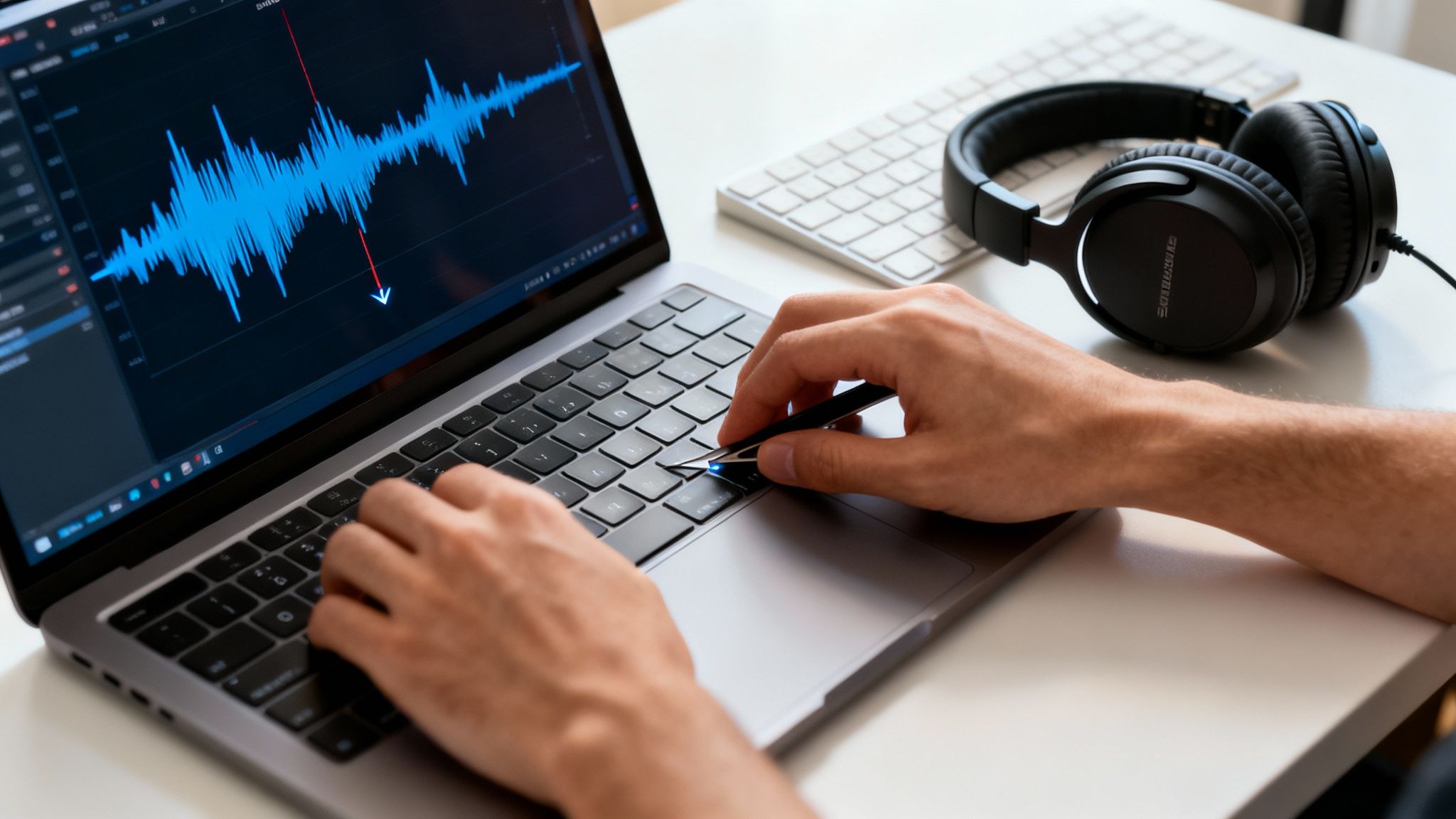
First things first: put on a decent pair of headphones—not your phone's earbuds—and listen to your entire track from start to finish. This is non-negotiable. Your laptop speakers are notorious for masking subtle background noises that will jump out at your listeners.
As you listen, make a mental (or physical) note of the problems you want the AI to fix.
- Steady Background Noise: Can you hear a constant hum from your computer fan, an AC unit, or a refrigerator?
- Intermittent Sounds: Are there random clicks and pops, a dog barking next door, or a car horn blaring outside?
- Room Acoustics: Does your voice sound hollow and distant? That's room echo, and it’s a common culprit.
Knowing your enemy helps you evaluate the final result. You’ll be able to tell if the AI did its job instead of just hoping it sounds "better." If the core issue is that your recording is just too quiet, it might be worth learning how to properly increase your mic volume for next time.
Choose the Right File Format
The file format you choose has a huge impact on the final quality. MP3s are everywhere because they're small, but that convenience comes at a cost. They use lossy compression, meaning audio data is thrown away forever to shrink the file size. This can make it much harder for an AI to tell the difference between your voice and the noise you want gone.
Pro Tip: If you have the choice, always start with a lossless format like WAV or FLAC. These files are the complete, original recording with no data stripped out, giving the AI a much cleaner, more detailed canvas to work with.
The push for better sound is a big deal. The digital audio workstation (DAW) market was valued at USD 2.95 billion in 2023 and is expected to hit USD 6.34 billion by 2032. For anyone creating content, clean audio is essential—in fact, easy-to-use tools can boost audience engagement by up to 40%. You can dig into more of this data over at fortunebusinessinsights.com. It all starts with giving your audio the best possible foundation.
How to Use an Online AI Audio Cleaner
Alright, this is where the fun begins—let's put an AI tool to the test. If you've ever been frustrated by complex software with a million confusing dials and plugins, you're going to love this. The whole point of a good online tool is to make cleaning up audio fast and painless.
The process is refreshingly simple: you sign up, upload your file, and let the AI do all the heavy lifting. This is a world away from traditional audio editing, where you could easily lose an entire afternoon manually hunting down specific frequencies or trying to set up a noise gate just right. With a tool like this, it’s all done in just a few clicks.
Getting Started with Your First File
First things first, you'll probably need to create a free account. A service like SimpleClean gives you a free hour of processing right off the bat, which is plenty of time to clean up a podcast episode, a YouTube video's audio track, or a handful of shorter recordings.
Once you’re logged in, you’ll see a simple dashboard. Most of these online tools have a drag-and-drop interface, which is fantastic. Just grab the audio file you prepared earlier (hopefully a WAV for the best quality!) and drag it right into the browser window. No software to install, no updates to manage. It just works.
This is a pretty standard look for the upload and processing screen.
As you can see, the design is all about clarity. You know exactly what's happening with your file. This kind of user-friendly approach is a huge reason why so many creators are ditching clunky desktop apps for web-based solutions.
Letting the AI Do the Work
As soon as your file is uploaded, the AI gets to work. It immediately starts analyzing the audio, figuring out what's your voice and what's that annoying air conditioner hum, distant traffic, or even those little mouth clicks and pops. And the best part? You don't have to do a thing.
A feature I find incredibly useful, especially when I'm juggling multiple tasks, is the email notification. Instead of sitting there watching a progress bar slowly creep across the screen, you can upload your file and get back to editing video, writing show notes, or anything else. The service will just email you when your cleaned-up audio is ready.
The real magic here is the efficiency. A task that used to be a tedious, manual editing session is now a fully automated process that runs in the background. It frees you up to focus on being creative.
This move toward simple, powerful tools is making a huge impact. The global online audio noise reduction market was valued at USD 563 million in 2024 and is expected to soar to USD 961 million by 2032. That growth is driven by people like us—podcasters, YouTubers, and creators who just want clear audio without the headache. You can dig into the numbers yourself by reading the full research on the online audio noise reduction system market.
It’s a welcome change from the steep learning curve of most professional software. If you want to explore other web-based options, we’ve put together a guide on the best online audio editor tools out there. And once your audio sounds pristine, you might want to convert audio to text free online to easily create transcripts for show notes or video captions.
Reviewing and Exporting Your Polished Audio
You've fed your noisy audio to the AI, and now comes the moment of truth. This is the quality control stage, and frankly, it's the most satisfying part. You get to hear just how powerful these tools can be, comparing your original file with the newly polished version. It's time to check the work and grab your final, professional-sounding audio.
The Critical Before-and-After Check
Most online cleaners, including SimpleClean, give you a preview player with a toggle or A/B button to switch between the original and the cleaned-up audio. Don't skip this. Just listening to the cleaned version on its own isn't enough; the magic is in the direct comparison.
Flick back and forth between the "Original" and "Cleaned" tracks. Pay close attention to the specific problem spots you noticed before. Is that annoying air conditioner hum really gone? Can you still hear the keyboard clicks during pauses?
Most importantly, listen to the actual voice. A great AI tool will surgically remove the background noise without mangling the speech. The goal is to preserve the natural tone and richness of the speaker's voice. It shouldn't sound tinny, watery, or like it's been run through a strange digital filter. If the voice sounds crisp and clear, you've got a winner.
This whole process is surprisingly straightforward.
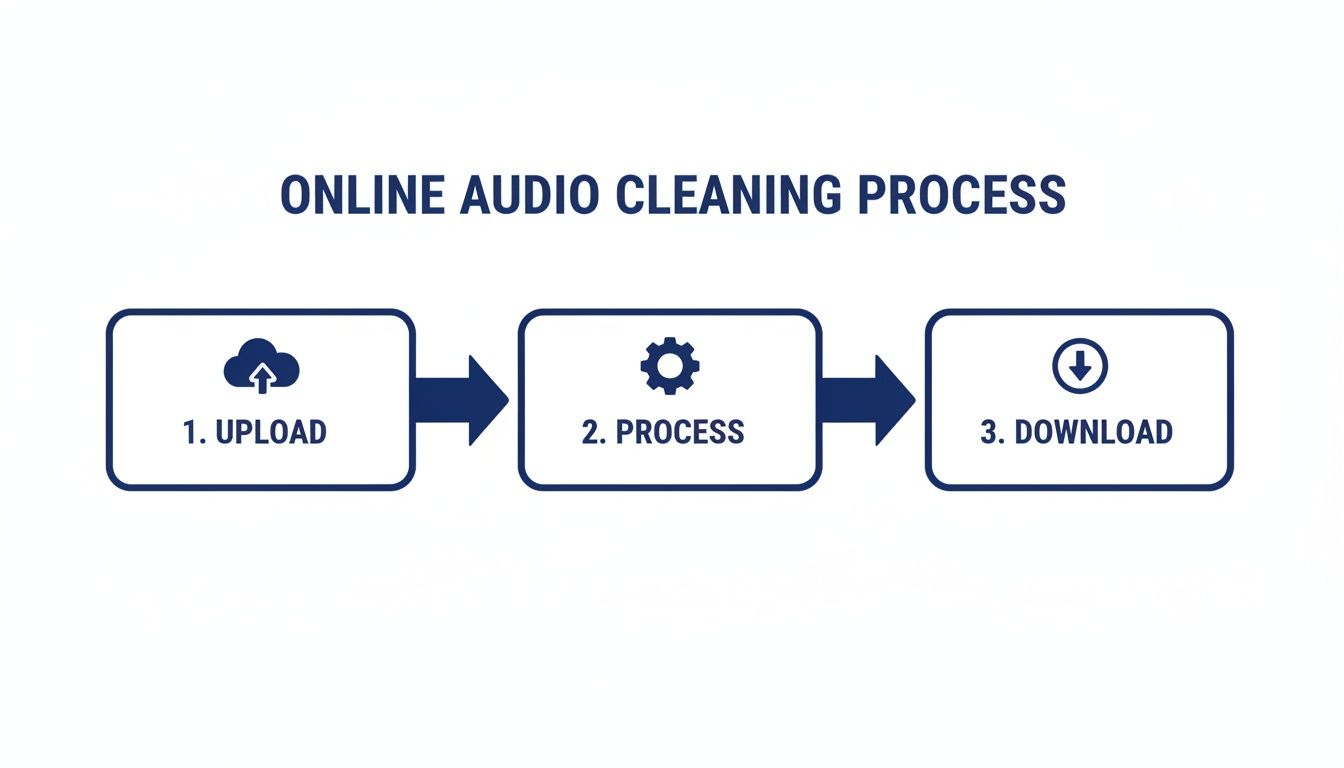
As you can see, these tools are built to get you from a raw, messy file to a polished final product with minimal fuss.
Choosing Your Export Format and Downloading
Happy with how it sounds? Awesome. The last step is to download your file. Most tools offer a couple of common format options, and your choice depends on what you plan to do next.
- WAV: This is your best bet for maximum quality. Pick WAV if you're going to do more editing, mixing, or processing in other software. It’s a “lossless” format, meaning no audio data is thrown away.
- MP3: This is the universal standard for sharing. Its smaller file size makes it perfect for uploading to podcast hosts, embedding on your website, or sharing online.
Just select the format you need and click download. That's it—you now have a clean, professional audio file ready to go.
With a projected 239.6 million digital audio listeners in the U.S. by 2026, the demand for high-quality sound has never been greater. Knowing how to clean audio online for free is a non-negotiable skill for any modern creator trying to cut through the noise. You can dive deeper into the growth of digital audio over at emarketer.com.
Common Audio Problems and How AI Solves Them
Even when you do everything right, unwanted noise has a way of creeping into recordings. This is where an AI audio cleaner really proves its worth, acting like a smart troubleshooter for the most common headaches that podcasters, vloggers, and creators face. You don't have to become a sound engineer overnight; the AI has already been trained to pinpoint and surgically remove these exact issues.
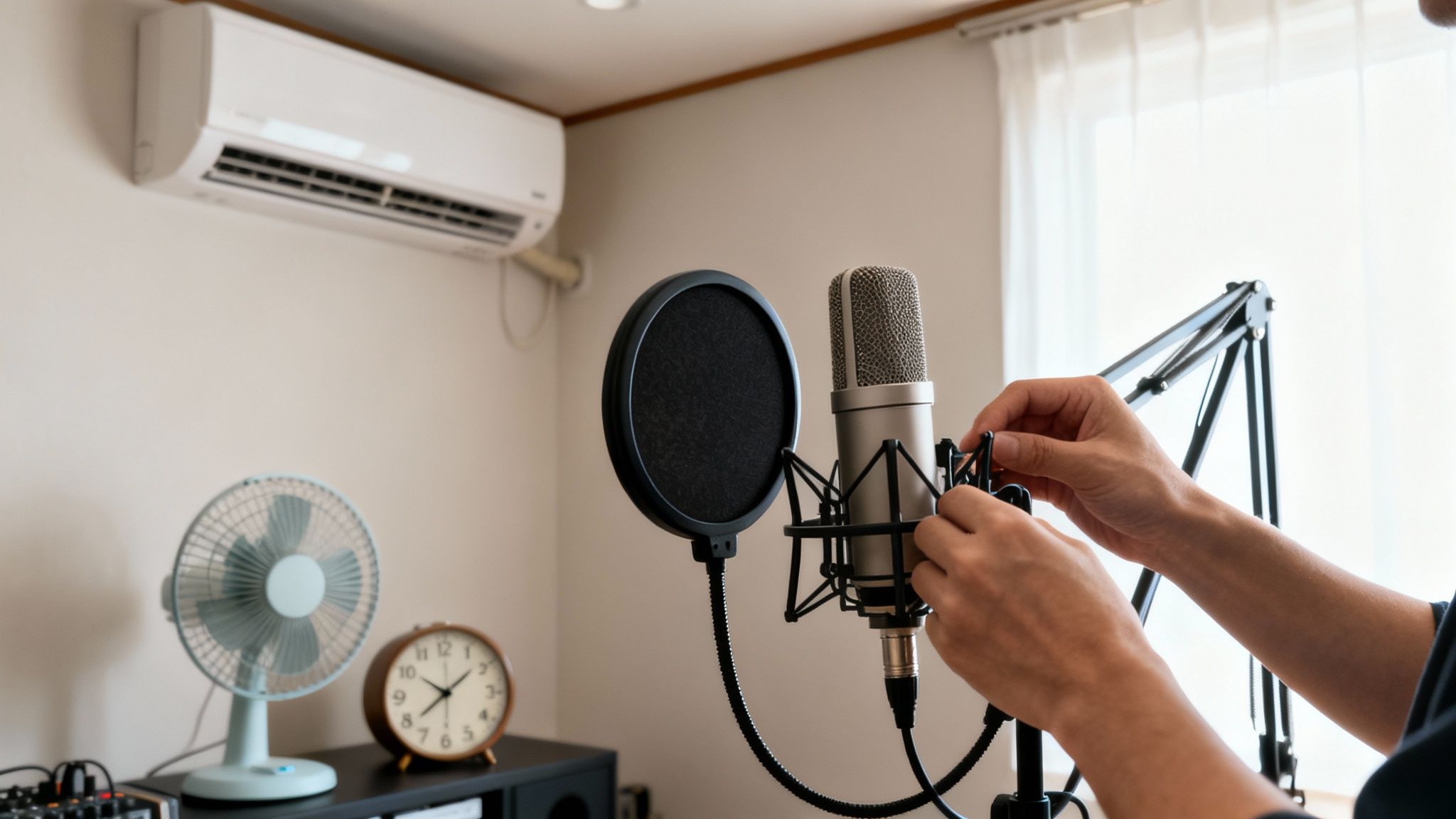
Think about the different kinds of noise you might encounter. There's the low, steady hum of an air conditioner, but then there are also the sharp, sudden clicks from a mechanical keyboard. In traditional software, each of those problems requires a different tool and a different skillset—you might use a noise gate for one, a de-esser for another, and then spend ages tweaking EQ settings to fix the rest. An AI-powered tool sidesteps all that complexity.
Tackling Different Types of Noise
Let's get practical and look at a few real-world scenarios. It's like having an expert assistant who knows precisely what to listen for and how to fix it.
- Steady Background Noise: This is the big one—that constant drone from fans, refrigerators, or HVAC systems. An AI listens to your audio, identifies this consistent "noise floor," and intelligently subtracts it from the recording, leaving your voice clear and untouched.
- Sudden, Sharp Sounds: A dog barking in the next room, a door slamming shut, or even loud keyboard clicks are notoriously difficult to remove manually because they're so brief. The AI can detect these spiky, transient sounds and soften their impact without messing up the dialogue around them.
- Echo and Reverb: Recording in a room with bare walls often creates a hollow, distant sound that screams "amateur." Modern AI tools can actually de-reverberate your audio, making it sound like you were much closer to the mic in a professionally treated space.
This intelligent, targeted approach is what makes it so effective to clean audio online free. For a closer look at the tech making this possible, our guide on software noise cancellation breaks down how these algorithms do their magic.
Before we dive into a comparison, it's helpful to see just how differently AI approaches these problems compared to the old-school manual methods.
Common Noise Types and How AI Tackles Them
| Noise Type | AI Cleaner Approach (e.g., SimpleClean) | Traditional Software Method |
|---|---|---|
| Steady Hum/Hiss | Identifies the noise profile and removes it from the entire track while preserving voice frequencies. | Requires sampling a "noise print" from a silent section and applying a noise reduction filter. |
| Keyboard Clicks | Detects and suppresses individual transient sounds without affecting speech. | Requires manually editing the waveform or using complex noise gates that can clip speech. |
| Echo/Reverb | Analyzes the reflections in the audio and reduces them to create a drier, more direct sound. | Involves specialized de-reverb plugins that often require significant manual adjustment and can be expensive. |
| Mouth Clicks/Plosives | Identifies specific human-generated sounds and reduces them intelligently. | Requires a "de-clicker" or "de-plosiver" plugin, or painstakingly editing each sound by hand. |
As you can see, the AI route is designed to be far more automated and context-aware, saving you a massive amount of time and effort.
Understanding the Limits of Free Tools
While these tools are incredibly powerful, it's also important to be realistic. Free services are a fantastic way to get professional-grade results on a zero-dollar budget, but they usually come with a few limitations you should know about.
Being aware of the boundaries from the start helps you plan your projects better and avoid any unwelcome surprises when you’re on a deadline.
For example, a free plan will likely have caps on file size or duration. SimpleClean offers a generous amount of free processing time to get you started, but it's always smart to check the specifics before you try to upload a two-hour podcast episode. For those dealing with really stubborn audio issues, learning about using a remove noise plugin can offer more advanced solutions.
Here are a few of the typical trade-offs you might run into:
- File Duration: There's often a maximum length for any single audio file you can process. If your recording is too long, a simple workaround is to split it into smaller chunks before uploading.
- File Size: Most services will have an upload limit, like 1 GB per file. Exporting in a slightly compressed format can help, but always try to stick with a lossless format like WAV for the best quality.
- Processing Time: You might get a set amount of cleanup time per month or as a one-time credit. A good strategy is to use your free minutes on your most important projects first to make sure you're happy with the results.
Got Questions About Cleaning Audio Online?
Jumping into a new tool always brings up a few questions, especially when it promises to clean audio online for free. It’s smart to get the lay of the land before uploading your work. Let's walk through some of the things people often ask so you can get started with confidence.
A common one I hear is, "Can I just upload my video file, or do I need to strip out the audio first?" Thankfully, the answer is yes, you can upload the video directly. Modern tools are designed for the way creators actually work.
Whether your video is an MP4, MOV, or AVI, you can just drag and drop it. The software handles the rest—it pulls the audio track out, works its magic, and then gives you a clean audio file (like a WAV or MP3) to download. It completely cuts out the tedious step of separating the audio yourself.
Will This Make My Voice Sound Weird and Robotic?
This is a totally fair question. Anyone who’s dealt with older noise-reduction plugins remembers that awful "underwater" or metallic artifacting. Those old tools were blunt instruments, often gutting the vocal frequencies along with the background noise.
The good news is that the technology has improved dramatically.
Today’s AI is trained on immense datasets of human speech and all kinds of noise. This allows it to be incredibly precise, identifying what’s a voice and what’s a buzzing fridge or a gust of wind.
The entire philosophy has shifted to vocal preservation.
Instead of just blasting away all background noise, the goal is to surgically remove the hiss, hum, and echo while keeping the natural tone and warmth of your voice. The results are almost always surprisingly natural, saving the performance instead of sacrificing it.
It’s this smarter approach that makes these tools so valuable for everything from podcast interviews to client video projects.
What’s the Catch With the Free Trial?
The "free" part is obviously a huge plus, but it's wise to know what happens when you run out of your initial credits. Most platforms, including SimpleClean, give you a decent amount of free processing time—often an hour—which is more than enough to clean up a few projects and see if it works for you.
Once that free hour is up, you aren't funneled into some expensive, long-term contract. The options are usually pretty flexible.
- Pay-As-You-Go: This is perfect if you only need to clean up a file once in a blue moon. You can just buy a small batch of credits as needed.
- Monthly Plans: If you're consistently producing content, a monthly subscription almost always offers a better per-minute rate and is the most cost-effective route.
This structure lets you start for free and then scale based on your actual workload, without any pressure from the get-go.
Ready to give it a shot? SimpleClean offers a free hour of AI audio cleaning so you can hear the difference firsthand. Upload your file and get a polished, professional sound in minutes. Try it now at https://simpleclean.app.