Background noise-the unwelcome hiss, hum, and chatter-can ruin an otherwise perfect recording. Whether you're a podcaster battling air conditioner rumble, a YouTuber filming outdoors, or a voiceover artist needing pristine audio, finding the right tool is critical for delivering a professional final product. The challenge is navigating a market crowded with complex plugins, AI-powered web apps, and all-in-one editing suites. How do you choose the best audio noise reduction software for your specific needs?
This guide cuts through the noise. We have meticulously researched and compiled the top 12 solutions available today, breaking down their strengths, weaknesses, and ideal use cases. From one-click cloud tools designed for instant clarity to industry-standard spectral editors for surgical repair, this comprehensive list will help you find the perfect match for your workflow, skill level, and budget. Each entry includes key feature analysis, pricing information, pros and cons, and screenshots to guide your decision.
We will cover everything from standalone applications like iZotope RX 11 and Descript to powerful integrated tools within DAWs like Adobe Audition and DaVinci Resolve Studio. Understanding the core techniques is just as important as the software itself. To further understand the process of cleaning up your audio, consider this a practical guide on how to remove background sound from video. This listicle provides the direct comparisons you need to select a tool with confidence, ensuring your voice is always heard, loud and clear. Let's dive into the top contenders.
1. SimpleClean
Best for: Effortless, browser-based noise reduction for spoken-word audio.
SimpleClean establishes itself as a premier choice by offering a powerful, AI-driven audio cleanup solution that operates entirely within your browser. It masterfully balances simplicity with professional-grade results, making it an indispensable tool for podcasters, YouTubers, and content creators who require broadcast-quality audio without the steep learning curve of a traditional Digital Audio Workstation (DAW). The platform is engineered to be the most efficient first step in any audio workflow, stripping away common distractions to deliver a pristine vocal track.
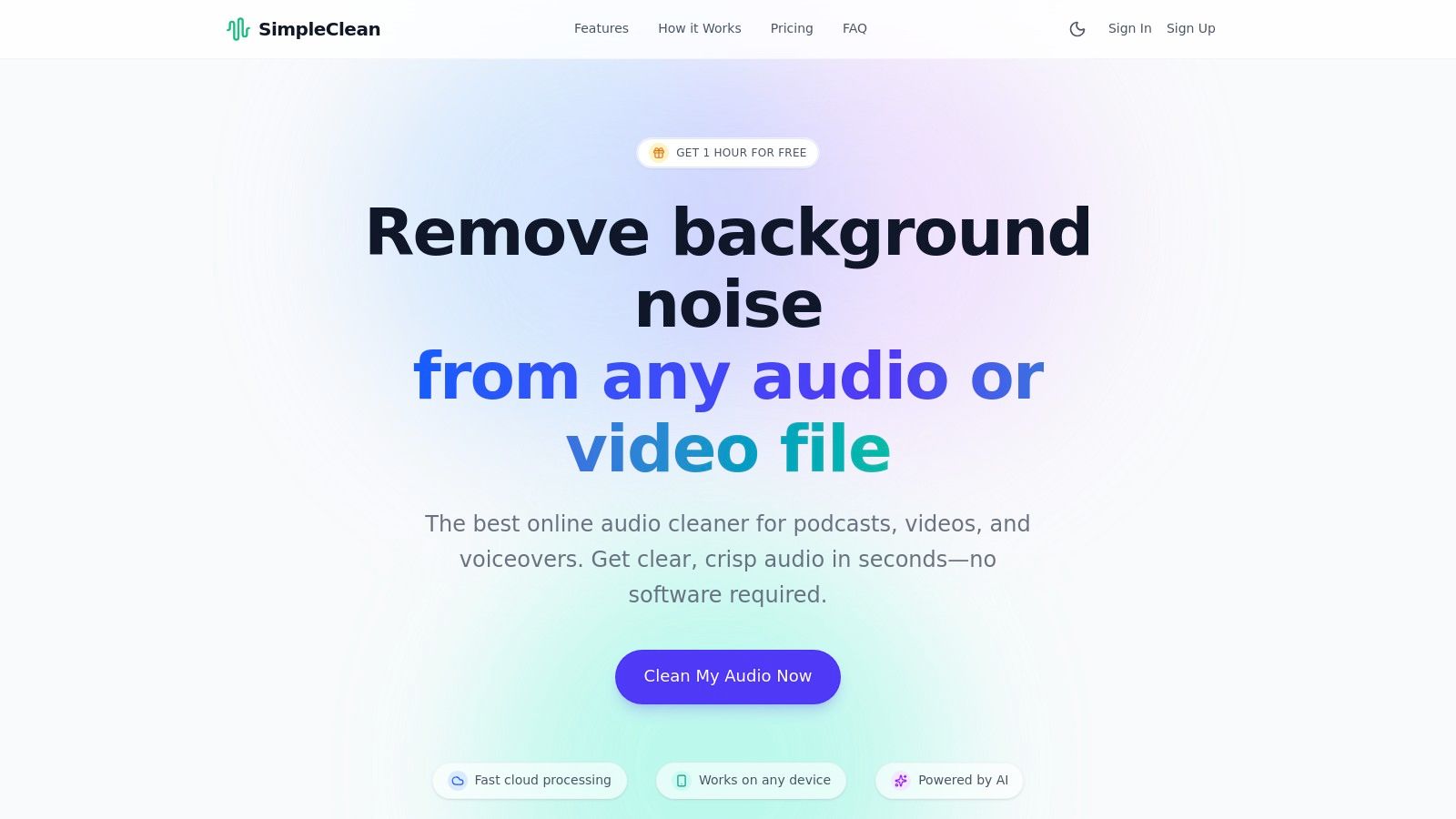
Its core strength lies in its "one-click" philosophy. You simply drag and drop your audio or video file, and its sophisticated AI gets to work, automatically identifying and excising unwanted noise while intelligently preserving the natural tone and cadence of the speaker's voice.
Key Strengths & Use Cases
SimpleClean excels in scenarios where speed and quality are paramount. Its algorithm is specifically tuned for spoken-word content, making it a standout performer for cleaning up remote interviews, on-the-go vlogs, and corporate training videos.
- Podcasting & Voiceovers: Instantly remove air conditioner hum, microphone hiss, and light background chatter to achieve a polished, studio-like sound.
- Video Content Creation: Clean audio from interviews recorded in noisy environments like cafes or conference halls. It directly processes video files (MP4, MOV), saving you the step of extracting audio first.
- Batch Processing for Teams: Post-production teams can upload entire project folders and receive email notifications upon completion, dramatically accelerating the initial cleanup phase.
The platform's performance is consistently impressive. It effectively tackles a wide range of common audio contaminants without introducing the robotic artifacts that can plague lesser tools. The result is an authentic, clean vocal track that's ready for final mixing or direct publishing. This makes it one of the best audio noise reduction software options available for creators focused on efficiency.
Technical Details & Pricing
| Feature | Details |
|---|---|
| Noise Types Removed | Wind, traffic, hums, clicks, plosives, and ambient chatter. |
| Supported Formats | MP3, WAV, FLAC, M4A, MP4, MOV, and dozens more. |
| File Limits | Single files up to 1 GB in size and 3 hours in duration. |
| Privacy & Security | All uploaded and processed files are automatically and permanently deleted from servers after 7 days. |
| Pricing Structure | Free Trial: 1 hour. Subscriptions: Start at $10/month for 10 hours. Pay-As-You-Go: Credits available, e.g., $10.99 for 10 hours. |
Pros:
- Requires zero software installation; accessible from any device with a browser.
- Extensive format support simplifies workflows for both audio and video creators.
- Flexible and transparent pricing accommodates both occasional users and high-volume professionals.
- AI is specifically optimized to protect the natural vocal characteristics of the speaker.
Cons:
- Not designed for musical applications or complex spectral repair tasks.
- The 7-day file retention policy is not suitable for users needing long-term cloud storage.
Website: https://simpleclean.app
2. iZotope RX 11
iZotope RX 11 is widely considered the industry standard for audio repair, offering a comprehensive suite that functions both as a standalone spectral editor and as a set of plugins for major digital audio workstations (DAWs) and video editors (NLEs). It stands apart from simpler, automated tools by providing deep, surgical control over audio issues. This makes it an indispensable tool for post-production professionals in film, TV, and music who need to perform forensic-level cleanup on dialogue, sound effects, and musical performances.
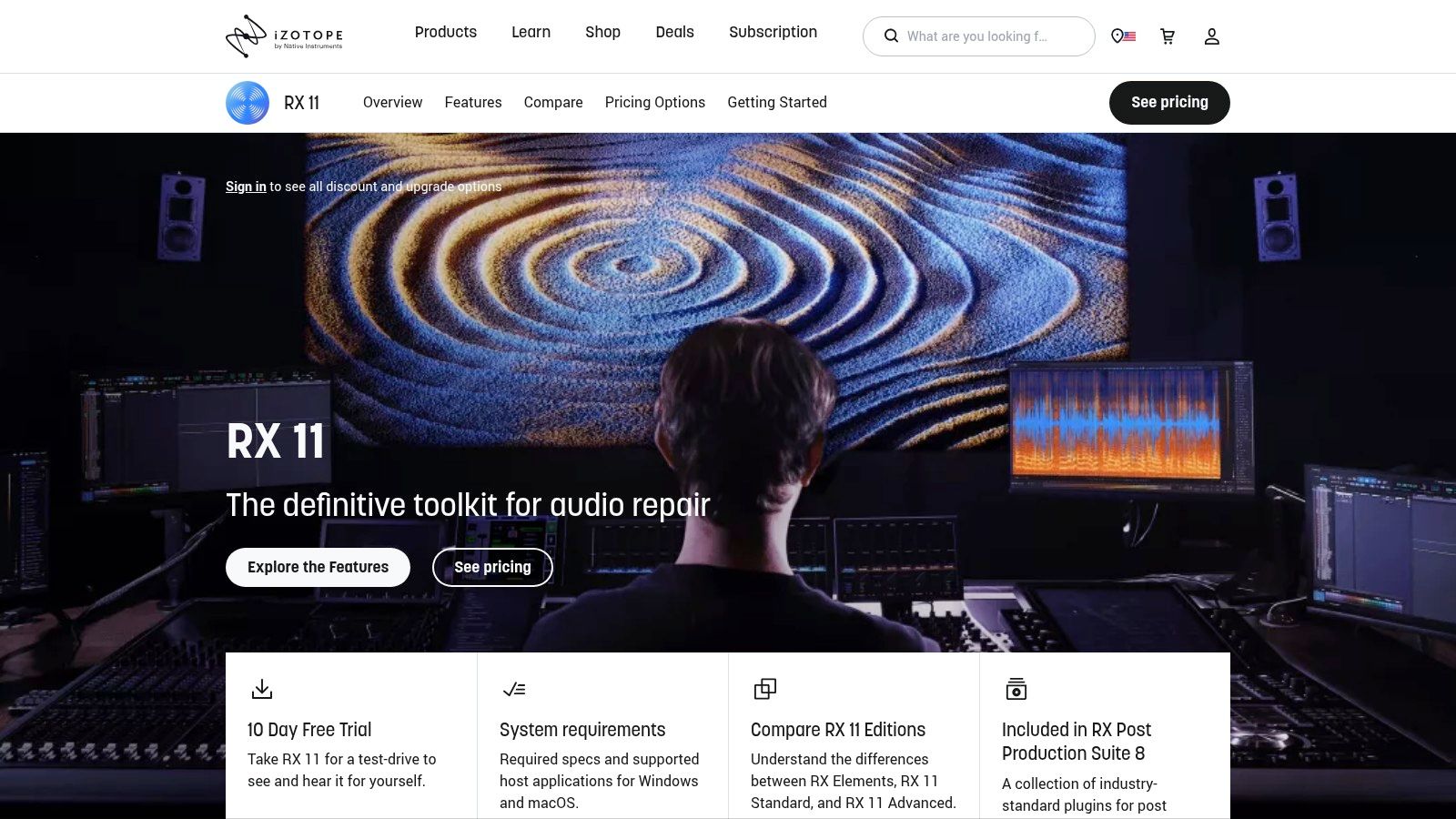
The platform is renowned for its machine-learning-powered modules like Dialogue Isolate, which can separate spoken word from complex, noisy backgrounds, and Music Rebalance, for adjusting individual elements within a mixed track. Its spectral editor allows users to visually identify and remove specific noises like coughs, clicks, and hums with unmatched precision. This level of control is what makes it some of the best audio noise reduction software available.
Key Features & Use Cases
- Best For: Professional audio engineers, dialogue editors, and serious content creators who need to salvage otherwise unusable audio recordings.
- Standout Feature: The Spectral Repair module allows for the visual "painting out" of unwanted sounds, from a squeaky chair to a sudden siren, without affecting the surrounding audio. This visual approach is a game-changer for complex restoration tasks.
- Implementation: Use it as a VST/AU/AAX plugin directly within your DAW (like Pro Tools or Logic Pro) or NLE (like Adobe Premiere Pro) for a seamless workflow.
Pricing and Access
iZotope RX 11 is available in three tiers to accommodate different needs and budgets:
- Elements: An entry-level version with essential tools.
- Standard: A robust mid-tier option for most creators.
- Advanced: The full, professional suite with every available module.
While the Advanced edition carries a premium price tag, the tiered structure makes professional tools accessible. You can explore more about iZotope RX 11 and its place in the world of audio restoration in this detailed guide about audio restoration software.
| Pros | Cons |
|---|---|
| Unparalleled, precise audio repair | Steep learning curve for beginners |
| Industry-standard tool trusted by pros | Advanced version is very expensive |
| Integrates with all major DAWs/NLEs | Can be overkill for simple noise issues |
3. Waves Audio (Clarity VX, NS1, WNS, etc.)
Waves is a household name in the audio plugin world, offering a vast catalog of tools that includes several powerful, real-time noise reduction solutions. Unlike deep spectral editors, Waves’ approach often prioritizes speed and simplicity, making its plugins a go-to choice for creators who need quick, effective results directly within their editing timeline. From simple one-knob solutions to advanced AI-powered processors, Waves provides some of the best audio noise reduction software for a variety of real-world scenarios.
The collection is particularly strong in dialogue and voice cleanup. Its standout modern offering, Clarity Vx, uses neural network technology to intelligently separate voice from ambient noise with remarkable accuracy, often with just a single control. This focus on immediate, high-quality results for voice-based content makes it an essential tool for podcasters, YouTubers, and post-production editors working on tight deadlines who need to clean up dialogue without a steep learning curve.
Key Features & Use Cases
- Best For: Video editors, podcasters, and content creators who need fast, real-time noise reduction for dialogue and voiceovers directly in their NLE or DAW.
- Standout Feature: The Clarity Vx plugin’s neural network engine provides exceptional voice isolation from complex background noise (wind, traffic, crowds) with a simple interface, preserving the natural vocal character.
- Implementation: Waves plugins run as VST/AU/AAX formats in virtually all major DAWs (like Ableton Live, FL Studio) and NLEs (like DaVinci Resolve, Final Cut Pro).
Pricing and Access
Waves plugins are sold individually or in bundles, with prices that fluctuate frequently due to regular sales and promotions from Waves and authorized retailers.
- Individual Plugins: Tools like Clarity Vx or NS1 can be purchased à la carte.
- Bundles: Often offer better value, packaging multiple tools for specific purposes (e.g., post-production).
- Waves Creative Access: A subscription model providing access to the entire plugin catalog.
This flexible pricing and frequent sales make powerful tools accessible, though tracking the best deals can require some attention. You can find their popular Clarity Vx plugin and other tools directly on their website.
| Pros | Cons |
|---|---|
| Fast, real-time results with minimal setup | AI tools can be CPU-intensive |
| Excellent for dialogue and voice isolation | Product lineup and pricing can be confusing |
| Frequent sales make them affordable | Can be less surgical than spectral editors |
4. Acon Digital Restoration Suite 2
Acon Digital Restoration Suite 2 presents a powerful yet affordable alternative to more expensive industry titans. It’s a specialized bundle of four VST/AU/AAX plugins: DeNoise 2, DeHum 2, DeClick 2, and DeClip 2. This suite is highly regarded for its excellent audio quality, clean user interface, and efficient CPU usage, making it a fantastic choice for those who need professional results without the steep learning curve or system overhead of more complex software. It focuses on traditional, high-quality audio restoration tasks.
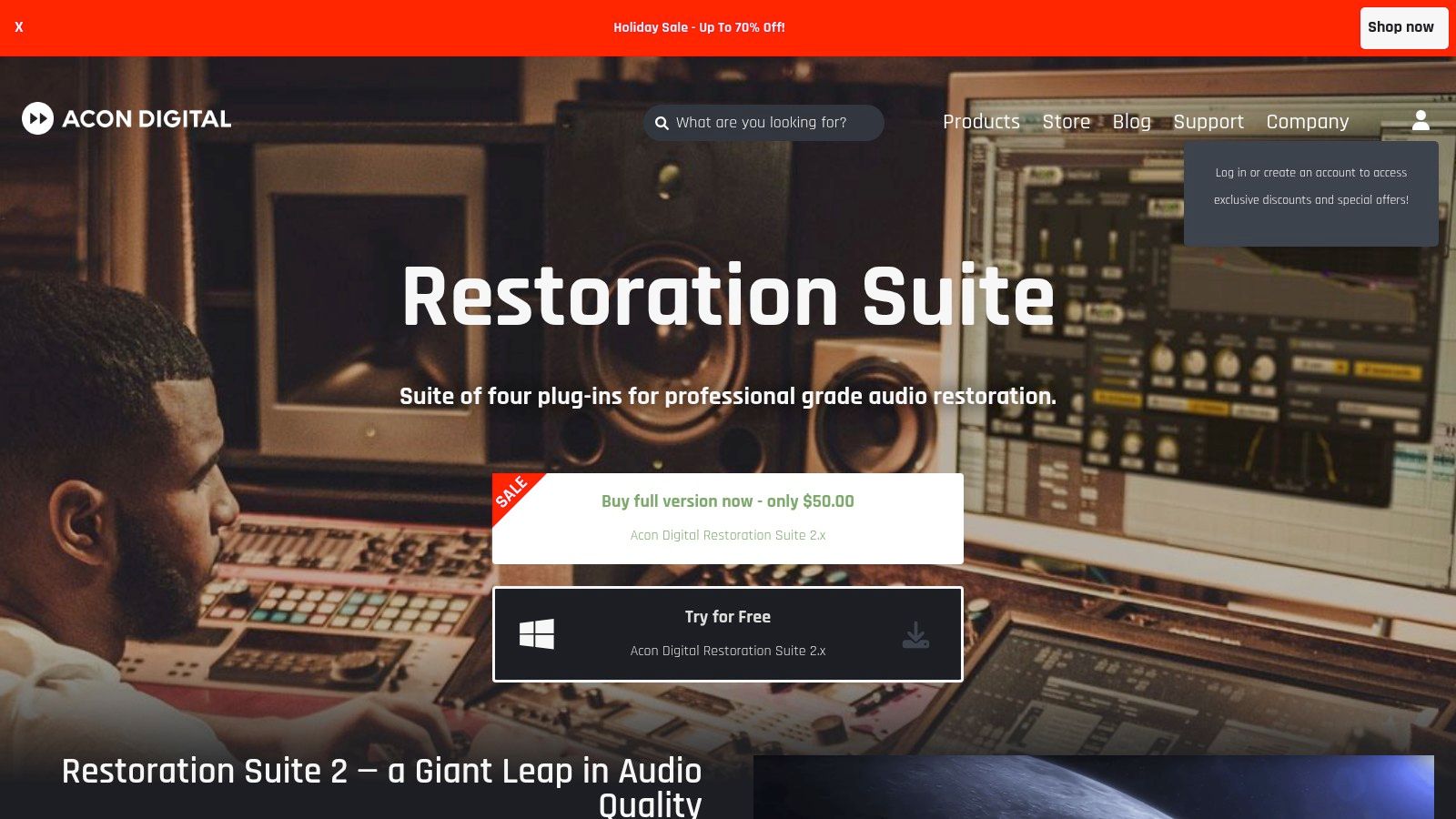
The suite excels at targeted noise problems. The DeNoise 2 module is particularly noteworthy for its ability to learn a noise profile from the audio and adapt to changes in the noise over time. This makes it highly effective against dynamic background noise like wind or air conditioning. While it lacks the all-in-one spectral editor of its competitors, its focused, high-performance tools make it some of the best audio noise reduction software for its price point.
Key Features & Use Cases
- Best For: Musicians, podcasters, and video editors on a budget who need reliable tools to fix common audio issues like hiss, hum, clicks, and clipping.
- Standout Feature: The dynamic noise profiling in DeNoise 2 allows the plugin to adapt to background noise that isn't constant, providing a more transparent and natural-sounding reduction than static noise profiles.
- Implementation: Integrates seamlessly into any major DAW (like Reaper, Ableton Live, or FL Studio) or NLE that supports VST, AU, or AAX plugins on both macOS and Windows.
Pricing and Access
Acon Digital Restoration Suite 2 is offered as a single, competitively priced bundle.
- Perpetual License: A one-time purchase provides lifetime access to the four core plugins. It is frequently available at a significant discount during sales events.
This straightforward pricing model offers incredible value. You can learn more and purchase the suite directly from the Acon Digital website.
| Pros | Cons |
|---|---|
| Excellent price-to-performance ratio | Lacks a comprehensive spectral editor |
| Low CPU usage, efficient performance | No advanced AI dialogue separation tools |
| Simple, intuitive controls yield pro results | Focused on repair, not creative effects |
5. Steinberg SpectraLayers
Steinberg SpectraLayers offers a unique and powerful visual approach to audio editing and noise reduction. It treats audio not as a waveform but as a collection of visual layers, much like a photo editor works with images. This layer-based spectral editing allows for incredibly precise "unmixing" of sound, where you can isolate and manipulate specific elements within a single audio file. Its advanced AI tools make it a strong contender in the professional audio repair space and a direct alternative to other industry standards.
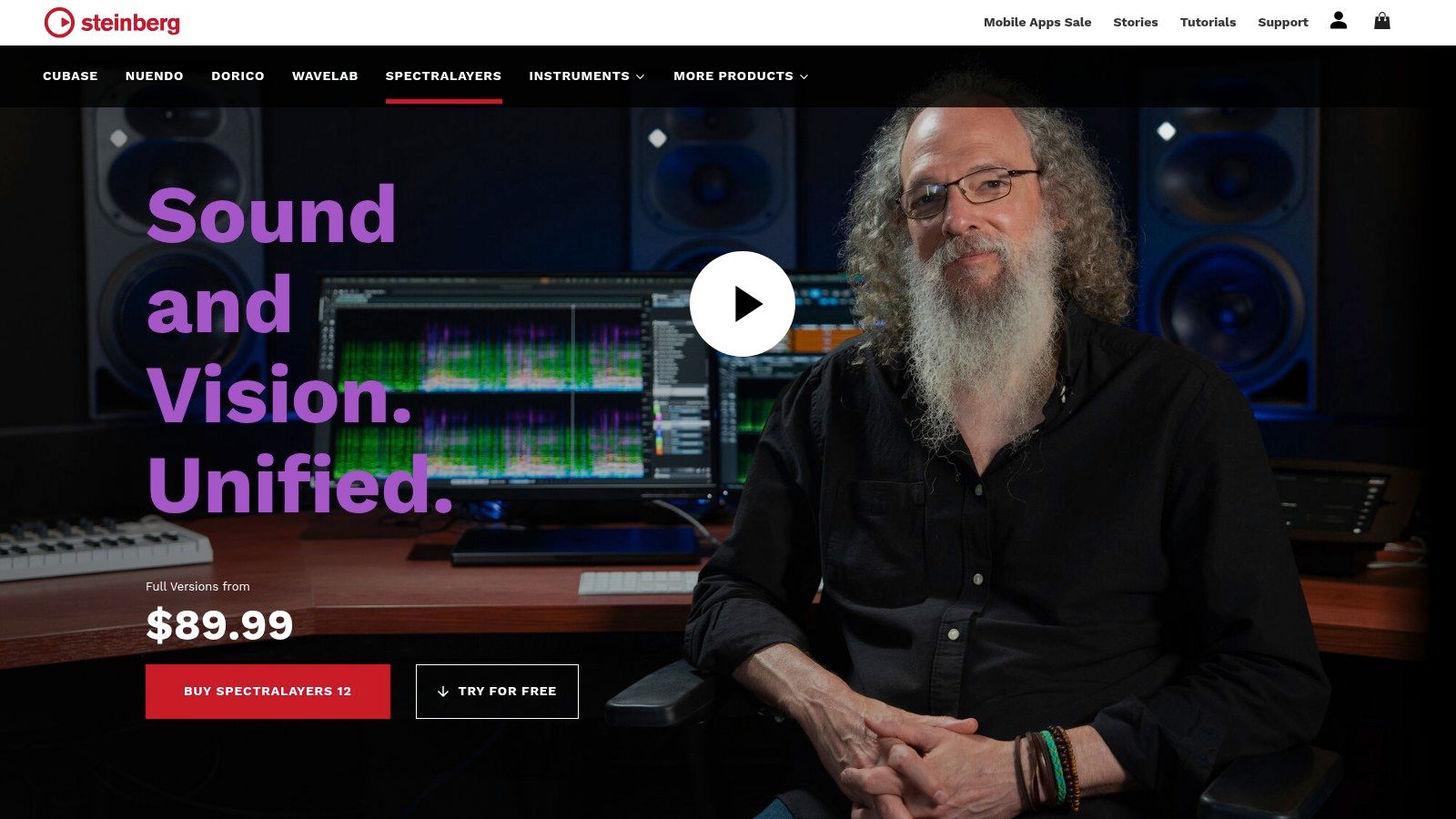
The platform excels at tasks like stem separation, dialogue enhancement, and surgical sound removal. You can visually identify noise, select it with precise tools, and move it to a different layer or delete it entirely. Modules like Voice Enhance and DeNoise leverage AI to clean up recordings intelligently. For users of Steinberg's DAWs like Cubase or Nuendo, its seamless ARA integration provides an exceptionally fast workflow, making it some of the best audio noise reduction software for complex post-production tasks.
Key Features & Use Cases
- Best For: Audio post-production professionals, music producers, and sound designers who need to perform complex unmixing or surgical sound repair.
- Standout Feature: The layer-based editing system is its defining characteristic. The ability to unmix stems (vocals, drums, bass) or separate transients from tonal sounds into distinct, editable layers offers a level of creative control that is hard to find elsewhere.
- Implementation: Integrates tightly with Cubase/Nuendo via ARA 2 for a non-destructive workflow but also works as a standalone editor or with other DAWs that support ARA.
Pricing and Access
Steinberg SpectraLayers is offered in two main versions to suit different user needs:
- Elements: An affordable entry point with core spectral editing and AI-powered noise reduction.
- Pro: The complete version with advanced features like AI-driven stem and component unmixing.
You can learn more and purchase directly from the official Steinberg SpectraLayers website.
| Pros | Cons |
|---|---|
| Powerful layer-based visual editing | Workflow has an adjustment period |
| Excellent AI-driven unmixing tools | Some key features are Pro-version only |
| Competitive pricing for professional features | Not as universally adopted as some rivals |
6. Blackmagic Design DaVinci Resolve Studio
Blackmagic Design's DaVinci Resolve is a powerhouse in the video post-production world, but its Studio version includes an increasingly sophisticated set of AI-driven audio tools. For video editors, this integration is its greatest strength, offering powerful noise reduction directly within their editing timeline. Users can clean up dialogue without ever leaving the application, streamlining the entire post-production process from edit to color to sound.
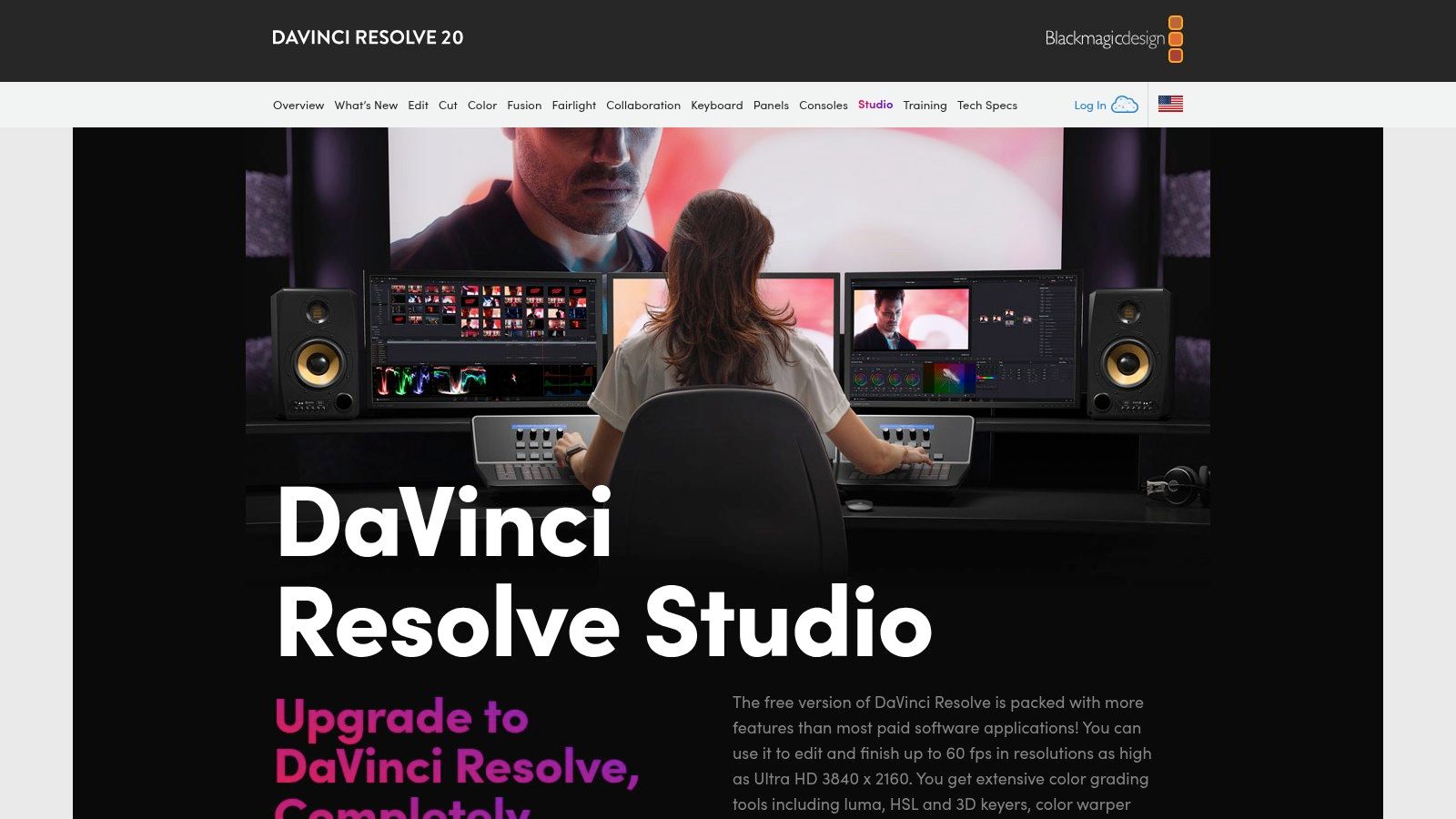
The platform's standout features, AI Voice Isolation and Dialogue Leveler, are designed for quick and effective results. Voice Isolation excels at separating dialogue from challenging background noise like traffic or crowds, while the integrated Fairlight DAW provides a full mixing and restoration environment for more complex audio tasks. This makes it some of the best audio noise reduction software for creators who need an all-in-one solution for both video and audio.
Key Features & Use Cases
- Best For: Video creators, YouTubers, and filmmakers who want a single application for editing, color grading, and audio post-production.
- Standout Feature: The AI-powered Voice Isolation tool provides one-click dialogue cleanup that is remarkably effective, saving immense time compared to traditional audio repair workflows.
- Implementation: The noise reduction tools are built directly into the Fairlight audio and Edit pages, allowing you to apply them at the clip or track level within your video project.
Pricing and Access
DaVinci Resolve has a surprisingly accessible pricing model. The free version is incredibly capable, while the full Studio version, which includes the advanced AI audio tools, is available for a one-time purchase. This subscription-free model is a major advantage for many users. You can explore how these tools fit into a video workflow in this guide on noise reduction for video.
| Pros | Cons |
|---|---|
| Exceptional value for an all-in-one suite | Overkill for users who only need audio tools |
| Strong AI dialogue tools built into the NLE | Some tools are only available at the clip level |
| One-time purchase, no subscription | Can be resource-intensive on some systems |
7. Adobe Audition
Adobe Audition is a comprehensive digital audio workstation (DAW) that offers a powerful suite of tools for audio editing, mixing, and restoration. While it's a full-featured editor, its strength in noise reduction comes from its tight integration with the Adobe Creative Cloud ecosystem, particularly Premiere Pro. This makes it an ideal choice for video editors and content creators who need to clean up dialogue and polish audio within a familiar workflow.
Audition provides both automated and manual tools for audio cleanup. The Essential Sound panel offers user-friendly presets for dialogue, music, and sound effects, making quick repairs accessible to beginners. For more advanced users, the spectral frequency display allows for visual identification and removal of specific noises, similar to more specialized tools. This balance of simplicity and power makes it some of the best audio noise reduction software for creators already invested in Adobe's suite.
Key Features & Use Cases
- Best For: Video editors, podcasters, and voiceover artists using the Adobe Creative Cloud suite who need a powerful, integrated audio solution.
- Standout Feature: The seamless "round-trip" workflow with Premiere Pro allows users to send audio clips to Audition for advanced editing and back to the video timeline with a single click, saving significant time.
- Implementation: It functions as a standalone DAW on macOS and Windows. Beyond noise reduction, comprehensive audio editing often involves tasks like combining multiple sound clips into a single track. Learn more about how to merge audio files for perfect edits.
Pricing and Access
Adobe Audition is available exclusively through a Creative Cloud subscription, either as a standalone application or as part of the All Apps plan.
- Audition Single App: A monthly subscription for access to Audition only.
- Creative Cloud All Apps: A comprehensive subscription that includes Audition, Premiere Pro, Photoshop, and over 20 other creative applications.
| Pros | Cons |
|---|---|
| Deep integration with Adobe Premiere Pro | Subscription-only model, no perpetual license |
| Excellent balance of simple and advanced tools | Can be complex for users new to DAWs |
| Strong learning resources via Adobe | Overkill for users with basic audio needs |
8. Auphonic
Auphonic is a unique, cloud-based audio post-production web service designed to simplify the final mastering stage for spoken-word content. It’s not a traditional plugin or standalone editor; instead, it offers an intelligent, automated "set it and forget it" approach. Creators upload their raw audio, and Auphonic's algorithms automatically handle leveling, loudness normalization to podcast and broadcast standards, and, most importantly, noise and hum reduction.
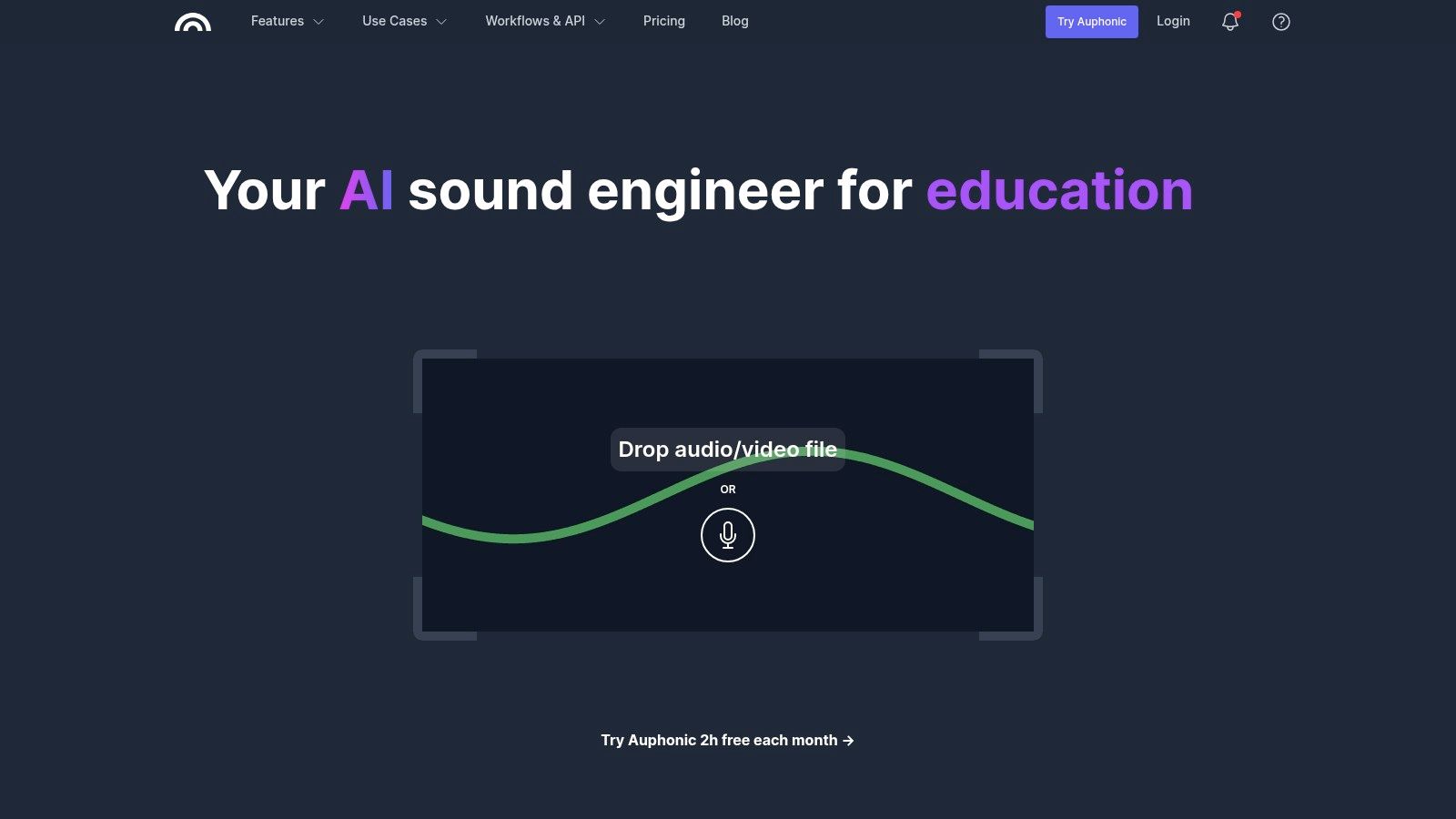
The platform shines for podcasters and content creators who need professional-sounding results without delving into the complexities of a DAW. Its Intelligent Leveler balances different speakers, music, and sound effects, while the noise reduction algorithms are specifically trained to identify and reduce common background issues like hiss, hum, and ambient noise. This makes it some of the best audio noise reduction software for those prioritizing speed and consistency.
Key Features & Use Cases
- Best For: Podcasters, audiobook producers, and video creators who need a fast, automated solution for mastering and cleaning up dialogue-heavy audio.
- Standout Feature: The combination of Adaptive Leveler and Loudness Normalization is a major time-saver. It automatically ensures your audio meets industry standards (like LUFS) for platforms like Spotify and Apple Podcasts, providing a consistent listening experience.
- Implementation: Entirely browser-based. You upload your audio file, select your desired processing, and download the finished product. It also integrates with services like YouTube, Dropbox, and various podcast hosts for automated publishing.
Pricing and Access
Auphonic operates on a credit-based system, making it accessible for users with varying needs.
- Free Tier: A generous free plan offers up to 2 hours of processed audio per month, perfect for testing or for creators with minimal output.
- Recurring Credits: Monthly subscriptions provide a set number of processing hours at a reduced rate.
- One-Time Credits: Users can purchase non-expiring blocks of credits for specific projects.
You can learn more and try the service for free on the official Auphonic website.
| Pros | Cons |
|---|---|
| Extremely easy to use with excellent results | Cloud processing requires uploading files |
| No software installation or DAW required | Limited manual control over parameters |
| Automated loudness normalization is a huge time-saver | Less suitable for complex musical repair |
9. Krisp
Krisp is a unique real-time AI noise cancellation app designed for live communication, such as online meetings, calls, and streams. Unlike post-production tools that clean up pre-recorded files, Krisp works directly with your microphone and speaker audio during live use. It acts as a virtual filter between your hardware and communication apps like Zoom, Microsoft Teams, or OBS, removing background noise from both your outgoing and incoming audio. This makes it an essential tool for remote workers, streamers, and anyone who needs clear, professional-sounding communication in noisy environments.
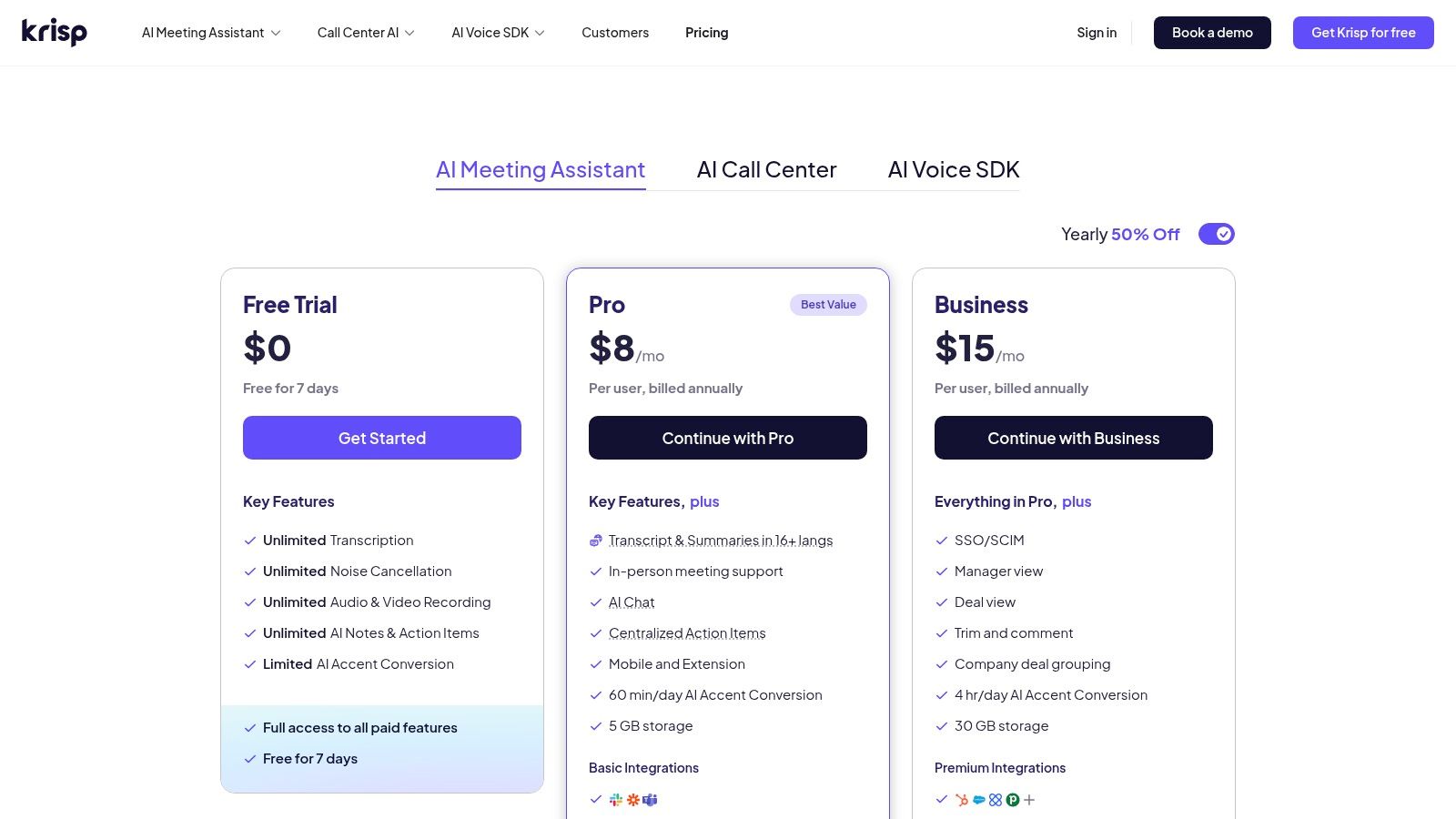
The platform's standout capability is its bi-directional noise removal. This means it not only cleans your microphone's audio so others can hear you clearly, but it also cleans the audio you receive from other participants, eliminating distractions from their end. Because it operates at the system level, it doesn't require complex plugins or a DAW, offering an incredibly simple setup. For live applications where you can't fix audio in post, Krisp is some of the best audio noise reduction software available for on-the-fly clarity.
Key Features & Use Cases
- Best For: Remote professionals, sales teams, live streamers, and online educators who need pristine audio quality during live calls and broadcasts.
- Standout Feature: The bi-directional cancellation is a game-changer for group meetings, as it cleans audio from all participants, creating a focused and distraction-free conversation for the user.
- Implementation: Install the desktop app and select "Krisp Microphone" and "Krisp Speaker" as your audio input/output in your preferred communication software (e.g., Zoom, Slack, Discord).
Pricing and Access
Krisp offers a tiered pricing model that includes a free option for casual users and paid plans for professionals and businesses.
- Free: Provides a limited number of noise cancellation minutes per day.
- Pro: Offers unlimited minutes for individual professional use.
- Business: Includes centralized management and billing for teams.
The subscription model provides ongoing access to its powerful real-time capabilities. You can find out more about how Krisp fits into the broader landscape of noise reduction tools in our guide on software noise cancellation.
| Pros | Cons |
|---|---|
| Excellent real-time noise cancellation | Not designed for post-production editing |
| Very easy to set up and use | Unlimited use requires a subscription |
| Works with almost any communication app | Less surgical control than dedicated audio editors |
10. Plugin Boutique
Plugin Boutique isn't a single software but an authorized online marketplace that is an essential resource for finding the best audio noise reduction software at competitive prices. It serves as a central hub where creators can browse, compare, and purchase legitimate licenses for plugins from a vast array of developers, including top brands like iZotope, Waves, Acon Digital, and more. For anyone building their audio toolkit, it’s a one-stop shop for discovering new tools and catching significant discounts that aren't always available directly from the manufacturers.
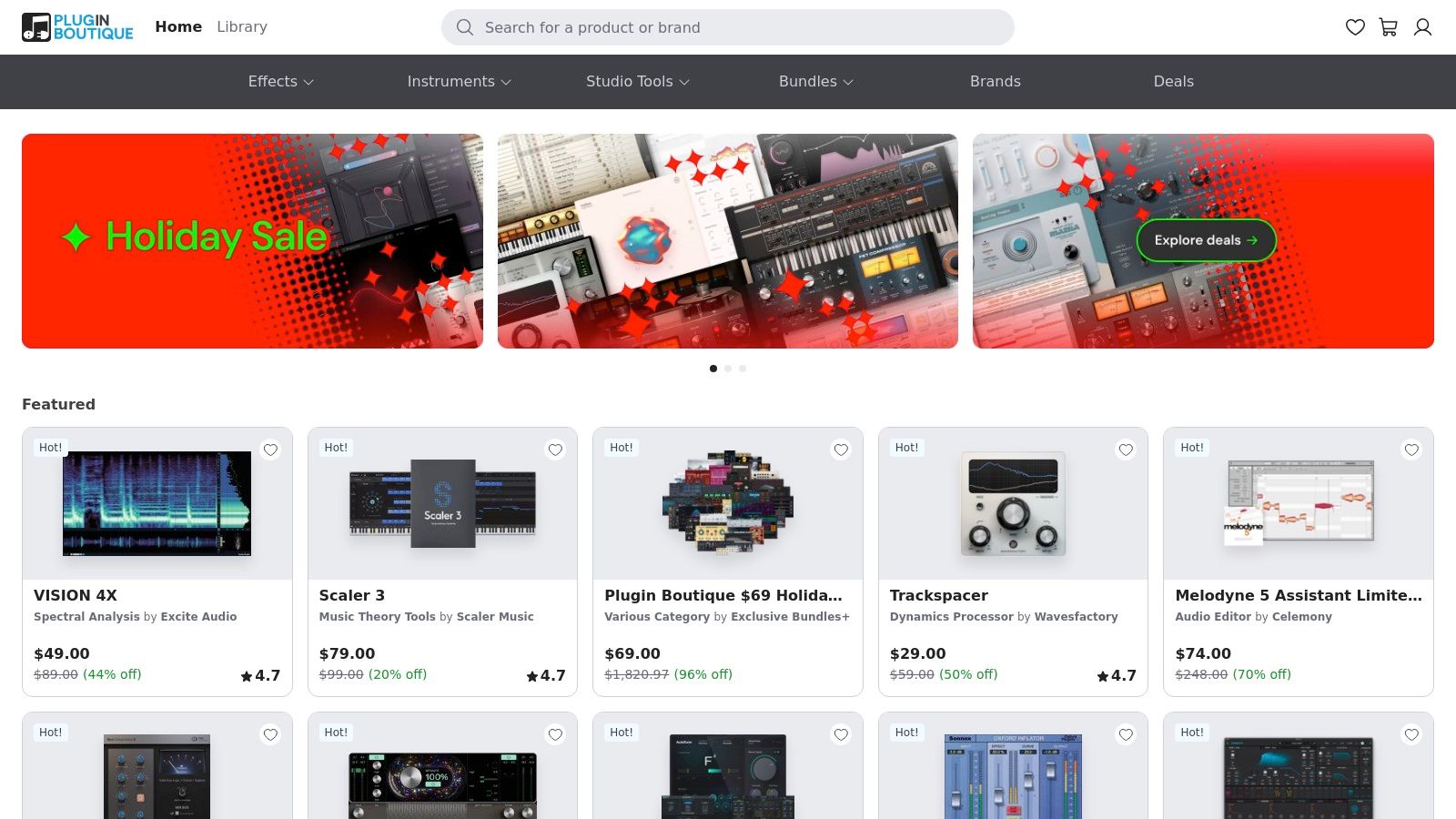
The platform stands out due to its frequent sales, exclusive bundle deals, and a loyalty program that rewards customers with virtual cash and free plugins. Instead of visiting dozens of individual developer websites, users can check Plugin Boutique to see all current promotions in one place. Its clear presentation of compatibility information (VST, AU, AAX) and user reviews helps you make an informed decision before purchasing, ensuring the tool fits your workflow.
Key Features & Use Cases
- Best For: Audio creators of all levels looking to purchase high-quality noise reduction plugins from various brands at the best possible prices.
- Standout Feature: The "Deals" section is constantly updated with significant, time-sensitive discounts on industry-standard software. Savvy shoppers can acquire premium tools for a fraction of their retail price.
- Implementation: Once purchased, you receive an instant license key and download link, which you then use to authorize and install the plugin for use in your DAW or NLE.
Pricing and Access
Pricing on Plugin Boutique is dynamic and varies based on manufacturer promotions. The key to using the site effectively is to monitor it for sales on the specific software you need.
- Access: Visit the Plugin Boutique website to browse and purchase.
- Loyalty Program: Every purchase earns you virtual currency and often includes a free bonus plugin from a rotating monthly selection.
| Pros | Cons |
|---|---|
| Often the lowest legitimate pricing during sales | Sale prices fluctuate; requires patience |
| Excellent one-stop shop to compare brands | Technical support is handled by the plugin makers |
| Instant license delivery after purchase | Must carefully check license and upgrade terms |
11. Sweetwater
Sweetwater isn't a software developer but a highly respected pro-audio retailer that serves as a crucial hub for purchasing the industry's best audio noise reduction software. Instead of creating their own tool, they provide a curated marketplace for authorized licenses from top brands like Waves, iZotope, and Acon Digital. This makes them a one-stop shop for creators who want to compare and buy professional-grade plugins with the assurance of legitimate licensing and expert support.
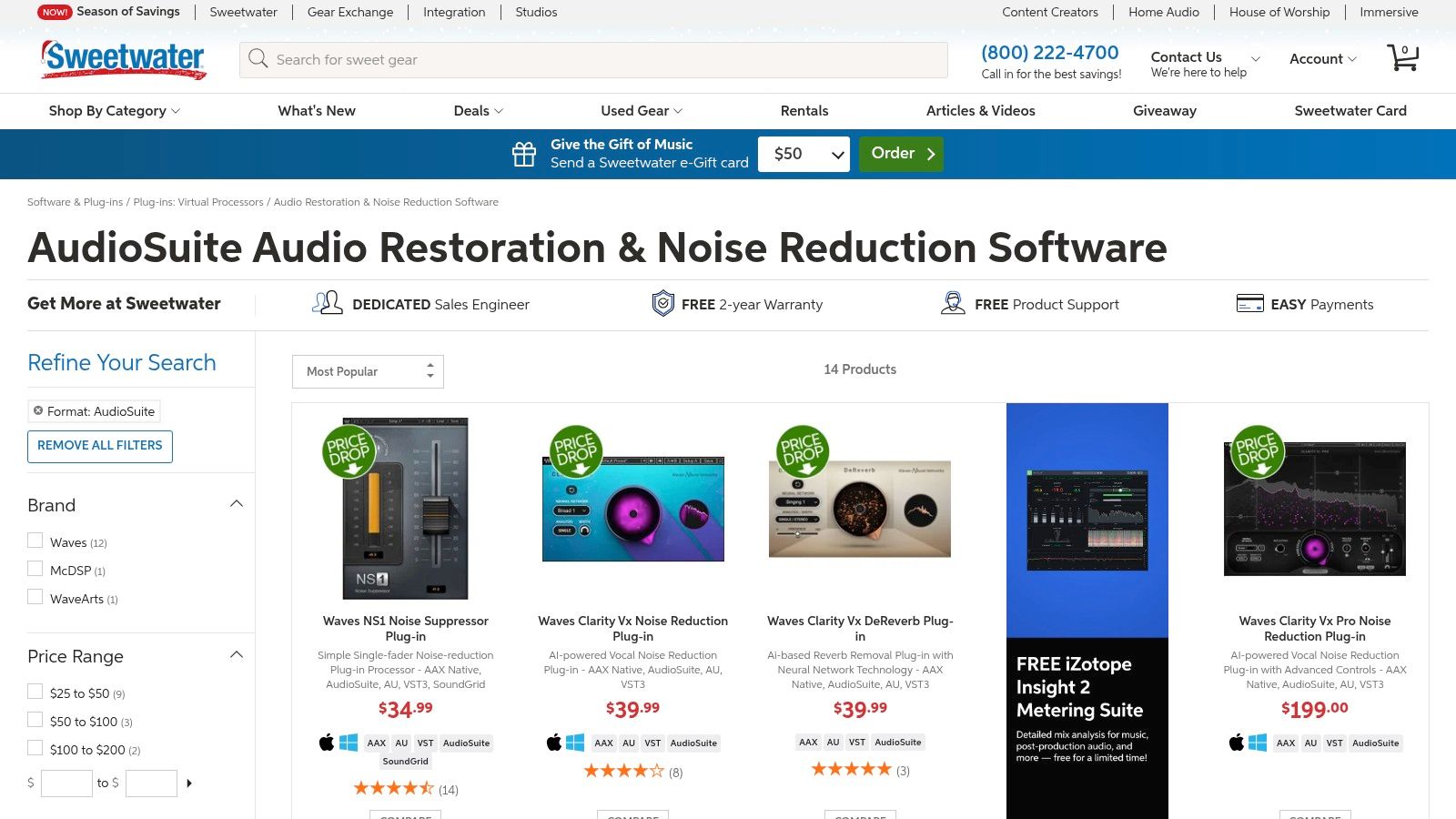
The platform stands out due to its knowledgeable Sales Engineers who can offer personalized recommendations based on your specific DAW, workflow, and audio challenges. For many software purchases, they offer instant electronic delivery, allowing you to download and authorize your new plugins minutes after buying. This combination of curated selection and customer-centric service makes it an essential resource for professionals and serious hobbyists.
Key Features & Use Cases
- Best For: Audio professionals, musicians, and content creators who want to purchase authorized software from a trusted US-based retailer with excellent customer support.
- Standout Feature: Access to dedicated Sales Engineers who provide personalized, expert advice, helping you choose the right noise reduction plugin for your specific needs and setup.
- Implementation: Once purchased, you receive a license key and download link, allowing for direct installation and integration into your preferred DAW or NLE as a VST, AU, or AAX plugin.
Pricing and Access
Pricing is set by the individual software manufacturers, but Sweetwater often participates in official sales and promotions.
- Financing: Offers flexible payment plans for more expensive software suites.
- Instant Delivery: Many software licenses are delivered electronically immediately after purchase.
- Bundles: Frequently offers hardware-software bundles that provide additional value.
You can browse their curated selection of noise reduction plugins at Sweetwater.com.
| Pros | Cons |
|---|---|
| Trusted, authorized retailer for top brands | Prices may not be as low as some flash-sale sites |
| Expert support from knowledgeable staff | Some software sales are final once licensed |
| Instant electronic delivery for many plugins | Primarily serves the US market |
12. Descript – Studio Sound
Descript is a comprehensive AI-powered audio and video editing platform that redefines post-production for content creators. Its standout feature, Studio Sound, is an incredibly effective one-click solution that removes background noise, room echo, and other common audio imperfections. This tool is integrated directly into its unique text-based editing workflow, making it a go-to choice for podcasters, YouTubers, and anyone who values speed and simplicity over manual, granular control.
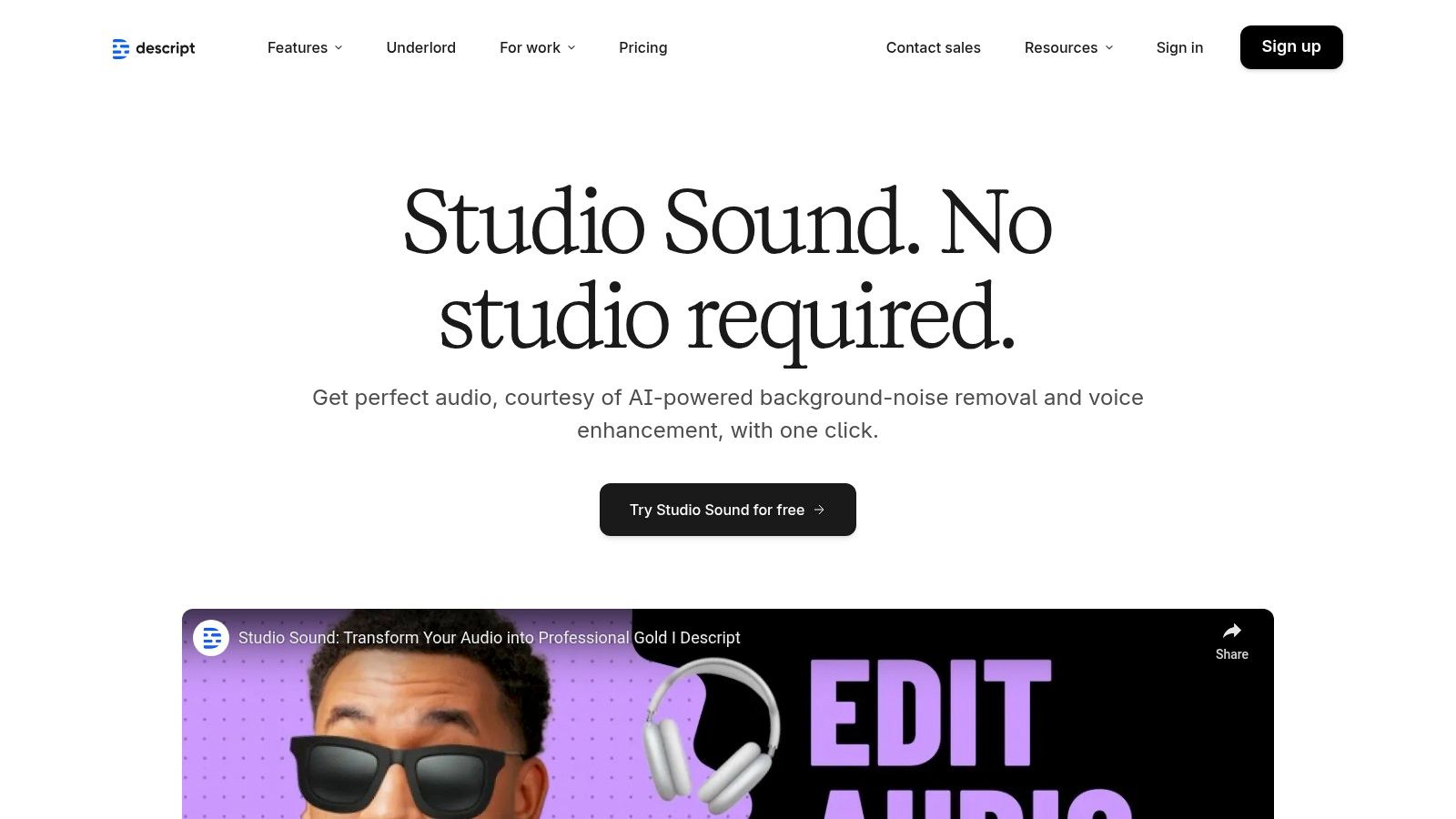
The platform's main advantage is its all-in-one approach. Users can record, transcribe, edit their audio by manipulating the text, remove filler words, and apply Studio Sound for a professional finish, all within a single interface. This makes it some of the best audio noise reduction software for those who want to produce high-quality spoken-word content without needing deep knowledge of traditional digital audio workstations (DAWs).
Key Features & Use Cases
- Best For: Podcasters, video creators, and educators who need a fast, all-in-one solution for editing and cleaning up dialogue.
- Standout Feature: The one-click Studio Sound button instantly processes audio to give it a polished, studio-like quality, removing background noise and echo with remarkable effectiveness.
- Implementation: Apply Studio Sound directly to any audio or video clip within the Descript desktop or browser-based editor. The effect is non-destructive and can be toggled on or off at any time.
Pricing and Access
Descript offers several subscription tiers, including a free plan with limited access to Studio Sound. Paid plans unlock higher quality processing, more transcription hours, and advanced features.
- Free: Basic features and limited Studio Sound use.
- Creator: More features for individual creators.
- Pro: Full suite of features with higher limits.
- Enterprise: Custom solutions for teams.
This tiered model allows users to scale their usage as their content production needs grow. You can learn more and sign up at the official Descript website.
| Pros | Cons |
|---|---|
| Extremely fast and easy one-click processing | Less granular control than dedicated tools |
| Integrated audio cleanup and editing workflow | Requires a subscription for full access/quality |
| Excellent for spoken word and dialogue | Not designed for surgical audio repair tasks |
Top 12 Audio Noise-Reduction Software — Feature Comparison
| Product | Target audience | Core features | UX / Quality | Pricing & value | Best for / Notes |
|---|---|---|---|---|---|
| SimpleClean (Recommended) | Podcasters, YouTubers, educators, creators | Browser AI cleanup; removes wind/traffic/hum/clicks; bulk upload; many formats; auto-delete | One‑click, fast cloud processing; preserves natural voice; device‑agnostic | 1 hr free; subs 10/30/100 hrs ($10/$25/$85); pay‑as‑you‑go credits; rollover | First‑pass spoken‑word cleanup; 1 GB / 3 hr file limits; 7‑day retention |
| iZotope RX 11 | Post houses, audio engineers, music & film | Spectral editor, ML modules (Dialogue Isolate, De‑noise, De‑click, De‑reverb), plugin support | Forensic‑level results; steep learning curve | Multiple editions (Elements → Advanced); higher cost for pro tools | Surgical repair and impossible rescues; industry standard |
| Waves Audio (Clarity VX, NS1, WNS) | DAW users, live/broadcast, content creators | Neural voice isolation, one‑fader suppressors, wide plugin catalog | Fast, easy fixes; can be CPU/latency heavy | Frequent sales and bundles; pricing varies by retailer | Quick dialogue fixes and plugin ecosystem integration |
| Acon Digital Restoration Suite 2 | Budget‑conscious engineers, hobbyists | DeNoise, DeHum, DeClick, DeClip; dynamic noise profiles; low CPU | Simple UI; pro‑grade cleanup with low CPU use | Excellent price‑to‑performance; often on sale | Affordable restoration bundle for DAW workflows |
| Steinberg SpectraLayers | Audio engineers, stem/unmix specialists | Layer‑based spectral editing; Voice Enhance, Unmix, stem separation; ARA | Powerful visual unmixing; different workflow to learn | Competitive vs advanced editors; edition‑dependent features | Surgical spectral fixes and stem separation alternative to RX |
| Blackmagic DaVinci Resolve Studio | Video editors needing integrated audio | AI Voice Isolation, Dialogue Leveler/Separator, Fairlight DAW | Strong integrated video+audio workflow; one‑time Studio license | One‑time purchase (Studio) — good value for video users | Fast dialogue cleanup inside an NLE; not ideal for pure audio-only users |
| Adobe Audition | Adobe users, podcasters, video producers | Spectral frequency editing, DeReverb, Essential Sound, Premiere round‑trip | Familiar Adobe UI; solid podcast/dialogue polish | Subscription (Creative Cloud) — ongoing cost | Best for Premiere workflows and general podcast cleanup |
| Auphonic | Podcasters & spoken‑word creators | One‑click noise/reverb reduction, intelligent leveling, loudness normalization, publishing integrations | Extremely easy; reliable automated results | Generous free tier; paid credits/plans for more usage | Quick mastering, loudness compliance, automated publishing |
| Krisp | Remote workers, streamers, live calls | Real‑time bi‑directional noise removal for mic & incoming audio; conferencing integrations | Excellent live cancellation; minimal setup | Free limited minutes; subscription for unlimited use | Live calls/streaming where plugins aren’t practical |
| Plugin Boutique | Producers and buyers shopping plugins | Large catalog, sales, compatibility info, instant license delivery | Good marketplace UX for deals and comparisons | Often lowest legit prices during promos; loyalty rewards | One‑stop shop to compare and buy noise‑reduction plugins |
| Sweetwater | US pro‑audio buyers needing support | Authorized retailer, instant license delivery, sales engineer support, financing | Reliable customer support and fulfillment | Competitive service; not always lowest price | Trusted retail purchase and post‑sale support |
| Descript — Studio Sound | Creators who edit by text, podcasters | One‑click Studio Sound, text‑based editing, filler removal, cloud export | Fast, accessible cleanup integrated with editing | Subscription required for higher tiers/credits | Fast cleanup + editing workflow for non‑engineers |
Making the Right Choice: When to Choose SimpleClean vs. a Full DAW
Navigating the landscape of audio enhancement tools can feel overwhelming, but finding the best audio noise reduction software for your specific needs is achievable. We've explored a wide spectrum of solutions, from one-click AI marvels to comprehensive digital audio workstations (DAWs) with deep, granular control. The key takeaway is that the "best" tool is the one that aligns perfectly with your workflow, technical expertise, and content goals.
Your decision ultimately hinges on a crucial trade-off: simplicity versus surgical control. There is no single right answer, only the right fit for your project.
The Creator's Dilemma: Speed vs. Granularity
For a significant majority of content creators, the primary objective is to produce clean, professional-sounding audio as efficiently as possible. Podcasters, YouTubers, online educators, and marketing professionals need to eliminate distracting background noise like HVAC hum, traffic, and fan noise without getting bogged down in technical complexities. Their focus is on the message, not the minutiae of audio engineering.
This is where a dedicated, AI-powered tool like SimpleClean shines. Its browser-based interface and one-click process are purpose-built for speed. You upload your audio, and the AI handles the rest, delivering a polished track in moments. This approach removes the steep learning curve associated with traditional software, making it an indispensable first-pass tool for anyone who values time and consistent, high-quality results for spoken-word content.
When to Embrace a Full Suite or DAW
On the other end of the spectrum are the audio professionals: post-production engineers, sound designers, and forensic audio analysts. Their work demands an entirely different level of precision. They aren't just removing a simple background hum; they're surgically repairing corrupted audio, isolating specific frequencies, or restoring historical recordings.
For these intricate tasks, a comprehensive suite like iZotope RX 11 or Steinberg SpectraLayers is non-negotiable. These tools provide a visual representation of the audio spectrum, allowing users to "paint out" unwanted sounds with incredible accuracy. Similarly, video editors heavily invested in ecosystems like DaVinci Resolve Studio or Adobe's Creative Cloud will find the integrated tools within Resolve and Audition offer a powerful and convenient workflow, eliminating the need to jump between different applications. While these solutions offer unmatched control, they come with a significant investment in both cost and the time required to master their complex features.
A Practical Framework for Your Decision
To make your final choice, consider these critical factors:
- Primary Use Case: Are you primarily cleaning up dialogue for podcasts and videos? A specialized tool like SimpleClean or Descript's Studio Sound is likely your most efficient option. Do you need to restore damaged audio or perform complex sound design? A full suite like RX 11 is the professional standard.
- Technical Comfort Level: Be honest about your willingness to learn. If you want to spend your time creating content rather than watching tutorials on spectral editing, a user-friendly, AI-driven solution is the clear winner.
- Workflow Integration: How does the tool fit into your existing process? If you live inside DaVinci Resolve, its built-in Fairlight tools are a natural fit. If your workflow involves multiple collaborators and quick turnarounds, a simple, shareable web-based tool provides maximum flexibility.
- Budget and Time: Professional suites are a significant financial commitment. Evaluate whether their advanced features justify the cost for your specific needs. Don't forget to factor in the "time cost" of learning a complex new piece of software.
The journey to pristine audio doesn't require you to become a world-class audio engineer overnight. The modern market for the best audio noise reduction software offers powerful, accessible solutions for every type of creator. By evaluating your core needs against the principles of simplicity and control, you can confidently select the perfect tool to elevate your sound and captivate your audience.
Ready to experience the power of effortless audio enhancement? Stop wrestling with complicated plugins and give your voice the clarity it deserves. Try SimpleClean today and discover how our one-click AI can transform your noisy recordings into studio-quality audio in seconds. Get started for free at SimpleClean.