If you've ever recorded a video or podcast, you know the frustration. You nail the perfect take, only to find it's ruined by a humming air conditioner, a distant siren, or your neighbor's barking dog. The fastest fix for these all-too-common problems is using a tool for audio noise reduction online. These platforms, often powered by AI, let you upload your file, magically strip out the unwanted sounds, and give you back a clean, professional-sounding track in minutes.
Why Crystal-Clear Audio Is Your Biggest Advantage

This image nails a huge challenge for creators today—trying to record professional content in an imperfect, noisy world. It’s a perfect illustration of why a simple, powerful audio-cleaning solution is no longer a "nice-to-have." It's essential.
In an endless scroll of content, your audio quality is what makes people stop and listen. Before they even process what you're saying, they've already judged the sound. Bad audio isn't just a minor flaw; it’s a roadblock that actively pushes your audience away.
The Real-World Cost of Bad Sound
Think about a podcaster who scores a fantastic interview but has to record it in a noisy coffee shop. The clatter of cups and the hiss of the espresso machine make it a struggle for listeners to follow along. How many will just give up and find another podcast?
Or imagine an online instructor whose brilliant lesson is completely sabotaged by the sound of traffic outside their window. That background noise makes the whole production feel amateur, chipping away at their credibility and causing students to lose focus.
Noisy audio is more than an annoyance—it's a direct tax on audience engagement. Every distracting sound chip away at your authority and pushes your listeners closer to the 'back' button.
These aren't just hypotheticals. They're the daily battles that decide if your content connects with people or gets lost in the noise. Clean audio is fundamental to the user experience. For a deeper dive, you might also want to explore our guide on how to improve audio quality online for more advanced techniques.
The AI Solution That Leveled the Field
The good news? You don't need a soundproof studio or a degree in audio engineering anymore. Modern audio noise reduction online tools have put professional-grade sound within everyone's reach.
The demand for this technology is skyrocketing. The global background noise reduction software market is on track to explode from USD 2.31 billion in 2025 to a staggering USD 45.02 billion by 2034. For creators, that means more powerful and accessible tools are coming. In fact, simply cleaning up your audio can boost viewer retention by 20-30%. You can dig into more of this data over at Business Research Insights.
Getting Your Audio Ready for a Flawless Cleanup
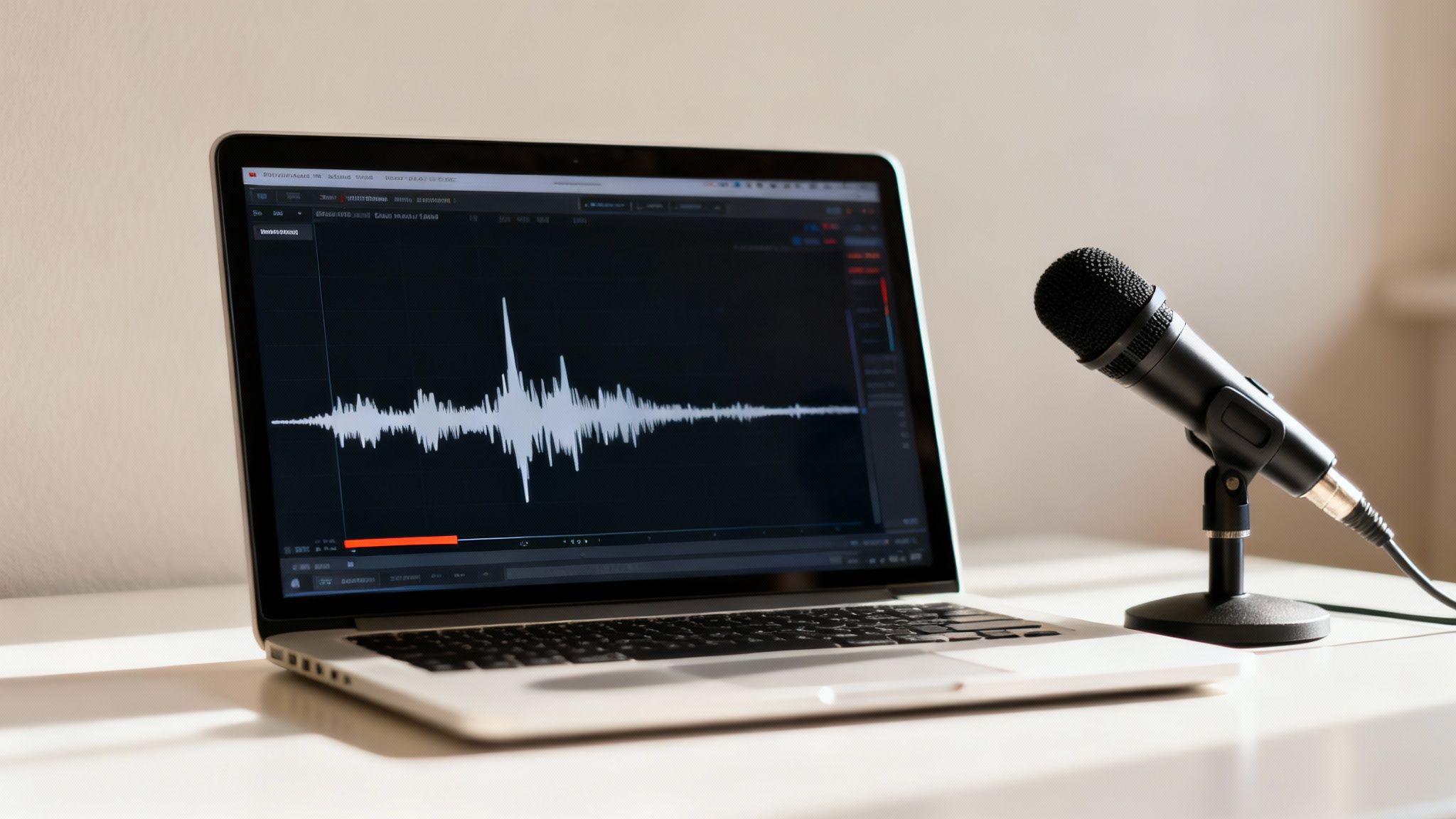
The secret to getting incredible results from any audio noise reduction online tool actually starts before you upload a single file. Think of it like prepping a canvas before you paint; a few simple checks can give the AI a much cleaner signal to work with, leading to a dramatically better final product.
Getting this right isn't just a "nice-to-have." The sound recording industry has seen an 11% growth spurt, and surveys reveal that a staggering 70% of YouTube videos get complaints about bad audio. Getting your sound right can boost watch times by up to 40%, so this prep work is one of the highest-impact things you can do.
Start with the Right Audio Format
The file format you choose has a huge impact on the final quality because it determines how much data the AI has to analyze. Most people default to MP3s because they're small and easy to share, but they use "lossy" compression. This means they permanently throw away bits of audio information to shrink the file size.
For the cleanest results, you really want to start with a lossless format.
- WAV or AIFF: These are the gold standard. They're uncompressed, meaning they contain every single piece of data from your original recording. This gives the noise reduction tool the most accurate information to work with.
- FLAC: This is a great middle-ground. It uses "lossless compression," making the file smaller than a WAV without discarding any of the original audio. You get full quality with a more manageable file size.
Give the AI a "Noise Print"
Here's a pro tip that makes a world of difference: before you start speaking, record 5-10 seconds of just the empty room. We call this "room tone," and it’s a pure sample of the ambient noise you're trying to eliminate—the computer fan, the AC hum, the faint buzz from a light.
This little snippet of silence acts like a fingerprint for the background noise. When you upload your file, the AI can use that sample to precisely identify and remove those unwanted sounds from your entire track, leaving your voice untouched.
Watch Your Volume Levels
Volume is the silent killer of good audio. There are two main culprits that can sabotage the cleanup process: recording too quietly or, even worse, too loud.
If your audio is too quiet, the AI can have a tough time telling your voice apart from the background hiss. When you (or the tool) boost the volume later, it amplifies all that noise right along with your voice.
Recording too loudly creates a problem called "clipping." This is when the audio signal is so strong it distorts, creating a harsh, crackly sound.
Clipping is permanent. Once that waveform is squared off and distorted, no software on earth can truly bring back the audio information that was lost. It’s always better to record a little quieter than too loud.
If you find your recordings are consistently too low, it's worth learning how to properly increase mic volume at the source. And if you're working with existing content, you might first need to get the audio on its own, which often involves tasks like extracting audio from online YouTube videos.
Before you even think about uploading, running through a quick diagnostic can save you a ton of headaches. Many common issues have simple fixes that dramatically improve what the AI tool can do for you.
Common Audio Problems and Simple Fixes Before Uploading
| Audio Issue | What It Sounds Like | Quick Fix Before Upload |
|---|---|---|
| Clipping/Distortion | Harsh, crackly, or fuzzy sound, especially on loud peaks. | Re-record with the microphone gain turned down. This is non-negotiable. |
| Low Volume | The voice is quiet and hard to hear over the background noise. | Use a normalization function in basic editing software to raise the overall volume without clipping. |
| Plosives | A loud "pop" or burst of air on "P" and "B" sounds. | Use a pop filter on your mic. If already recorded, use an equalizer (EQ) to gently lower frequencies around 100 Hz. |
| Sibilance | A sharp, hissing sound on "S" and "T" sounds. | Move slightly further from the mic. A de-esser plugin can fix this in post, but mic placement is key. |
| Inconsistent Levels | Some parts of the speech are loud, while others are whisper-quiet. | Apply light compression to even out the volume peaks and valleys. Don't overdo it. |
Taking a few minutes to address these issues beforehand provides a much better starting point. This allows the noise reduction tool to focus on what it does best: removing the unwanted background hum, hiss, and buzz, leaving you with a crystal-clear track.
A Practical Walkthrough of an Online Audio Cleaner
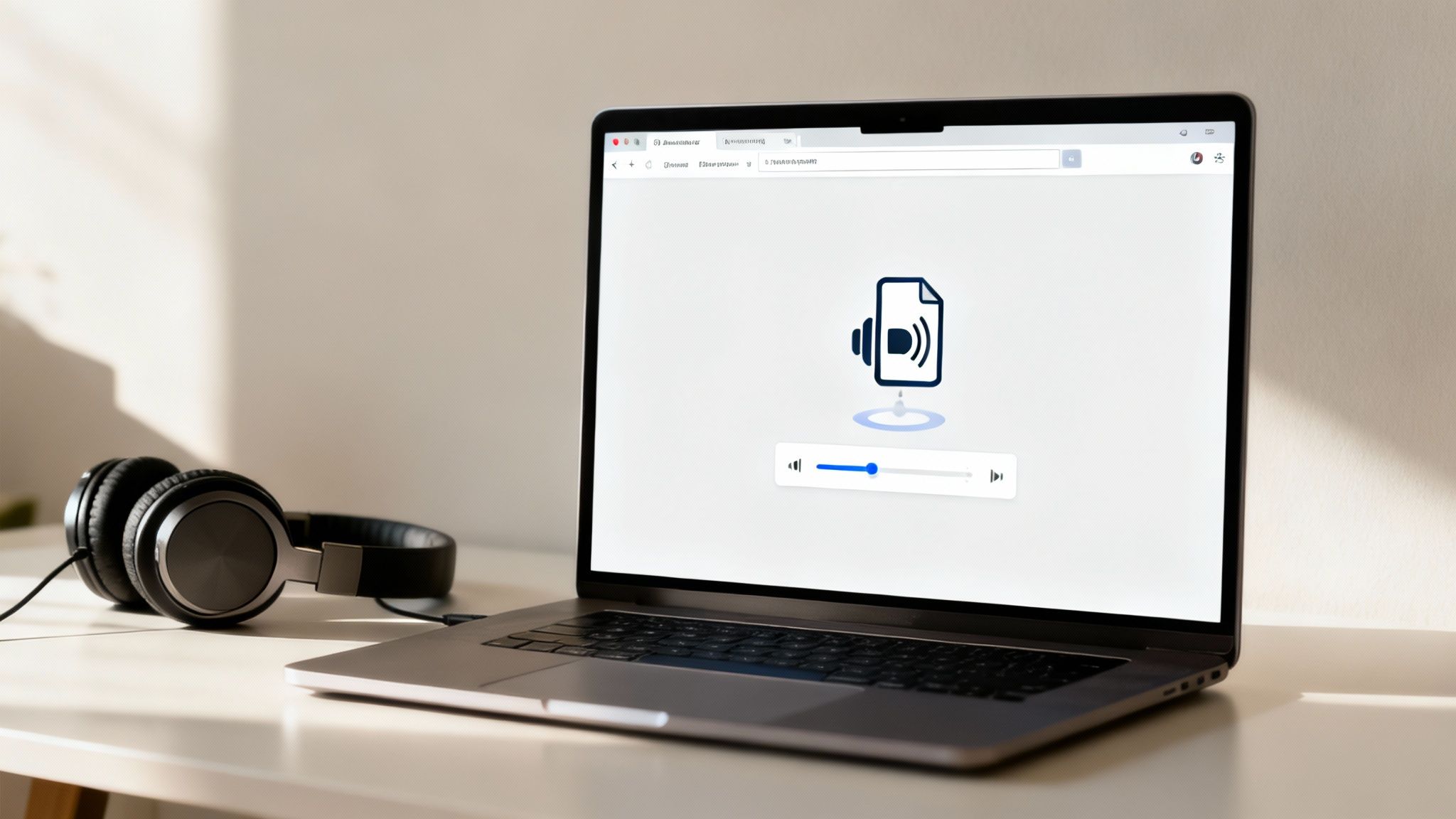
Alright, you've got your audio file prepped and ready to go. Now for the fun part: seeing what a good online audio cleaner can actually do. The best tools out there are built for speed and simplicity. They’ve managed to boil down what used to be a complex, technical chore into a simple three-phase flow: upload, clean, and download.
Let's break down what that experience feels like.
First up, you need to get your file into the system. Forget about installing clunky software. Most modern tools for audio noise reduction online are browser-based. You just find the upload area on the page and drag your video or podcast episode right into it.
This simple browser-based approach is a huge win for creators. It doesn't matter if you're working on a Mac at home or a PC in a shared office—the process is identical. The tool takes your file and securely uploads it to its cloud servers, where all the heavy lifting happens.
Kicking Off the AI Cleanup
Once the upload is complete, you’re just a click away from starting the cleanup. You’ll usually see a big, friendly button labeled something like "Clean Audio" or "Remove Noise." While the button itself is simple, the technology firing up on the other end is anything but.
The AI gets to work scanning the entire audio waveform. It’s been trained to tell the difference between the distinct patterns of human speech and all the other junk—the low hum of an air conditioner, the clatter of a keyboard, or the echo from an empty room.
In essence, the algorithm intelligently separates the audio into two distinct tracks: one with just the voice, and another with just the noise it identified. Then, it simply removes the noise track, leaving your voice crisp and clear. This is worlds away from old-school noise gates that would just crudely chop out any sound below a certain volume, often leaving your audio sounding unnatural and choppy.
The real goal of a modern AI audio cleaner isn't just to slash out noise. It's to do it so well that the natural tone and richness of the speaker's voice remain untouched. The final product should sound like the noise was never there to begin with, not like it was aggressively scrubbed out.
Supercharging Your Workflow
If you're a creator juggling multiple projects, every minute counts. This is where many online audio cleaners really shine, offering features that go way beyond cleaning a single file.
Look for tools that offer these kinds of time-savers:
- Batch Processing: This is a lifesaver. Instead of feeding files into the cleaner one by one, you can upload an entire folder of podcast episodes or video clips. The tool processes them all at once, saving you a massive amount of tedious work.
- Email Notifications: Big files can take a few minutes to process. Instead of staring at a progress bar, you can kick off the job, get back to other tasks, and just wait for an email telling you when your clean files are ready to download.
These aren't just minor perks; they transform the tool into a core part of a professional production pipeline. You get to spend more time creating and less time managing files.
The Final Listen-Through and Download
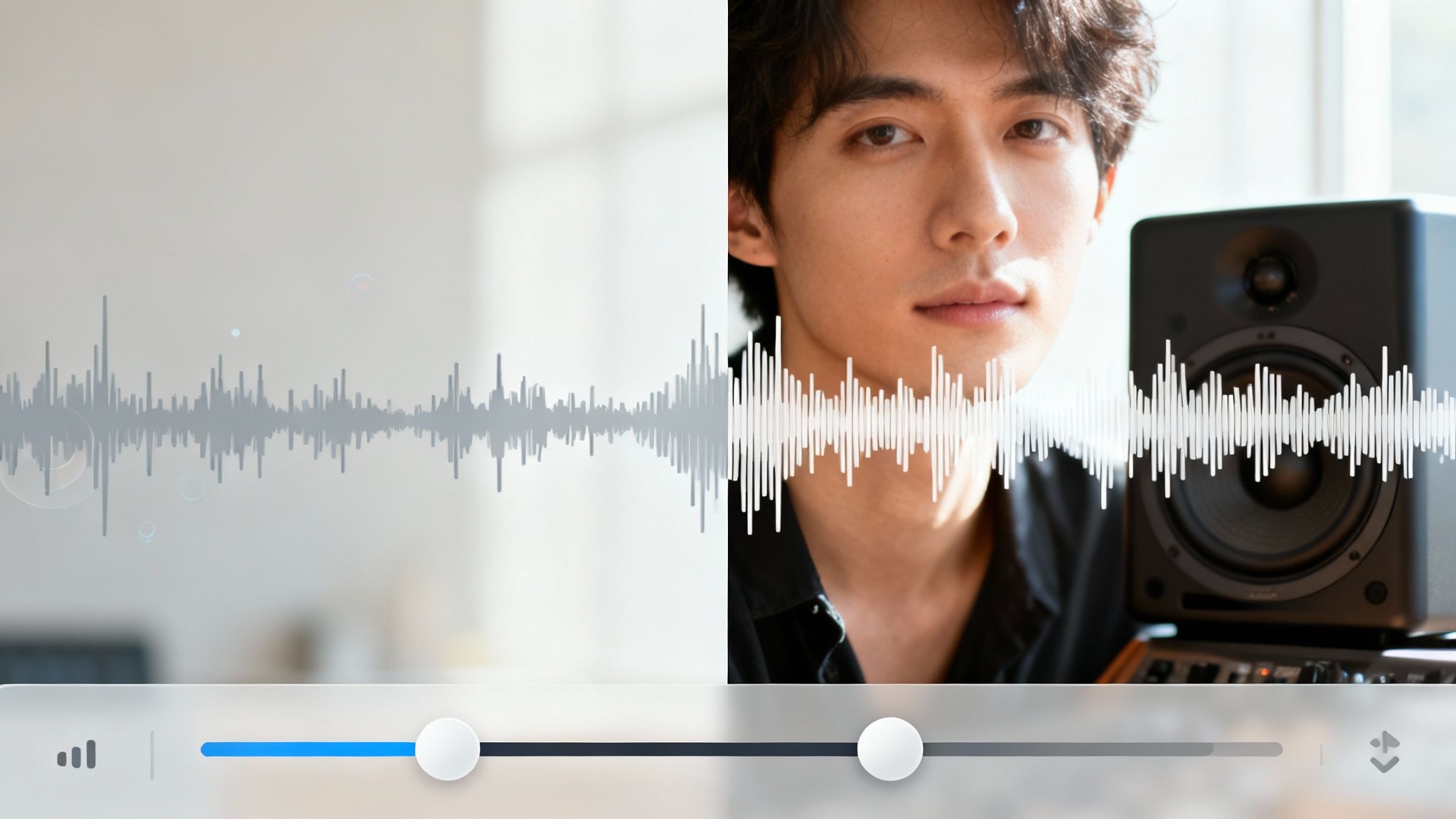
After the AI has done its thing, you get to the most important step: the quality check. The tool will almost always give you a way to compare the "before" and "after" versions.
Grab a good pair of headphones for this part. You want to listen closely. Is the voice clear? Does it sound natural, or a bit thin and "processed"? Are there any weird digital artifacts that weren't there before? Once you're happy with the result, it's time to download.
Most platforms will give you options. You can usually grab a high-quality WAV file if you plan to do more editing, or a smaller MP3 if you're ready to publish immediately. And if you find you need more advanced editing features after the noise is gone, you can always import that clean file into one of the best online audio editor platforms to polish it further.
Advanced Tips for Tackling Tough Audio Problems
Sometimes, that one-click "clean audio" button just doesn't cut it. We’ve all been there. You might be working with a recording from a windy park where gusts of air are fighting with street traffic for attention. Or maybe the speaker was just a little too far from the mic, and now their voice is faint and swimming in room echo.
These are the tough cases that require a more delicate touch.
When noise is complex—think overlapping sounds or inconsistent hums—the AI can sometimes get confused. It might struggle to tell the difference between the hiss you want to remove and the subtle, natural frequencies of the human voice. This is where you, the creator, have to step in. Don't just accept the first result; your critical ear is the most important tool you have for that final polish.
Fine-Tuning for Specific Scenarios
Every type of content comes with its own audio demons. For a podcaster, the biggest enemy is often the reverb bouncing off the walls of an untreated room. For a YouTuber filming a tutorial, it might be the persistent low hum of their computer fans.
Here’s my advice for handling a few common, yet tricky, situations:
For Podcasters Battling Echo: If your interview sounds like it was recorded in a bathroom, an online tool can definitely help, but it might also make the voices sound a bit thin. After the AI does its thing, you might need to pop the file into a separate audio editor and gently boost the low-mid frequencies (I usually start around 200-500 Hz) to bring back some of that natural warmth.
For Video Creators Using Music: When cleaning up a voiceover that’s going to sit on top of a music bed, you can actually be a bit more aggressive with the noise reduction. The music will do a great job of masking any minor digital artifacts, so your main goal is getting that vocal track as crisp and clear as possible.
For Educators with Faint Audio: We see this a lot with lecture recordings where the speaker's voice is weak or distant. The key is the order of operations: apply the noise reduction first, then use a normalization or compression tool to boost the overall volume. If you do it the other way around, you'll just end up amplifying all that background hiss right along with the voice.
This level of control is exactly why the market for these tools is exploding. The audio noise reduction online system market was valued at USD 563 million in 2024 and is projected to skyrocket to USD 961 million by 2032. It’s all driven by creators who get that clean audio isn't just a bonus—it's essential. You can dig into more of the numbers by checking out the full market research on Intel Market Research.
The Critical Before-and-After Check
At the end of the day, your ears are the final judge. Toggling between the "before" and "after" versions isn't enough; you have to listen with real intent.
The goal of audio cleanup isn't just silence—it's transparency. The best result is one where the listener never even suspects that noise was a problem in the first place. Your audio should sound natural, not artificially scrubbed.
For this step, please put on a good pair of headphones—not earbuds. You need the detail they provide. Listen specifically for these common processing problems:
- Watery Artifacts: Does the voice sound a bit "underwater" or have a weird swooshing quality to it? This is a classic sign that the AI was too aggressive. If the tool has an intensity setting, try running it again on a lower level.
- Gated Vocals: Are the beginnings or ends of words getting clipped off? This happens when the tool mistakes the quieter parts of speech for background noise it needs to cut.
- Loss of Presence: Does the speaker's voice now sound thin, tinny, or like it's missing its original body and warmth? The process likely filtered out some key vocal frequencies by mistake.
If you run into these issues, it might mean the original recording is too damaged for a perfect one-click fix. But don't despair. Even a 70% improvement can be the difference between an unusable recording and a valuable piece of content you can share with your audience.
What About Privacy, Security, and Cost?
Let's talk about something that’s easy to overlook but incredibly important: trust. Handing over your creative work to an online service—whether it's a sensitive client interview or your next big podcast episode—requires a leap of faith. You need to know your files are being handled securely and privately. This isn't just a "nice-to-have"; it's a dealbreaker when choosing a tool for audio noise reduction online.
The good news is that any platform worth its salt gets this. They design their entire system around protecting your work, not just processing it. A key feature I always look for is an automatic, no-questions-asked file deletion policy. For instance, some services will permanently wipe both your original upload and the cleaned-up version from their servers after a set time, like seven days.
This isn't just for tidiness. It’s a critical security measure that prevents your content from lingering on a server somewhere, which is a huge relief for anyone working with confidential information.
How Your Data Is Actually Handled
Before you upload a single byte, take a minute to dig into the online platform's privacy policy. I know, it sounds tedious, but this is where you find out if a service truly respects your work. A transparent policy is a massive green flag.
Here’s what I look for to feel confident:
- Your Data Isn't Their Training Data: The policy should state in no uncertain terms that your files will never be used to train their AI models. Your content should belong to you, period.
- Rock-Solid Encryption: Your files need to be encrypted during upload (in transit) and while they're sitting on the server (at rest). This is the standard for secure data handling.
- Strictly Limited Access: The policy should make it clear that internal employee access to user files is heavily restricted, usually only for essential troubleshooting with your permission.
Knowing these protections are in place lets you stop worrying about data security and get back to what you do best: creating great content.
The best privacy policy is one you don't have to think about after you’ve read it. It should be so clear and user-focused that it builds immediate confidence, letting you get back to the work that matters.
Making Sense of the Pricing
Once you feel good about a platform’s security, the next question is always about the money. How much does it cost, and which plan makes sense for you? Most services follow a few common models, each catering to a different kind of creator.
1. The "Try Before You Buy" Free Trial
This is your no-risk test drive. You’ll typically get a limited amount of processing time—say, one free hour—to upload a real file from one of your own projects. It’s the best way to judge the results for yourself and see if the tool is a good fit for your sound before spending a dime.
2. The Flexible "Pay-As-You-Go" Plan
If you only need to clean up audio occasionally, this is probably your best bet. Maybe you produce a few important videos each quarter or have a single, noisy interview that needs rescuing. You simply buy a block of processing credits that don't expire and use them whenever you need them. No monthly pressure, no wasted money.
3. The "High-Volume Creator" Subscription
For podcasters, YouTubers, and course creators who are constantly producing content, a monthly subscription almost always offers the best bang for your buck. These plans give you a generous chunk of processing hours every month at a much lower per-hour cost. The really great services will even let you roll over any unused hours to the next month, so you never feel like you're losing out.
A Few Common Questions We Hear All the Time
Even the most straightforward tools can leave you with a few questions. When it comes to cleaning up your audio online, a little extra knowledge can make a huge difference in the final result. Here are answers to some of the things creators often ask.
Can These Tools Really Fix Every Type of Noise?
While modern AI audio cleaners are incredibly powerful, they aren’t magic. They work wonders on consistent, steady background sounds—think air conditioner hums, the whir of a computer fan, electrical hiss, or even the drone of distant street traffic. These are the classic annoyances that algorithms are trained to hunt down and eliminate.
But some sounds are just plain tricky.
- A sudden dog bark: It might get muffled, but probably won't disappear completely, especially if it overlaps with your voice.
- A loud, passing siren: The tool will likely take a chunk out of it, but you might still hear a faint, ghost-like echo of it.
- Heavy wind noise: This is the toughest one. Wind creates such a broad, chaotic noise that it can distort the actual sound of your voice, making it almost impossible to separate cleanly.
The best way to think about it is this: these tools are masters of removing ambient noise, but they can't erase every single unexpected interruption.
Will This Make My Voice Sound Robotic or Unnatural?
That's a great question and a totally valid fear. It’s what separates the good tools from the truly great ones. We’ve all heard audio that's been over-processed—it gets that weird, "watery" or metallic sound, and the voice just feels hollow.
Thankfully, the best modern AI platforms are designed specifically to avoid this. They've been trained on thousands of hours of speech to understand what a human voice should sound like, preserving its natural tone and richness.
A truly great audio cleaner makes it sound like the noise was never there to begin with. You shouldn't be able to tell that anything was ever removed.
If you do hear some strangeness in the final result, it’s usually because the original recording was fighting against an extremely loud or complex background noise. That’s why getting a preview is so important—you can make sure your voice still sounds like you before you download anything.
What Kind of Files Can I Upload?
Most online tools are designed to make your life easier, not harder. They're built to handle pretty much any common audio or video file you can throw at them.
You can almost always upload formats like MP3, WAV, FLAC, M4A, MP4, and MOV without a second thought. This means you can just drag a file straight from your camera or drop in a finished podcast episode without worrying about converting it first. It’s a small detail, but it saves a ton of time and frustration.
Ready to hear the difference for yourself? SimpleClean uses advanced AI to remove background noise from your audio and video files with just one click. Get started for free today and transform your noisy recordings into studio-quality sound.